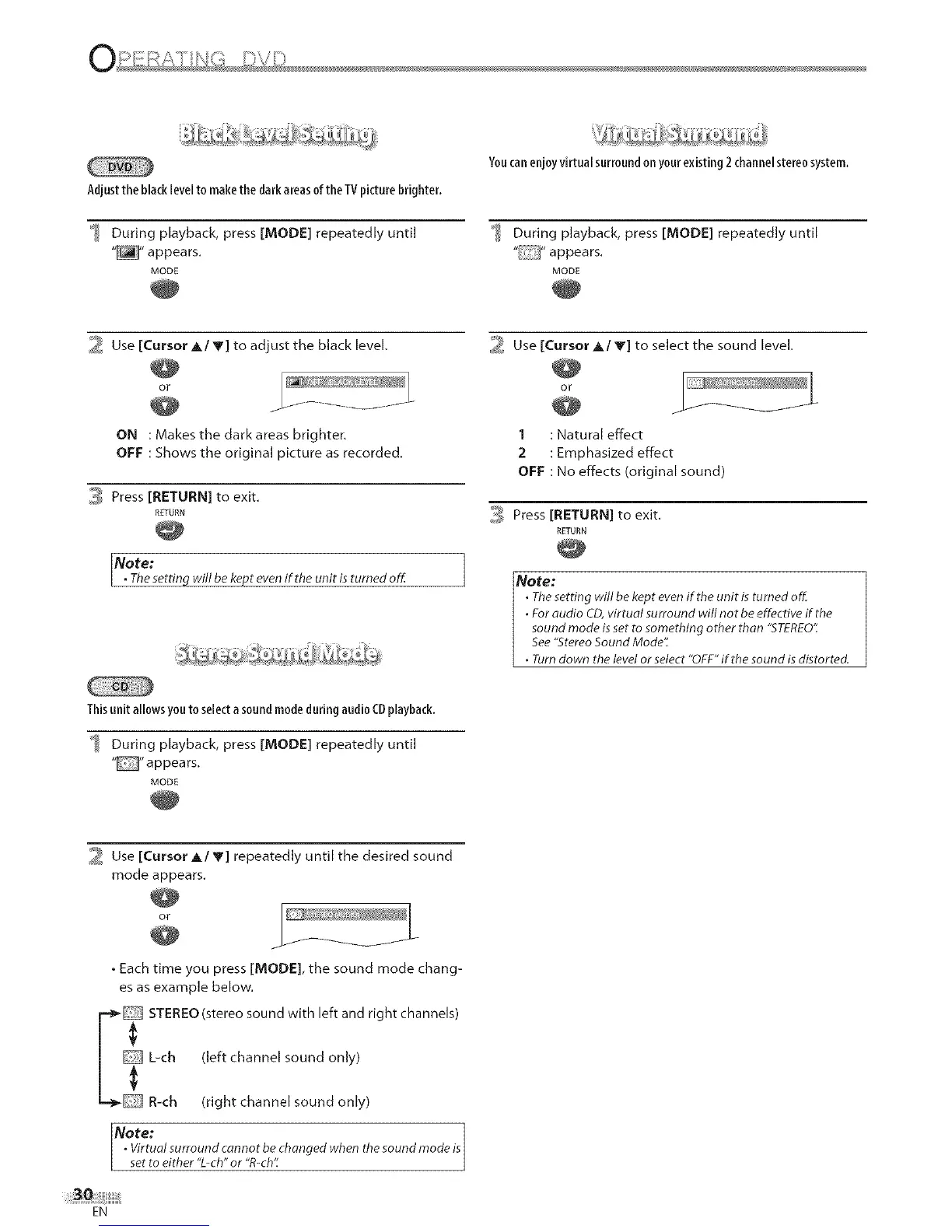
Adjustthe blacklevelto makethe dark areasof the TVpicturebrighter.
_ During playback, press [MODE] repeatedly until
"_" appears.
MODE
Youcanenjoyvirtual surroundon yourexisting 2 channelstereosystem.
_ During playback, press [MODE] repeatedly until
" "appears.
MODE
_ Use [Cursor A/V] to adjust the black level.
O_
ON : Makes the dark areas brighter.
OFF : Shows the original picture as recorded.
3 Press [RETURN] to exit.
RETURN
Note:
1
• Thesetting will bekept evenif the unit isturned off. j
_ Use [Cursor A/V] to select the sound level.
i
1 : Natural effect
2 : Emphasized effect
OFF : No effects (original sound)
_ Press [RETURN] to exit.
RETURN
Note:
• Thesetting will be kept evenif the unit is turned off.
• For audio CD,virtual surround will not be effective if.the
sound mode isset to something other than "STEREO':
See"StereoSound Mode':
. Turn down the level or select "OFF"if.the sound isdistorted.
Thisunit allowsyou toselectasoundmodeduring audioCDplayback.
During playback, press [MODE] repeatedly until
""appears.
MODE
2 Use [Cursor A/y] repeatedly until the desired sound
mode appears.
• Each time you press [MODE], the sound mode chang-
es as example below.
F_ STEREO (stere° s°und with left and rig ht channels)
L-oh (left channel sound only)
R-ch (right channel sound only)
Note: ]
. Virtual surround cannot be changed when the sound mode isI
set to either "L-oh"or "R-ch'_ j
EN











 To Next Page