18. ELECTRICAL SYSTEM
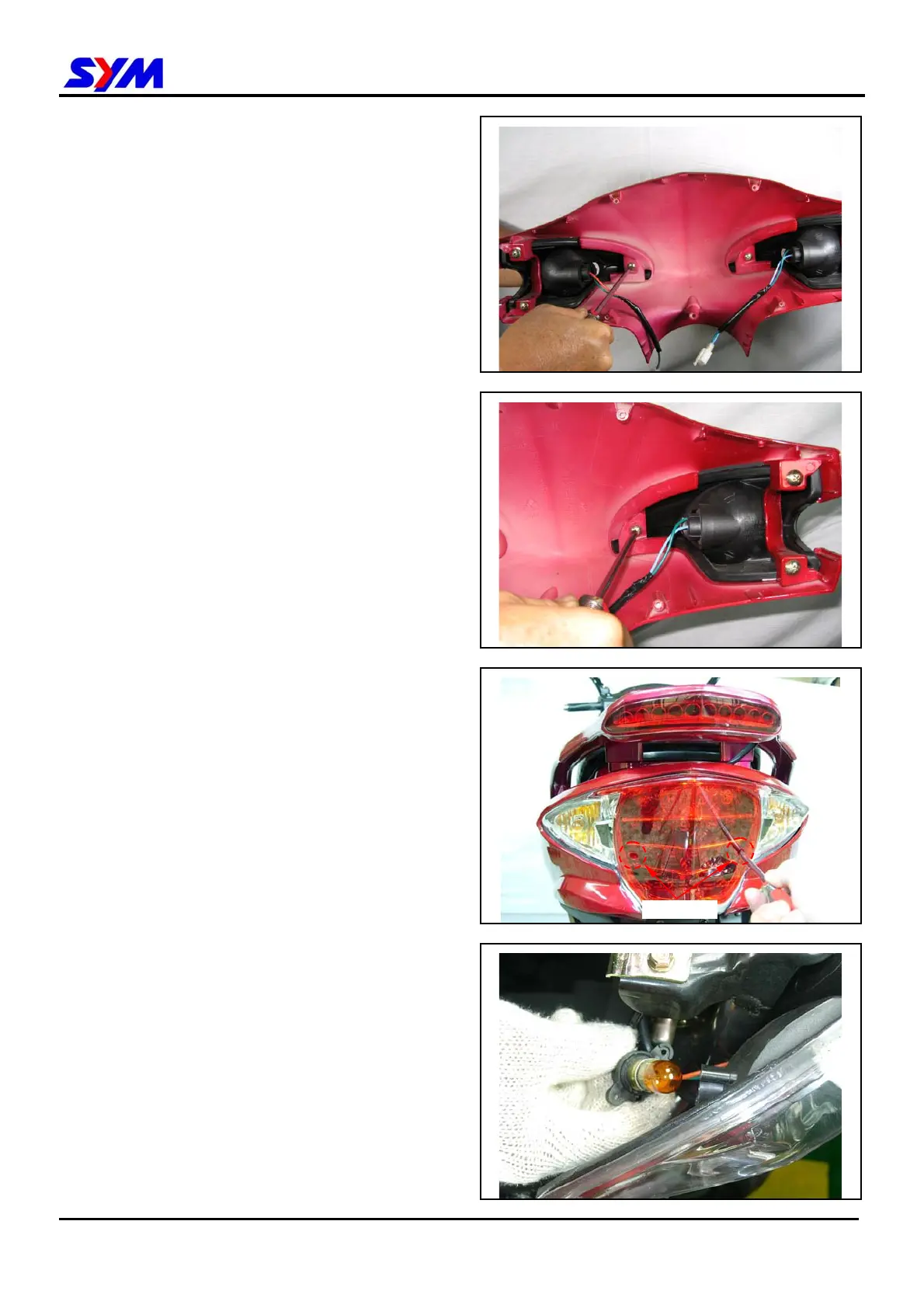
Replacing the Front winker light Bulb
Loosen fixing screws and remove the handle front
cover (screws x 3).
Replace with new front winker light bulb.
Replacing Bulb of taillight
Remove the taillight lens (2 screws).
18-13
2 Screws
Replace taillight or winker light bulb.



 To Next Page