MC3000 Integrator Guide7-6
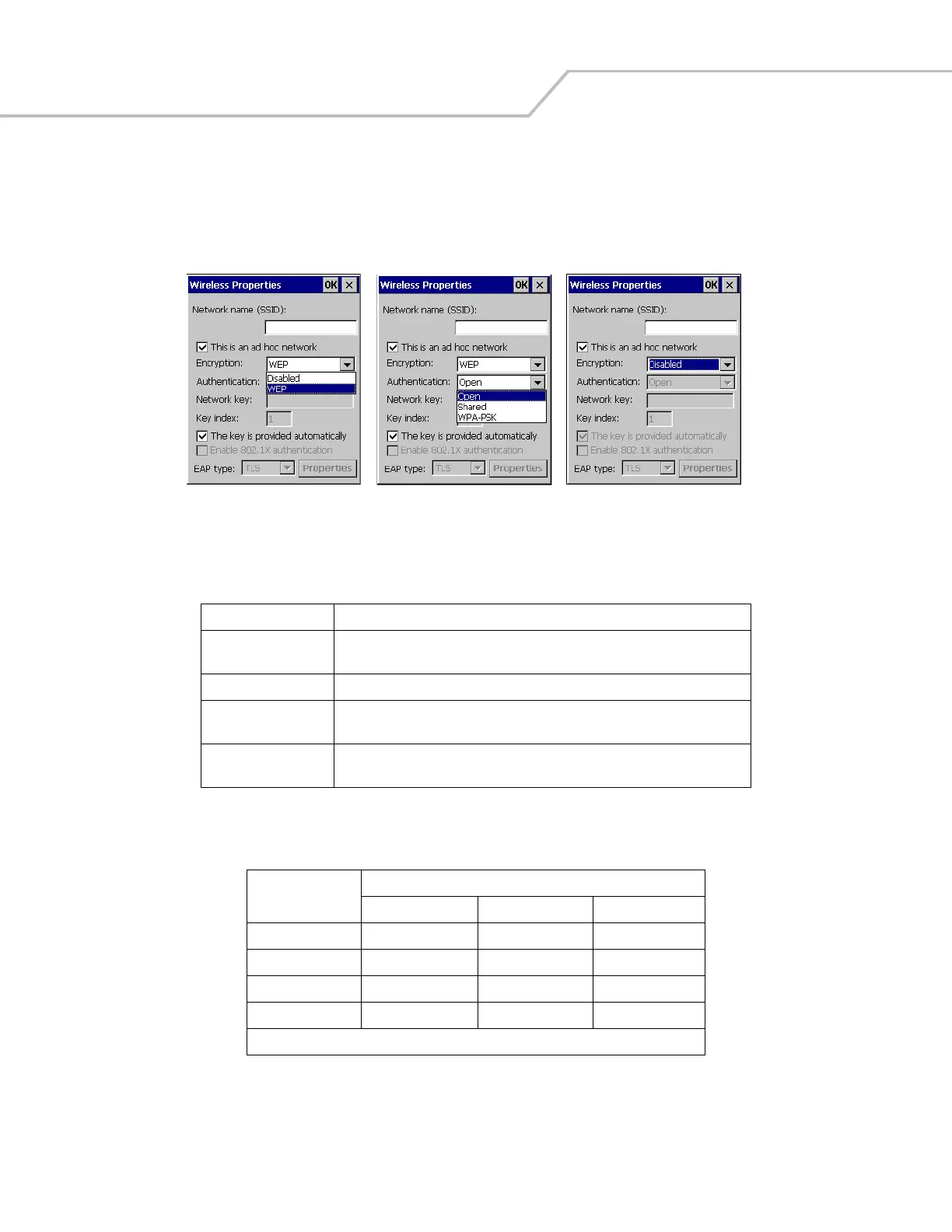
5. The encryption settings available (with the Ad Hoc network selected) are Disabled and WEP. Tap WEP encryption and select
an appropriate Authentication: type; Open, Shared or WPA-PSK. See Table 7-3 for a description of the authentication types.
If the Disabled encryption setting is selected, there are no Authentication: types available. See Table 7-4 for a description
of the authentication values available for each of the encryption type selections.
Figure 7-6. Wireless Properties, Ad Hoc Network Encryption Selection
Table 7-3. Authentication Selections
Authentication Description
Open Use the Open option when no authentication is needed over the network. Data
packet encryption is still available when no authentication is selected.
Shared Will authenticate the user based on a network key (not recommended).
WPA Select this option for the client adapter to use Wireless Protected Access (WPA).
EAP Type must be selected with this option.
WPA-PSK Select this option to use Wireless Protected Access (WPA) via pre-shared key
(PSK).
Table 7-4. Authentication/Encryption Selection Restrictions
Authentication
Type
Encryption
Disabled WEP TKIP
Open Available* Available Not Available
Shared Available* Available Not Available
WPA Not Available Available Available
WPA-PSK Not Available Available Available
* Not available with Ad Hoc networks.
WLAN123
WLAN123
WLAN123



 To Next Page