Sending Email from the Web
July 29, 2002 T-Mobile Sidekick Owner’s Manual 173
18. Sending Email from the Web
All the email you receive on your device is also viewable on the desktop Web interface. Read about how to use
the Web Email application in this chapter:
Opening Email on the Web
First, open your Jump page by following the instructions in
Signing In To the Desktop Interface
on page 170.
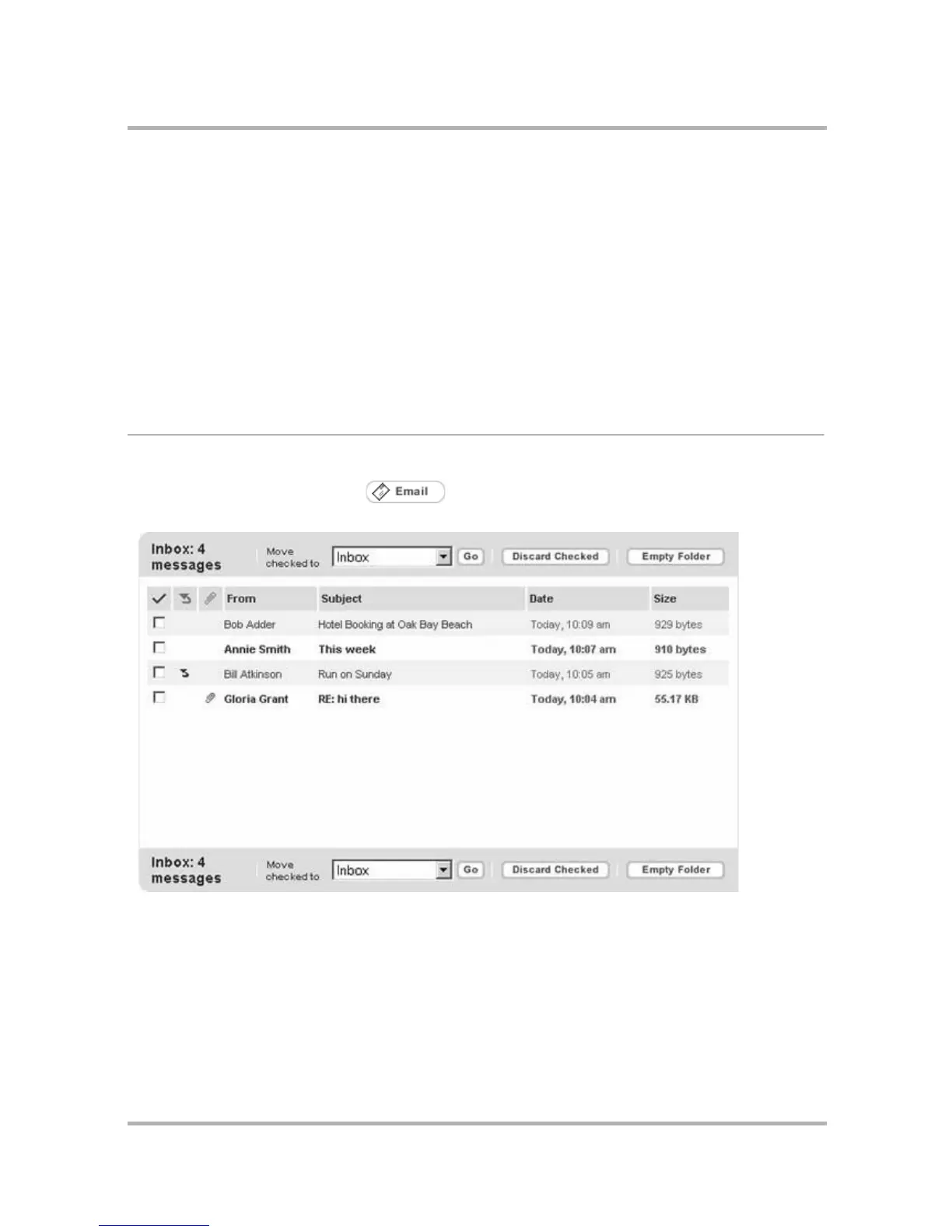
Open the Email application by clicking on the Jump Page button bar, or by clicking the Email icon in
the Email section of the Jump page. By default, your Inbox displays:
• Opening Email on the Web on page 174
• Your Inbox on page 174
• View Your Email on page 174
• Send a New Message on page 176
• Web Email Settings on page 177
• Accounts on page 181
• Discard Email Messages on page 184
• Collect Mail from POP3 Account on page
183
• Move Messages to Folders on page 183



 To Next Page