Instant Messaging
July 29, 2002 T-Mobile Sidekick Owner’s Manual 76
8. Instant Messaging
What could be more fun than sending instant messages while you’re on the go? Not much! Read all about how
to use the AOL Instant Messenger service in this chapter:
Instant Messaging Preview Screen
From the Jump screen, with AOL Instant Messenger
TM
(or AIM
®
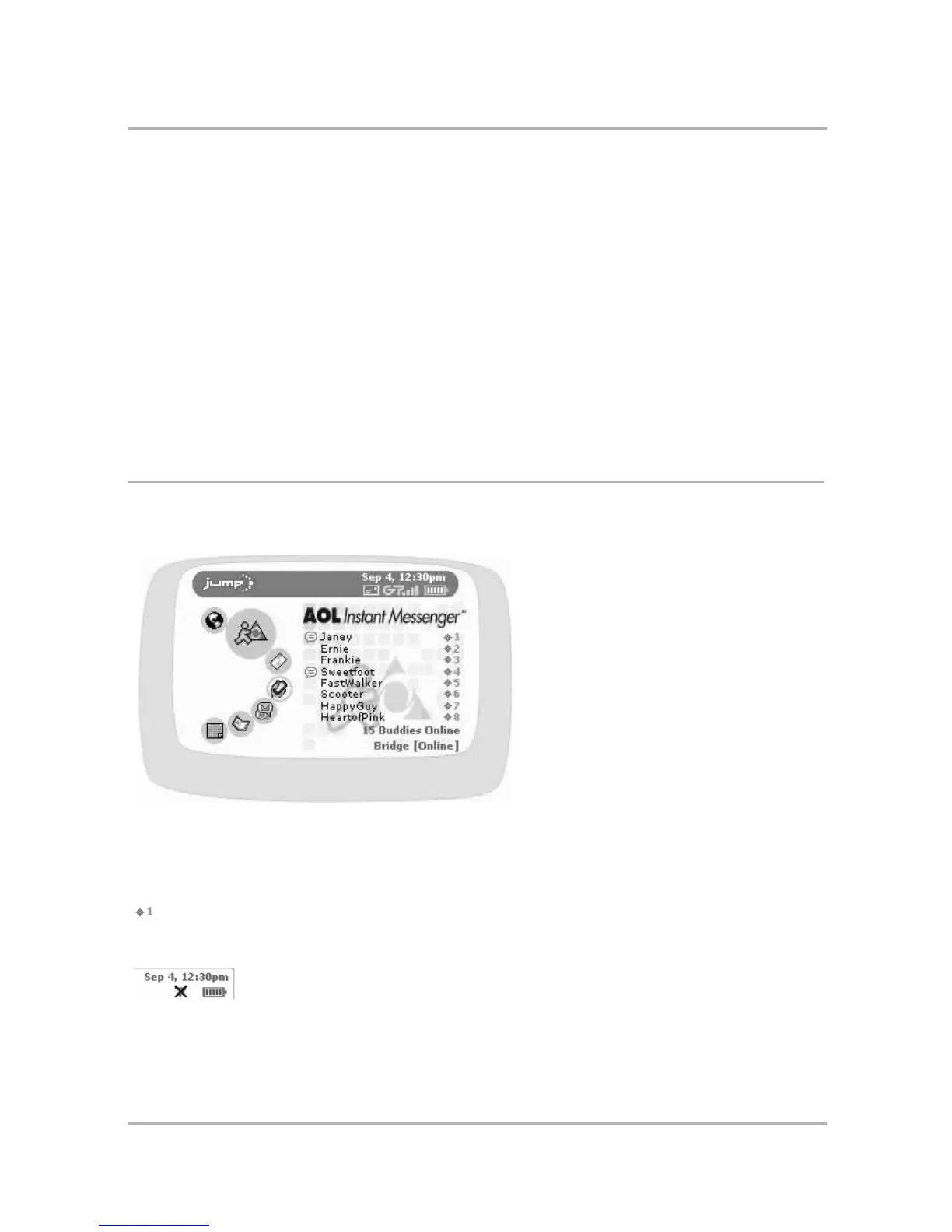
) highlighted, you will see a preview screen
similar to the following:
The preview screen lists all your active conversations along with the buddy screen name and the conversation
number. The screen also tells you how many of your buddies are online at the time and the screen name you’re
currently using.
Note! You must press the wheel to open the AIM application before you can use the conversation shortcuts
( ) shown on the Jump screen.
If you are out-of-network and therefore unable to connect to AIM, you will see an X in the radio signal area of
the notifications bar:
• Instant Messaging Preview Screen on
page 76
• Keyboard Shortcuts on page 77
• Add a Screen Name on page 77
• Sign On on page 78
• Sign Off on page 79
• Switch Screen Names on page 79
• AOL Instant Messenger Settings on page 80
• The Buddy List Screen on page 82
• Manage Groups on page 83
• Manage Buddies on page 85
• IM Conversations on page 87
• Set an Away Message on page 88



 To Next Page