Making Phone Calls
July 29, 2002 T-Mobile Sidekick Owner’s Manual 61
7. Making Phone Calls
Your T-Mobile Phone application has many unique features that will make it easier than ever to stay connected!
Read the topics in this chapter to learn how to take advantage of all the application has to offer:
Phone Preview Screen
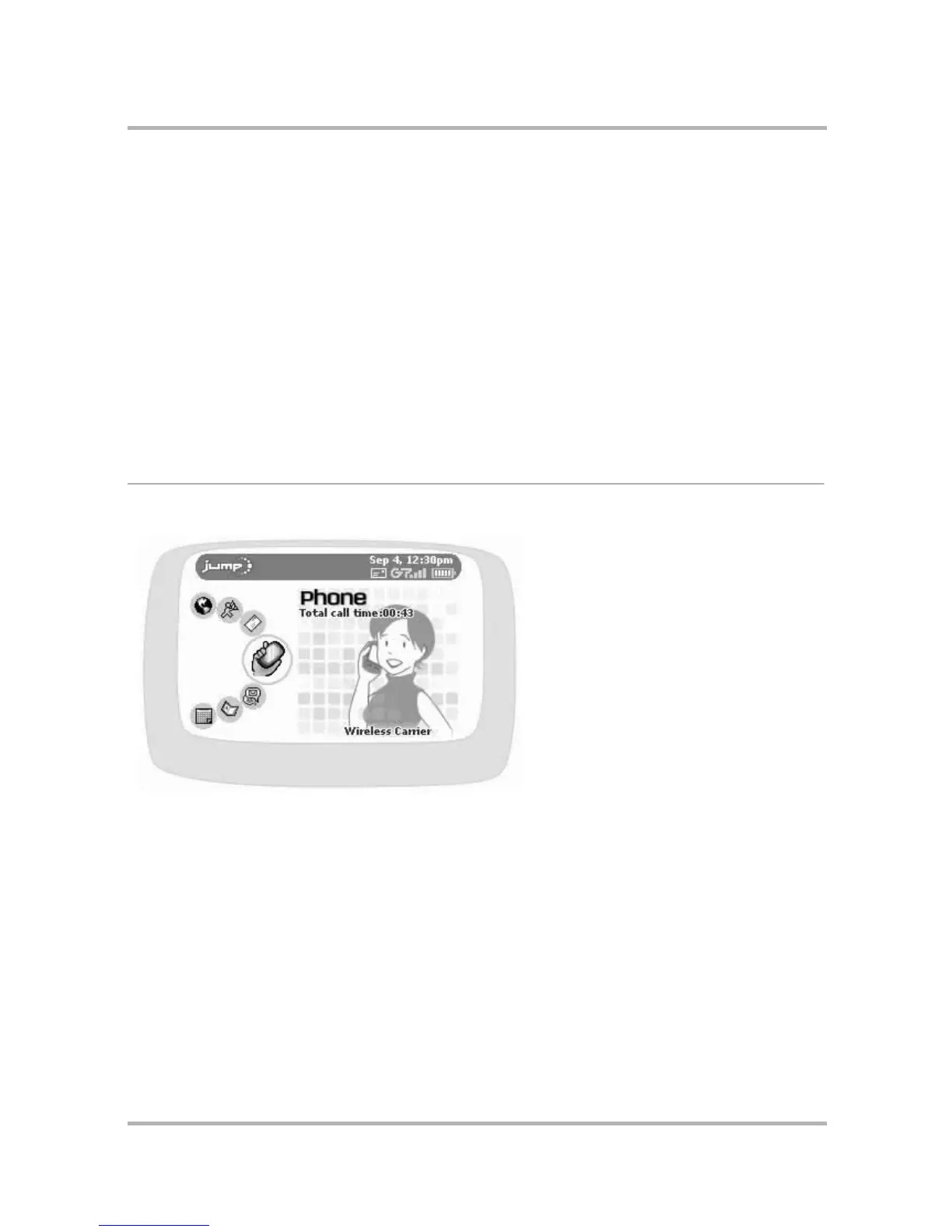
From the Jump screen, with Phone highlighted, you will see a preview screen similar to the following:
The preview screen shows the total call time elapsed since you last reset the counter (read more in
Total Call
Timer and Reset
on page 62) as well as the wireless network carrier to which your device is currently connected.
• Phone Preview Screen on page 61
• Phone Settings on page 62
• Phone Keyboard Shortcuts on page 65
• Title Bar Indicators on page 65
• Manage Your Speed Dial List on page 65
• Headset or Handset? on page 67
• Adjusting Volume on page 67
• Place a Call on page 68
• Features While on a Call on page 70
• Answer a Call on page 72
• End a Call on page 72
• Your Call Log on page 73
• Listen to Voice Mail on page 75



 To Next Page