66
5.
Click the [OK] button to finish registration.
If you wish to continue to register more units, repeat the process as in 4 and 5.
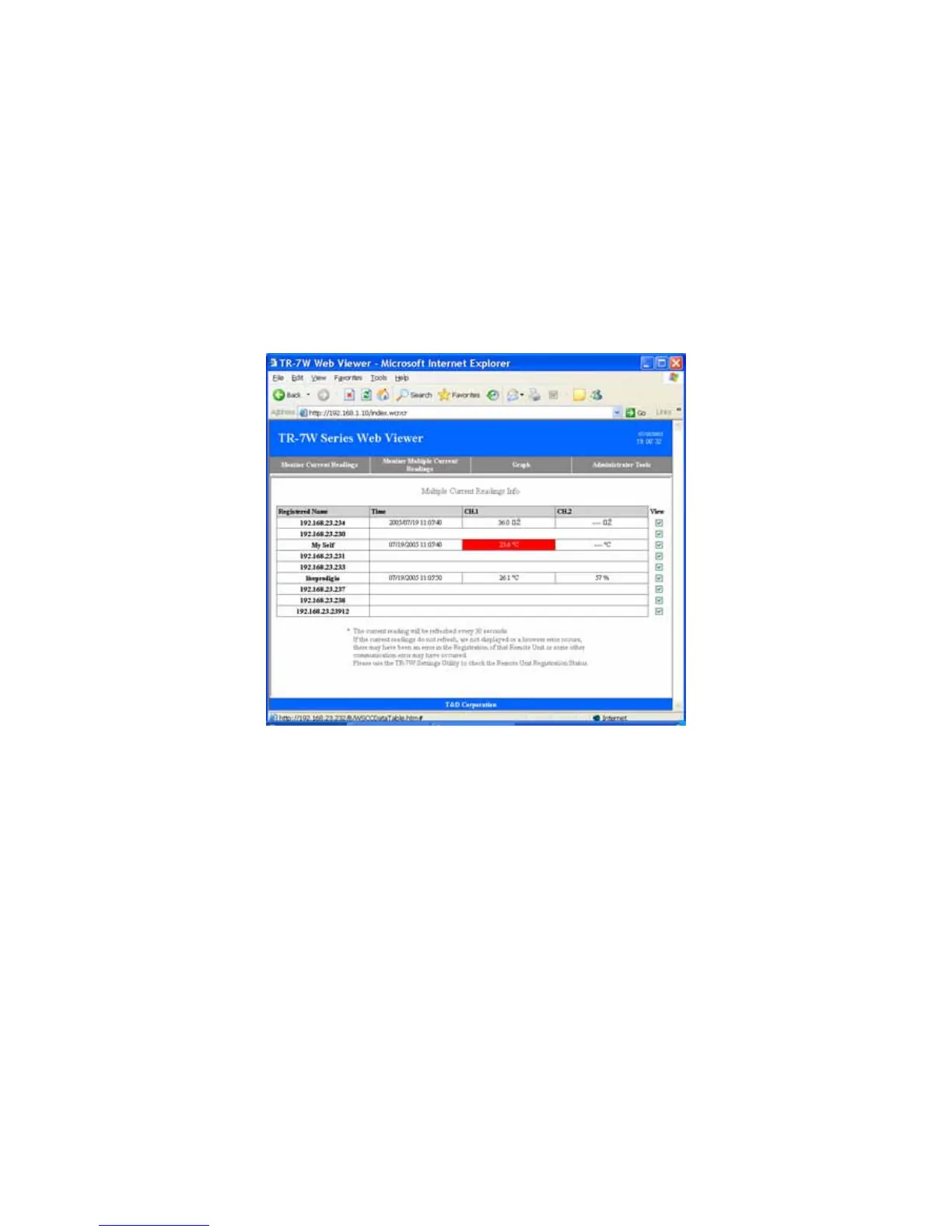
6. Open the Web Viewer for the TR-7W you have set as the Registrant Logger.
See page 41 for more details about the display.
7. By clicking [Monitor Multiple Units], you will be able to view the current
readings for all of the units which you have registered.



 To Next Page