71
6.
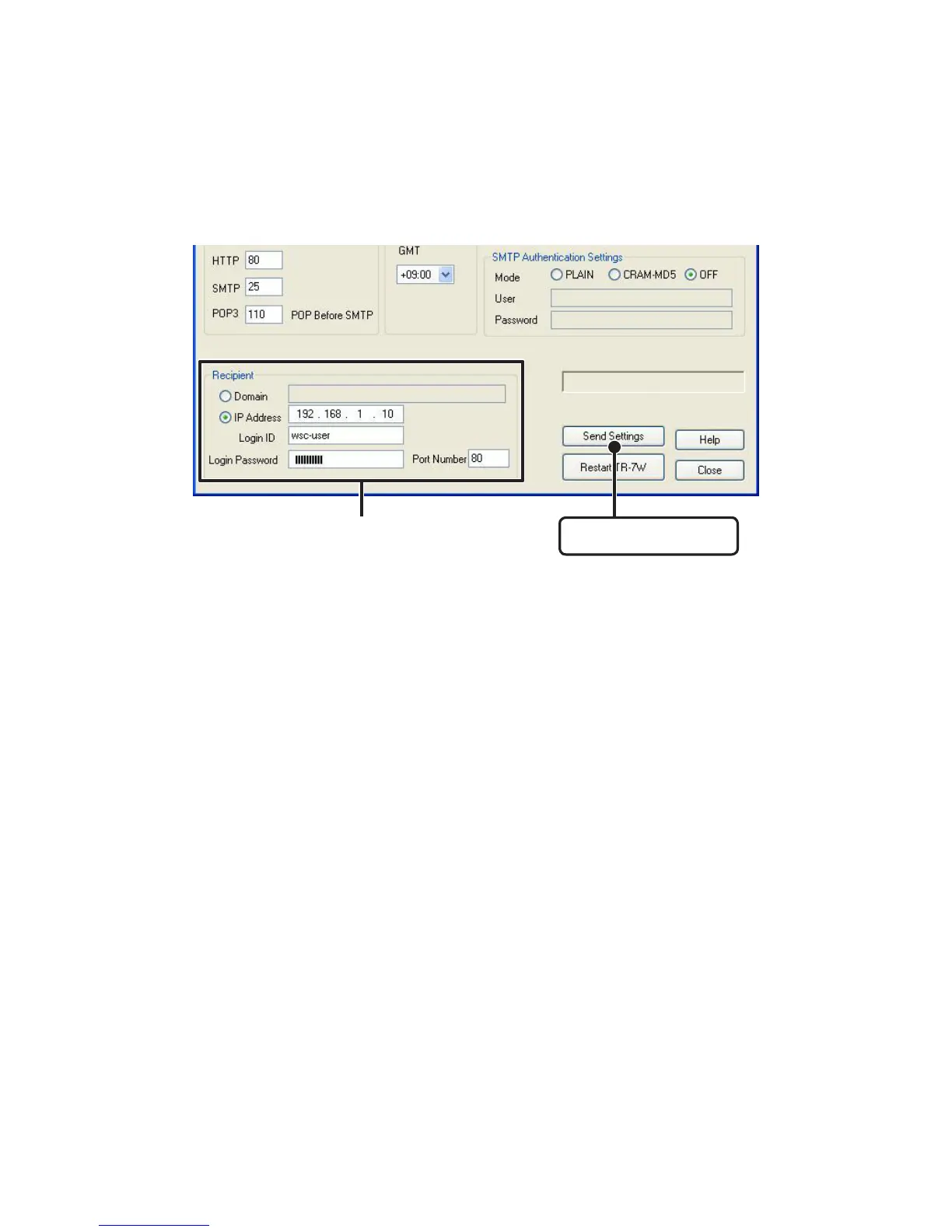
After making the settings, enter the info for the recipient of the settings
and click the [Send Settings] button.
[Send Settings] button
Enter info of the TR-7W you wish
to make settings for
7. In the"TR-7W Settings Utility"/ [Warning Report Settings] window, click on
the [Warning Start] Button to complete the settings.



 To Next Page