- 97 -
EO1-11115
MA-186-100 SERIES
1
2
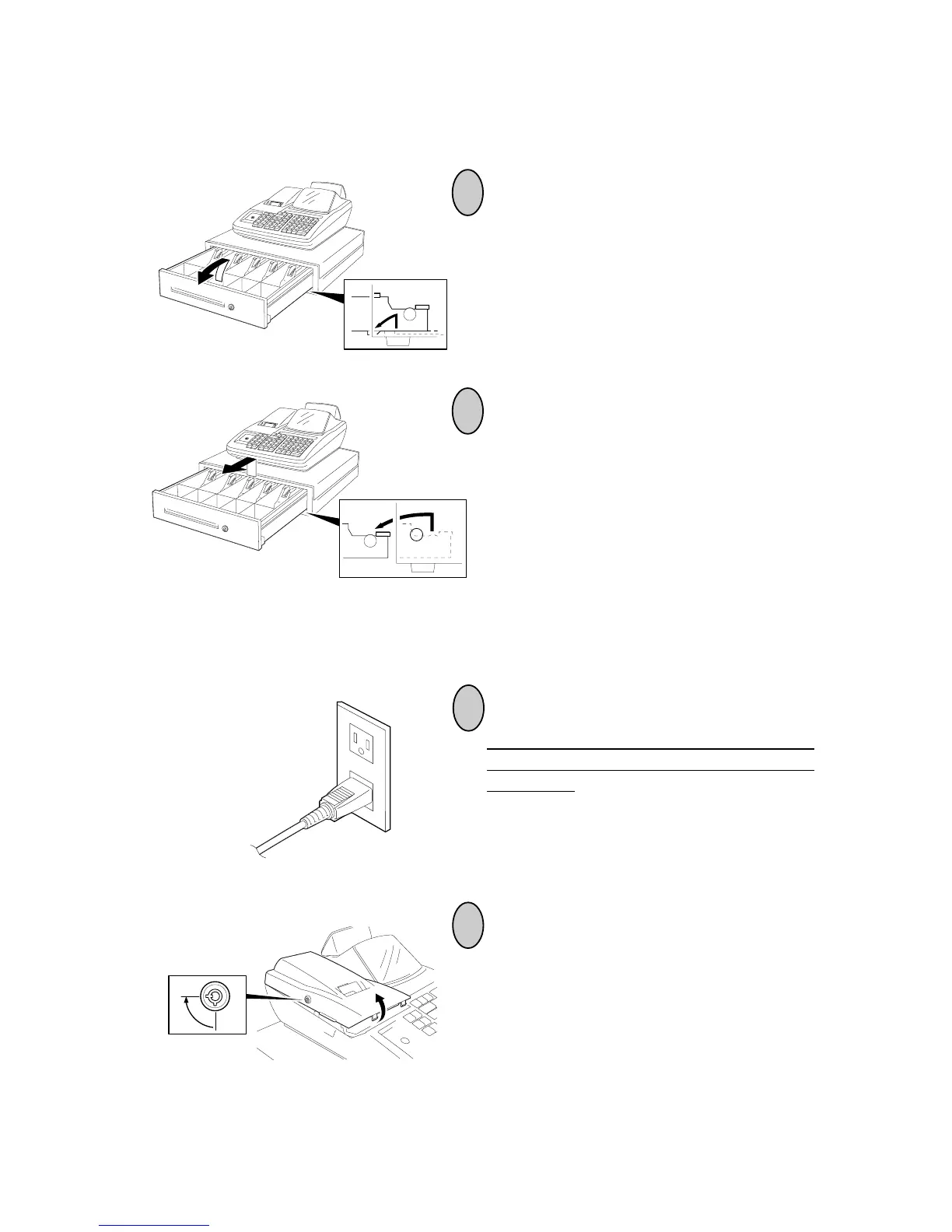
Battery Exchange
To exchange batteries, please keep the
power cord of the register connected to the
wall outlet. If the batteries are removed
with the power cord disconnected, the pro-
grammed data and sales data will all be
cleared.
To remove the Printer Cover, insert the
Printer Cover Key to the Printer Cover
Lock, and then turn it 90° clockwise.
1
2
Removing the Drawer
Pull the drawer out, and when it stops by
the stopper, lift the drawer up and pull it
again.
When it stops again by the roller fixed in the
drawer case, lift it and pull it again.



 To Next Page