- 93 -
EO1-11115
MA-186-100 SERIES
Replacing the Ink Ribbon
This ink ribbon is a consumable part and a TOSHIBA TEC’s exclusive. Ask your
TOSHIBA TEC representative about the order of the ink ribbon.
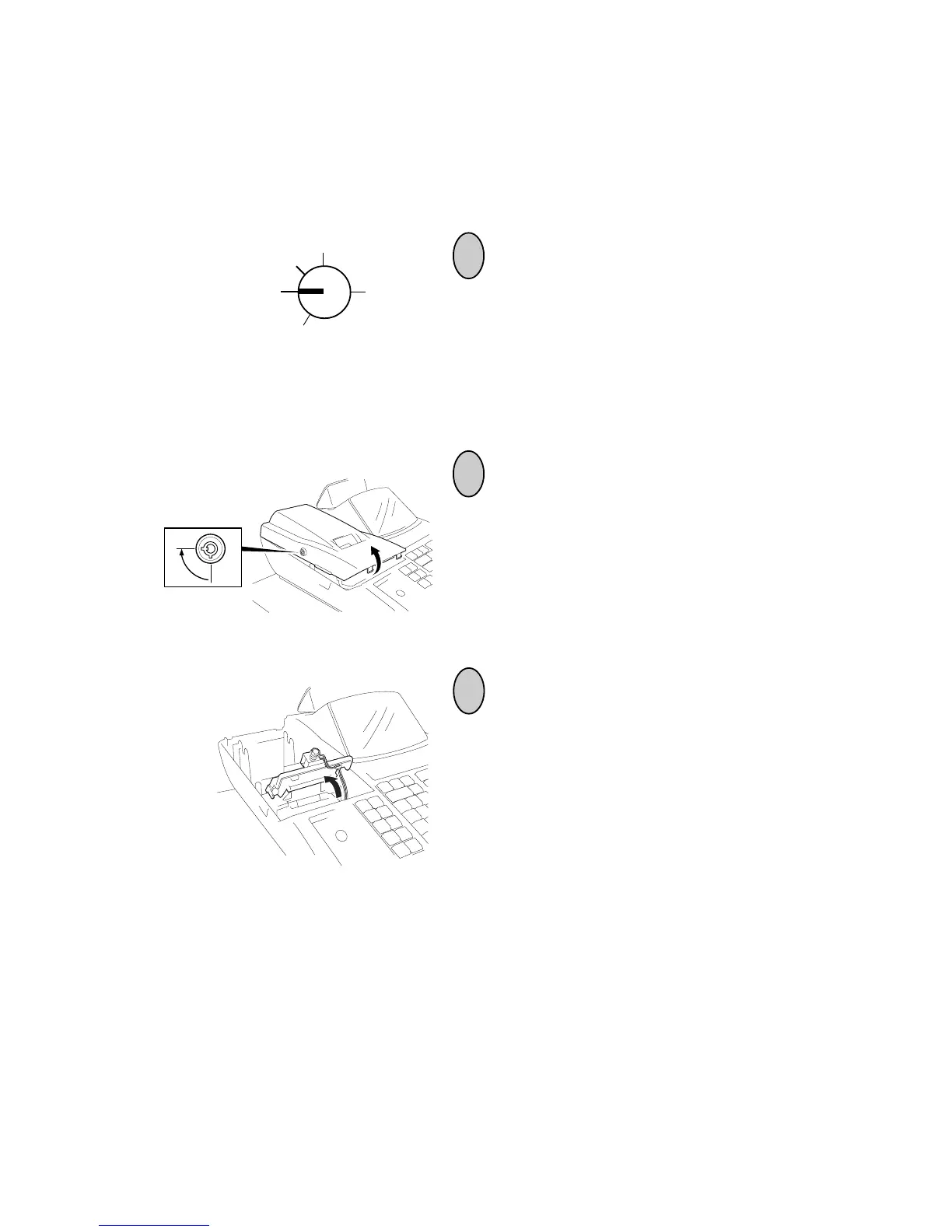
1
Turn the Control Lock to the OFF position using
the Control Key.
2
3
To remove the Printer Cover, insert the
Printer Cover Key to the Printer Cover
Lock, and then turn it 90° clockwise.
Lift the Stamp Unit as shown in the figure,
then remove the ribbon by pulling the rib-
bon spools upward.
Z
OFF
X
REG
SET



 To Next Page