- 73 -
EO1-11115
MA-186-100 SERIES
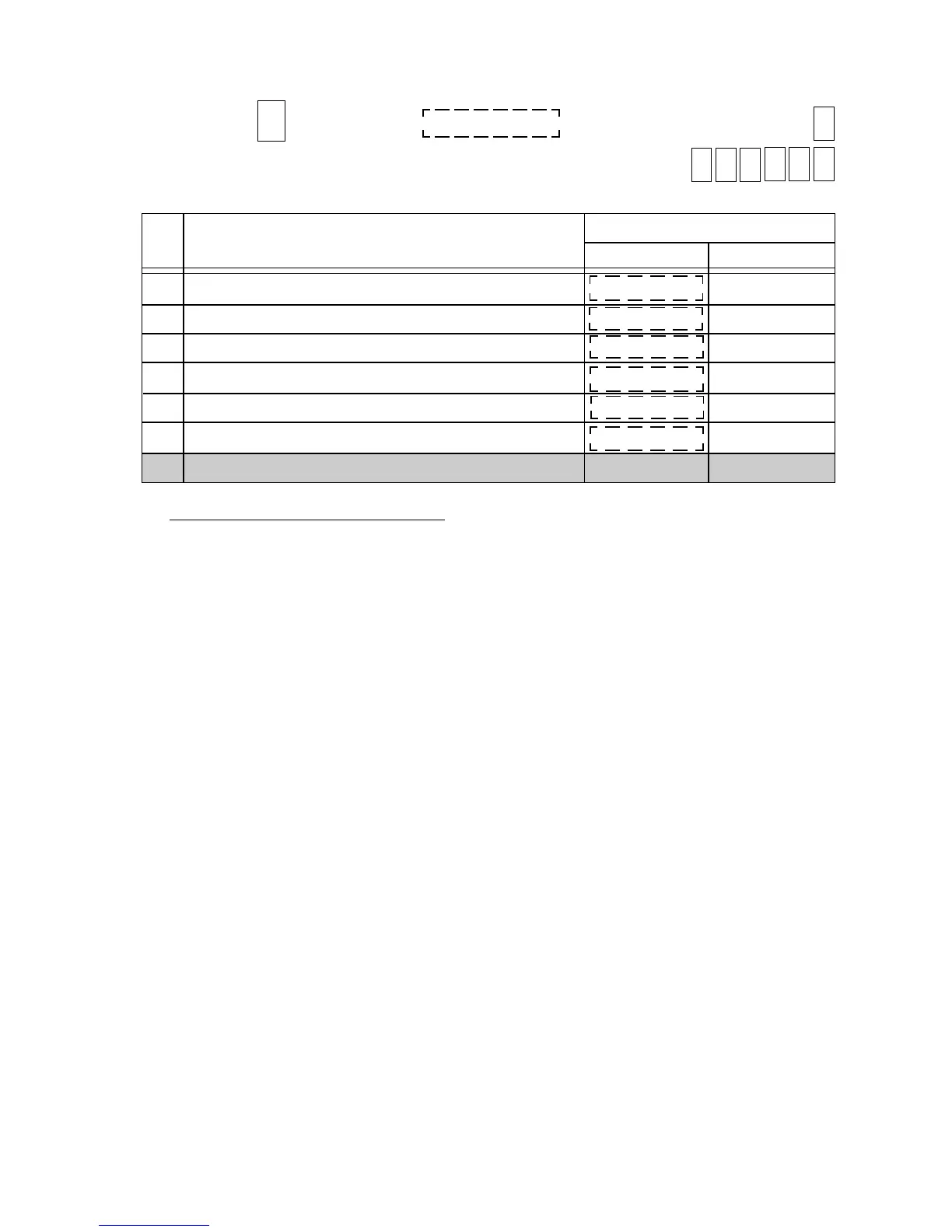
Address: 3 Initial SET Bit Nos. → 0
Your Selection →
(Tax Status)
[% +] key PST/Tax Status
[% -] key PST/Tax Status
[DOLL DISC] key PST/Tax Status
[% +] key GST Status
[% -] key GST Status
[DOLL DISC] key GST Status
-- vacant --
Content
Bit
No.
Selective Status
RESET
SET
1
2
3
4
5
6
7, 8
NON-TAXABLE
NON-TAXABLE
NON-TAXABLE
TAXABLE
TAXABLE
TAXABLE
NON-TAXABLE
GST NON-TAXABLE
GST NON-TAXABLE
GST TAXABLE
GST TAXABLE
GST NON-TAXABLE
GST TAXABLE
Supplementary Description for Address 3:
Bit 1 & Bit 2: RESET status .................... The key always operates as Non-taxable.
SET status.......................... The key becomes PST/Tax Taxable if they are used after
depressing the [ST] key. If the key is used after entering
a Department or PLU item, the key obeys the Department
PST/Tax status.
Bit 3: RESET status .................... The key always operates as Non-taxable.
SET status.......................... The key always operates as Taxable.
To make status selections of Bits 4 to 6 here, Address 14-Bit 1 “SET” status must be selected.
Bit 4 & Bit 5: RESET status .................... The keys always operates as GST Non-taxable.
SET status.......................... The key becomes GST Taxable if it is used after depress-
ing the [ST] key. If it is used after entering a Department
or PLU item, it obeys the Department GST status.
Bit 6: RESET status .................... The key always operates as GST Non-taxable.
SET status.......................... The key always operates as GST Taxable.
-- Addresses 4, 5 are vacant. --



 To Next Page