- 32 -
EO1-11115
MA-186-100 SERIES
Department Status Programming:
To use Department Keys, program how each Department Key is to be used, in accordance with
merchandise categories, operativity of the key, etc.
Condition: After Daily Financial Reset and Periodical Financial Reset (and All PLU Reset if the positive/
negative status is to be set), or Any time outside a sale for other status changes.
(refer to
“NOTE on Condition” on page 15)
Programming Procedure:
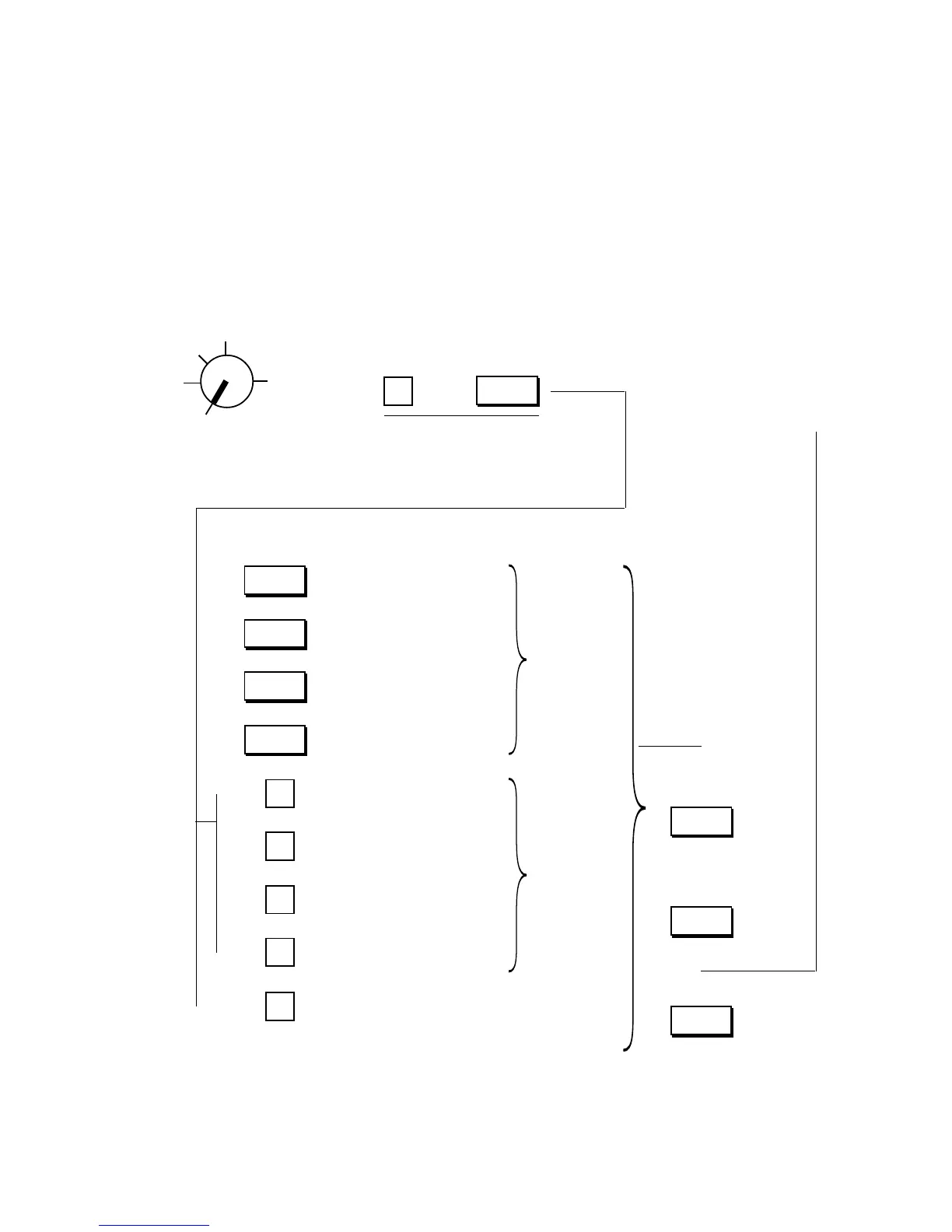
Use the MA Key to turn the Control Lock to “SET”.
To set Negative status
NOTES 4, 5
To set Tax 1 taxable status
NOTES 1, 3
To set Tax 2 taxable status
NOTES 1, 3
To set GST taxable status
NOTES 1, 4
Declaration of Program No. 3
for Department Status
programming
Repeat for programming
other Department Keys.
To set Single-item Key status
Key Type status
NOTE 6
To complete this
operation and
issue a program
receipt
Depress the De-
partment Key to
obtain the selected
statuses.
NOTE 3
Depress the [DPT
SHIFT] key to set
the Department
Nos. 21 to 40.
NOTE 7
()
The status is re-
versed by press-
ing the same key
again.
NOTE 2
Z
OFF
X
REG
SET
Depress the required key(s) to obtain the appropriate
status for the department:
→ →
1
3
@/FOR
←
→
→
→
→
→
→
→
→
→
RTN
MDSE
TX1/M
GST/M
TX2/M
2
4
5
0
To set Itemized Key status
To set Other Income Dept. with
Itemized Key status
To set Other Income Dept. with
Single-item Key status
To regain the initial statuses, i.e., Positive, Non-
taxable, Non-GST and Itemized statuses); it may be
useful when you are confused with various status
selections for a department.
←
DPT
SHIFT
←
AT/TL
←
Dept.



 To Next Page