- 54 -
EO1-11115
MA-186-100 SERIES
CHK
TND
Tendered Amount Max. 8 digits
CHK
TND
. . .
AT/TL
★
0.4 1
★
3.3 1
011.5
10-0 1
←
←
Tax Amount
Cash Total
Tax Amount
Sales Total
Cash Amount tendered
Change due
★
0.4 1
★
3.3 1
★
4.0 0
★
0.6 9
011.6
10-0 1
←
←
←
←
★
1.3 0
★
10.30
★
10.00
★
1.0 0
★
0.7 0
011.7
10-0 4
CA CA TX
CG TL
←
←
←
←
←
Tax Amount
Sales Total
1st Cash Tendered
(Short)
2nd Cash Tendered
(Over)
Change due
Chg
AT/TL
Chg
CA TX
CA TX
CG TL
○○
Tax Amount required
(max. 7 digits)
TAX
★
0.3 0
TX
←
A Manual Tax of $0.30
is entered. The “TX”
symbol during a sale
indicates Manual Tax.
(The same symbol also
indicates auto-
calculated tax when
printed at sale
finalization.)
TAX
(Manual Tax Key)
AT/TL
(Cash Amount Tender/Total Key), (Check Tender Key),
(Charge Total Key)
CHK
TND
Chg
ST
ST
. . .
Short- tendered Amount Max. 8 digits
AT/TL
. . .
AT/TL
Equal-or over-tendered Amount
Max. 8 digits
ST
Manual Tax Entry
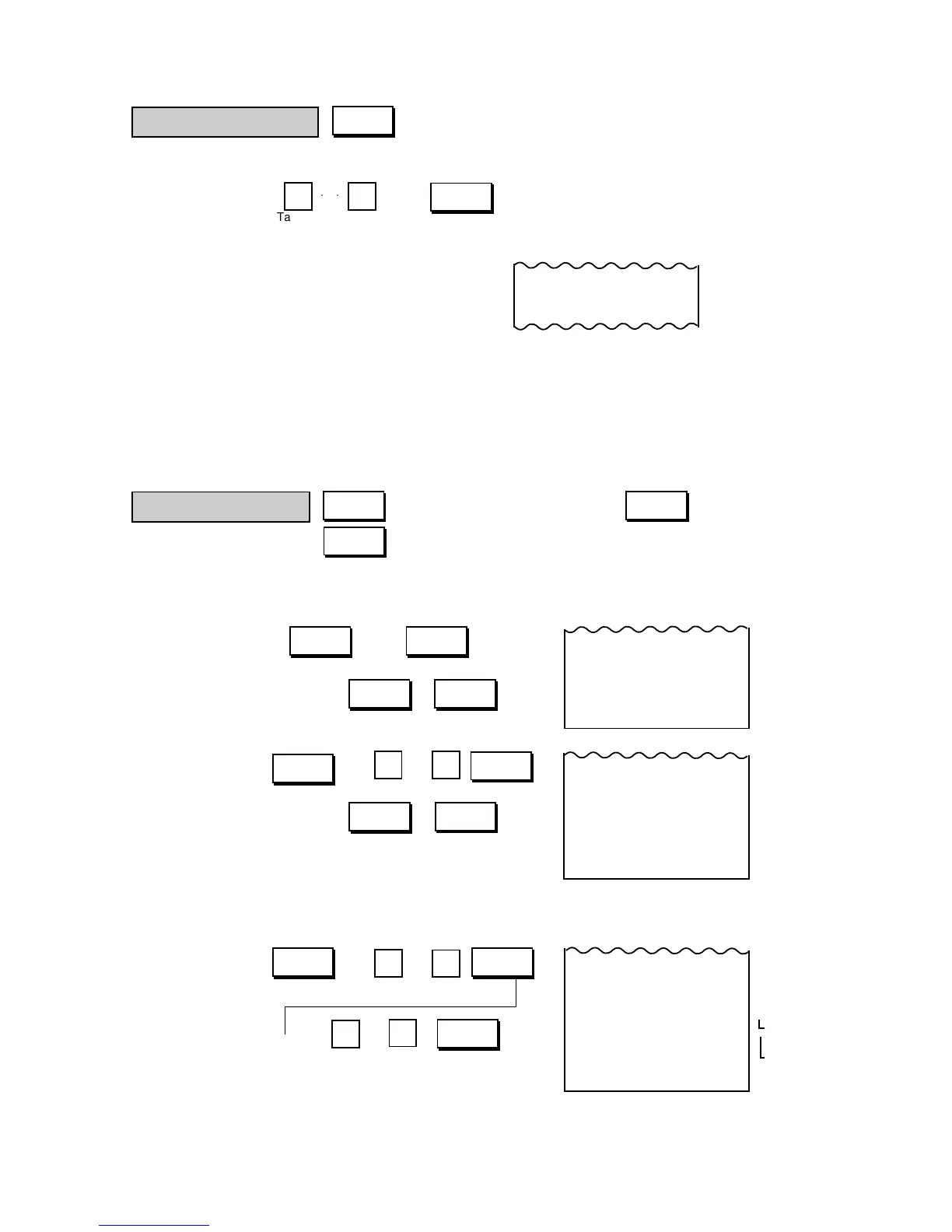
This is an optional key, and used to enter an irregular tax amount.
Sale Item → → ............ The entered tax amount is printed and added
Entries to the sale.
NOTES: 1. The amount entered through the [TAX]
key is not included in the tax amount
automatically calculated at sale finaliza-
tion. The Manual Tax amount is sepa-
rately added and is processed into the
Manual Tax total (separately from Tax 1,
Tax 2, and GST) in the report memory.
2. A Manual Tax amount entered can be
item-corrected, but cannot be deleted by
[VOID] or [RTN MDSE].
Finalizing a Sale
These keys are used to finalize a sale after entering all sales items.
1) Media Total
Sale Item → ( ) →
Entries
(or , )
2) Media Tender
Sale Item → ( ) →
Entries
(or , )
3) Multi-Tender (short- tender repeated by the same media)
Example)
Sale Item → ( ) →
Entries
→ ()



 To Next Page