- 20 -
EO1-11115
MA-186-100 SERIES
Non-taxable Limit Amount Setting
(applicable to only certain areas in Canada)
This non-taxable amount limit must be set only in certain areas in Canada.
Condition: After Daily Financial Reset; refer to “NOTE on Condition” on page 15.
Setting Procedure:
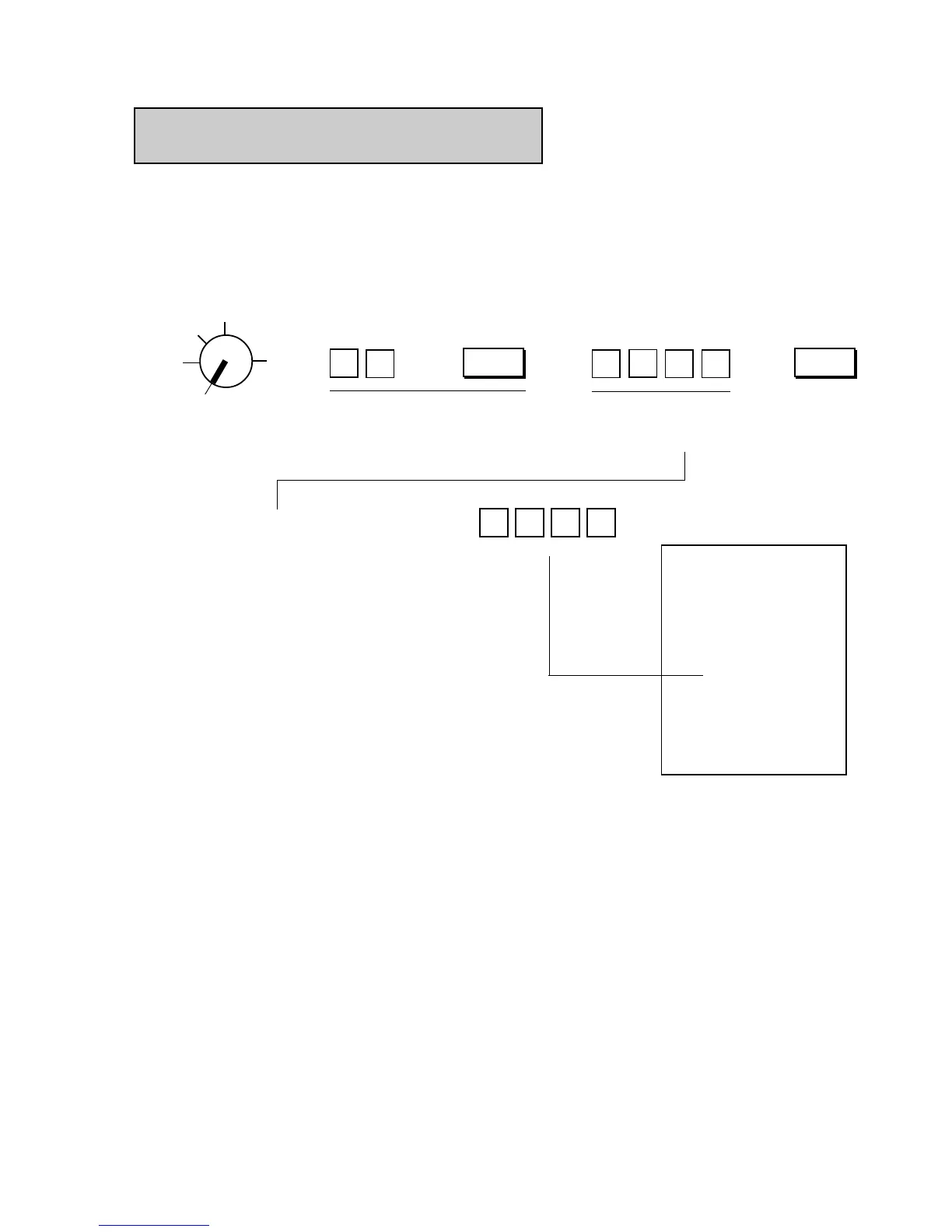
Use the MA Key to turn the Control Lock to “SET”.
Declaration of Program No. 12 for
Non-taxable Limit Amount Setting
Non-taxable Limit Amount
(max. 4 digits; 1 to 9999¢,
or enter 0¢ to reset the
limit)
Thank you
Call again
05.- 28.- 9 7
1.2
★
★
20.0 0
002.4
09-0 0
Z
OFF
X
REG
SET
NOTES: 1. When the sum of the sale portion subject to Tax (PST) 1 and the sale portion subject to Tax
(PST) 2 exceeds the Non-taxable Limit Amount programmed here, all the amount subject to
either of the two taxes are all taxed. When the sum is less than the programmed limit, Tax 1
is tax-exempted and only Tax 2 is calculated on the sale portion subject to Tax 2.
2. When the sum of the sale portion subject to Tax (PST) 1 and the sale portion subject to Tax
(PST) 2 is negative, the portion subject to Tax 1 will not be taxed.
3. When the sale portion subject to Tax 1 is tax-exempted, the taxable amount is not stored in
Tax 1 memory.
4. An error results when the [GST/M] key is depressed in sale entries on the ECR with Non-
taxable Limit Amount programmed.
→ → → →
Example) $20.00
02
AT/TL
00
2
1
@/FOR



 To Next Page