- 52 -
EO1-11115
MA-186-100 SERIES
NOTES: 1. When an item once purchased with a Percent Discount or Percent Charge is returned, the item
can be returned with the Percent Discount/Charge by attaching the [RTN MDSE] key to the same
entry procedure as purchase.
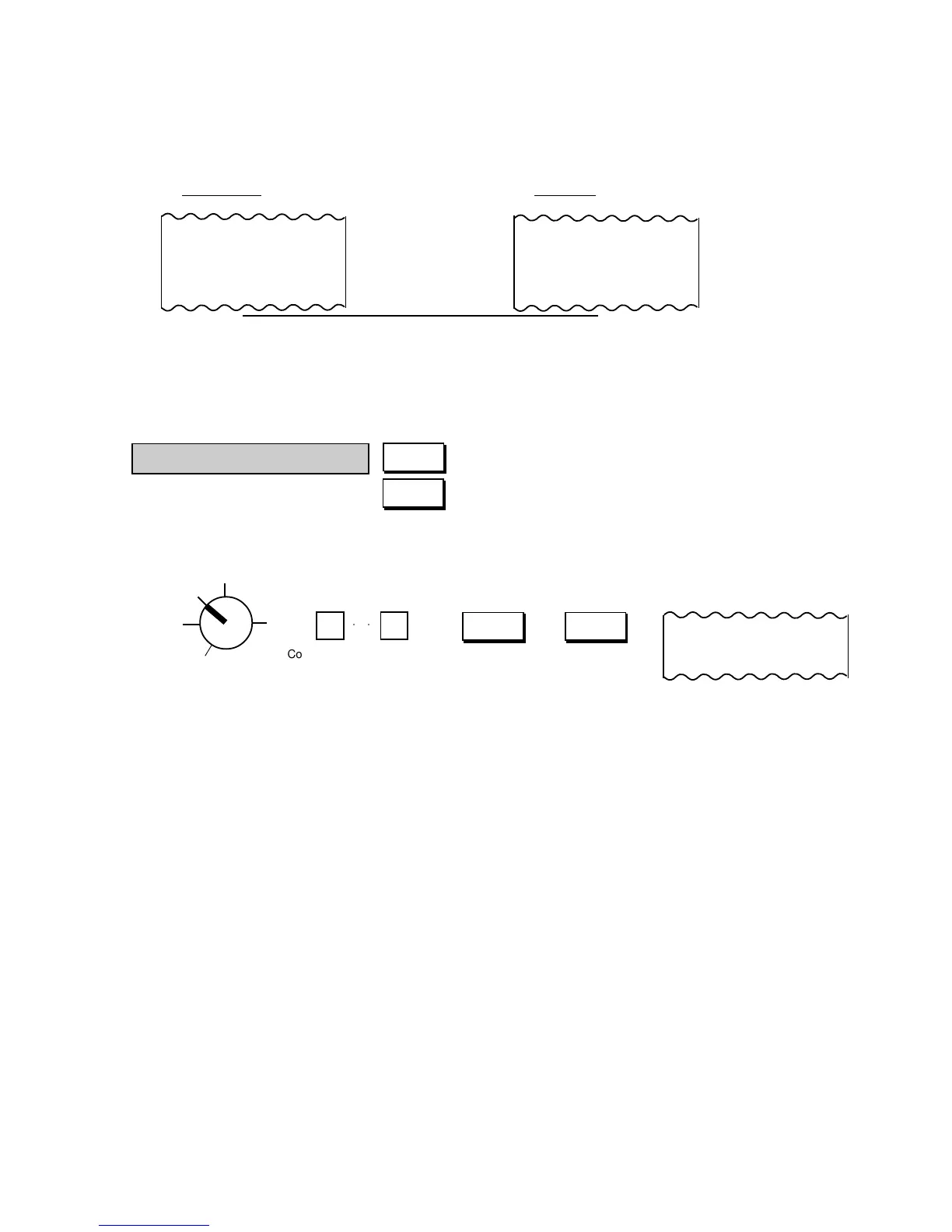
At Purchase At Return
01
★
6.0 0
5. % -
-0.30
01
★
6.0 0
5. % -
★
0.3 0
RT
↑
The process of the amount resulted from % calculation is reversed at Return.
↑
TM
○○
Code Number; max. 8 digits
#/CID #/NS
123.000#
#/CID
(Non-add Number Print/Cash-in-drawer Key)
#/NS
(Non-add Number Prin/No-sale Key)
Z
OFF
X
REG
SET
2. The Returned Merchandise entries are possible outside as well as inside a sale. Over-subtraction
of the sale is allowed for Returned Merchandise entries.
3. Neither Negative Department nor Negative PLU items can be entered as Returned Merchandise.
Non-add Number Print
When any code number is to be recorded for future reference, such as a Check No,. Customer No., Credit
Card No., House Charge Account No., etc., a Non-add Number Print function is used.
→ (or )
NOTES: 1. The preceding zeros, if any, will not be printed. For example, if “0123000” is entered, “123000” is
printed.
2. Usually, Non-add Number entries are prohibited at the starting of a No-sale transaction (i.e. Non-
add Numbers cannot be printed on a No-sale receipt). However, a No-sale entry can be
programmed to be allowable after a Non-add Number entry (refer to Chapter “16. System Option
Setting”, Address 15 - Bit 1 on page 80).
3. The [#/NS] key operates and functions the same. When this key is simply depressed without a prior
numeric entry in REG mode, it functions as the [NS] (No-sale) key. (Refer to the section of No-sale
Transaction on page 29.)



 To Next Page