- 47 -
EO1-11115
MA-186-100 SERIES
Z
OFF
X
REG
SET
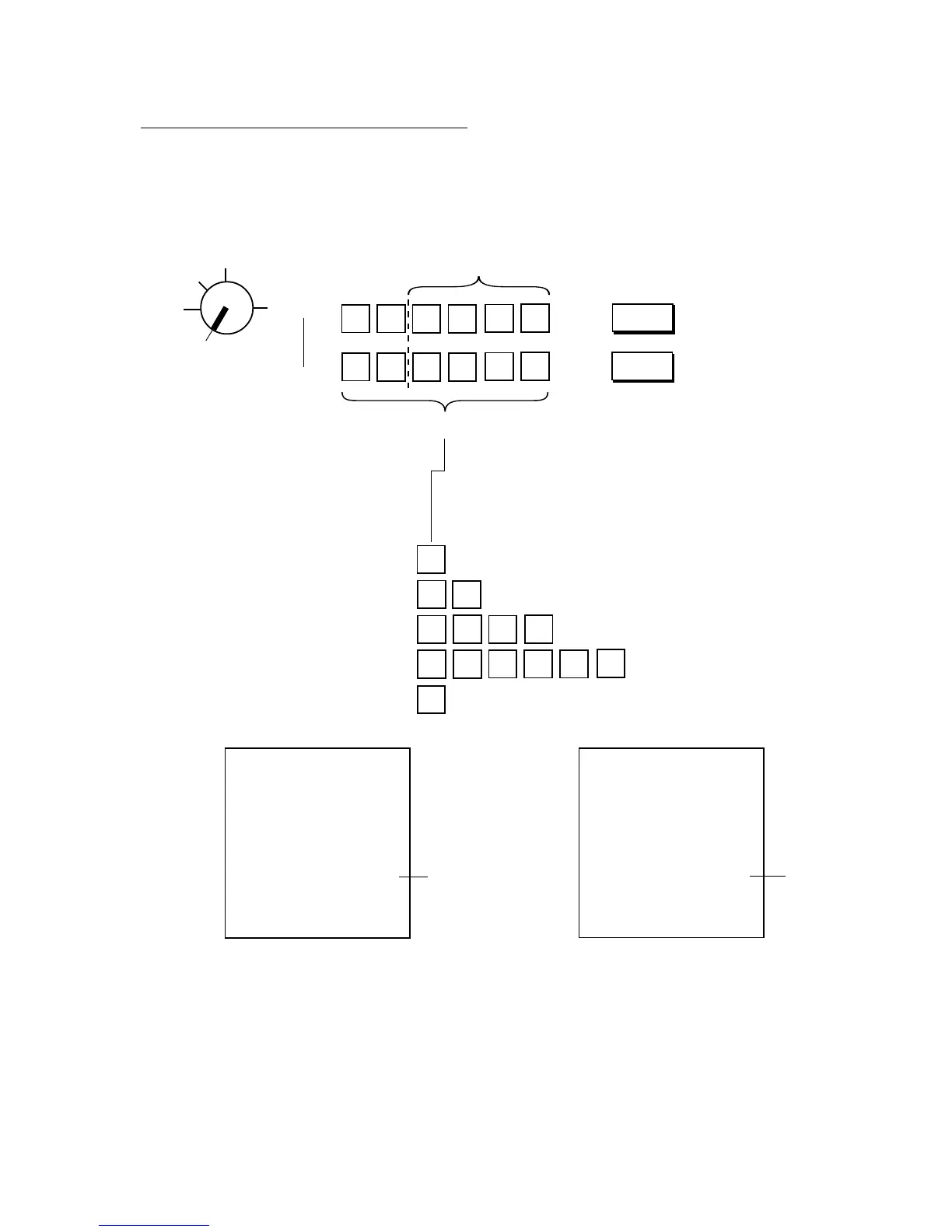
for %- rate
for %+ rate
This portion is required only when any
decimal portion is contained in the rate.
% rate 0 to 99.999
% +
•
% –
•
0
7
2
5
1
5
4
5
•
3•
8
%- 5% is set.
%+ 10% is set.
Thank you
Call again
05.- 28.- 9 7
0.0
★
5. % -
001.4
08-5 4
Thank you
Call again
05.- 28.- 9 7
0.0
★
10. % +
001.3
08-5 4
21
% Key Preset Rate Setting or Changing
Condition: Any time outside a sale
Setting Procedure:
Use the MA Key to turn the Control Lock to “SET”.
→ →
→ →
Examples)
7%:
12%:
8.55%:
12.345%:
To reset the When “0” is set, the % key will always require a manual rate
rate once set: entry to be operated in sale entries.



 To Next Page