- 19 -
EO1-11115
MA-186-100 SERIES
Examples)
7%
12%
8.55%
To reset the rate once set:
GST Rate Setting (applicable to Canada only)
Please note the following before operating the GST rate setting. The following preparations are required:
1) Select the “GST Active” status in Chapter “16. System Option Setting”, Address 14-Bit 1 on page
79 (some other options can also be selected relating to GST in the same Address).
2) Install the [GST/M] (GST Modifier) key on the keyboard (in place of unnecessary key) referring to
Chapter “11. Optional Key Setting” on page 21.
Condition: After Daily Financial Reset; refer to “NOTE on Condition” on page 20.
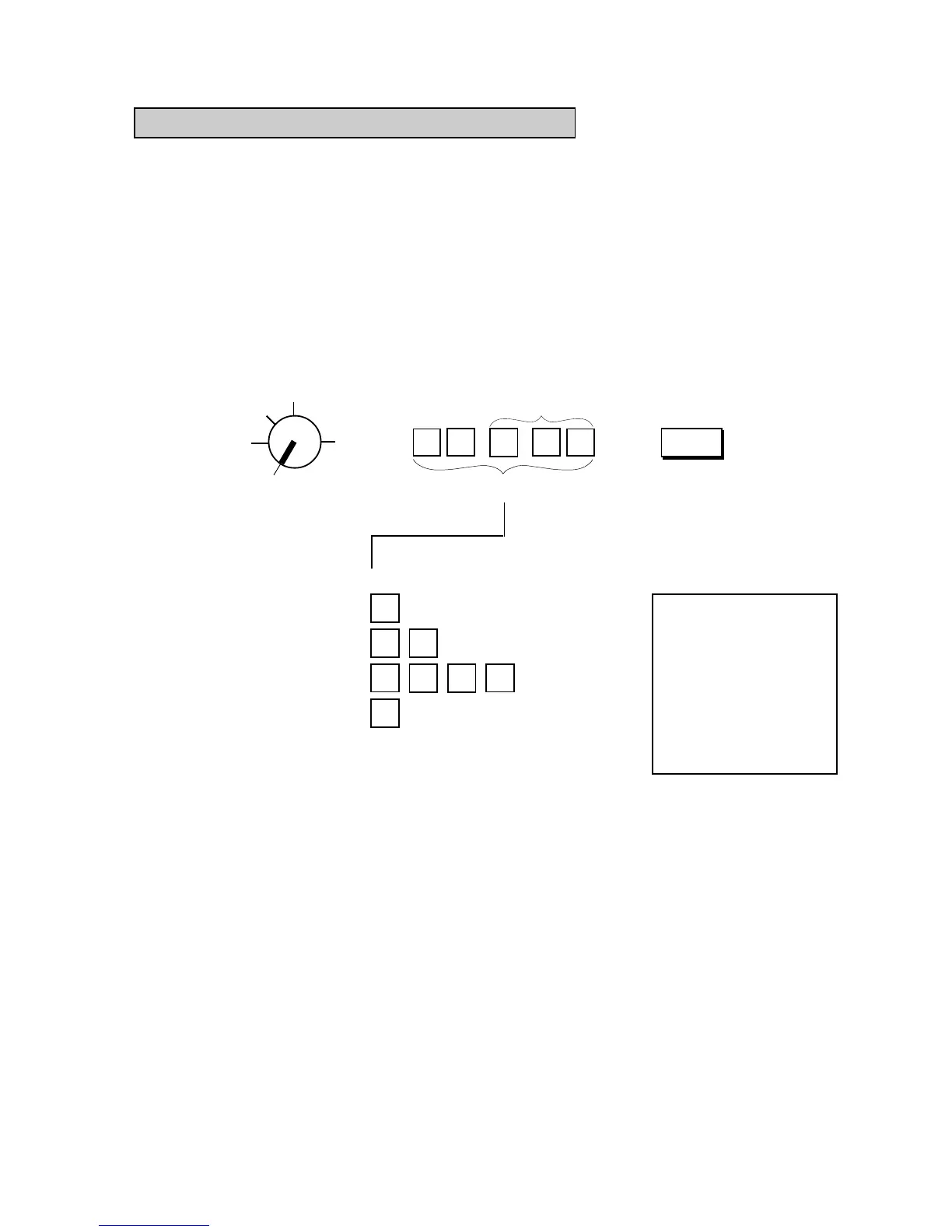
Setting Procedure:
Use the MA Key to turn the Control Lock to “SET”.
.
GST/M
This portion is required only
when any decimal portion is
contained in the rate.
GST Rate 0 to 99.99 (%)
1
2
7
0
.
8
5
5
←
Thank you
Call again
05.- 28.- 9 7
0.0
★
7.
001.5
08-5 4
GST Rate 7% is set.
TM
Z
OFF
X
REG
SET
→ →



 To Next Page