- 13 -
EO1-11115
MA-186-100 SERIES
Examples) 1:05 a.m.: 1:32 p.m.:
9. Time and Date Setting
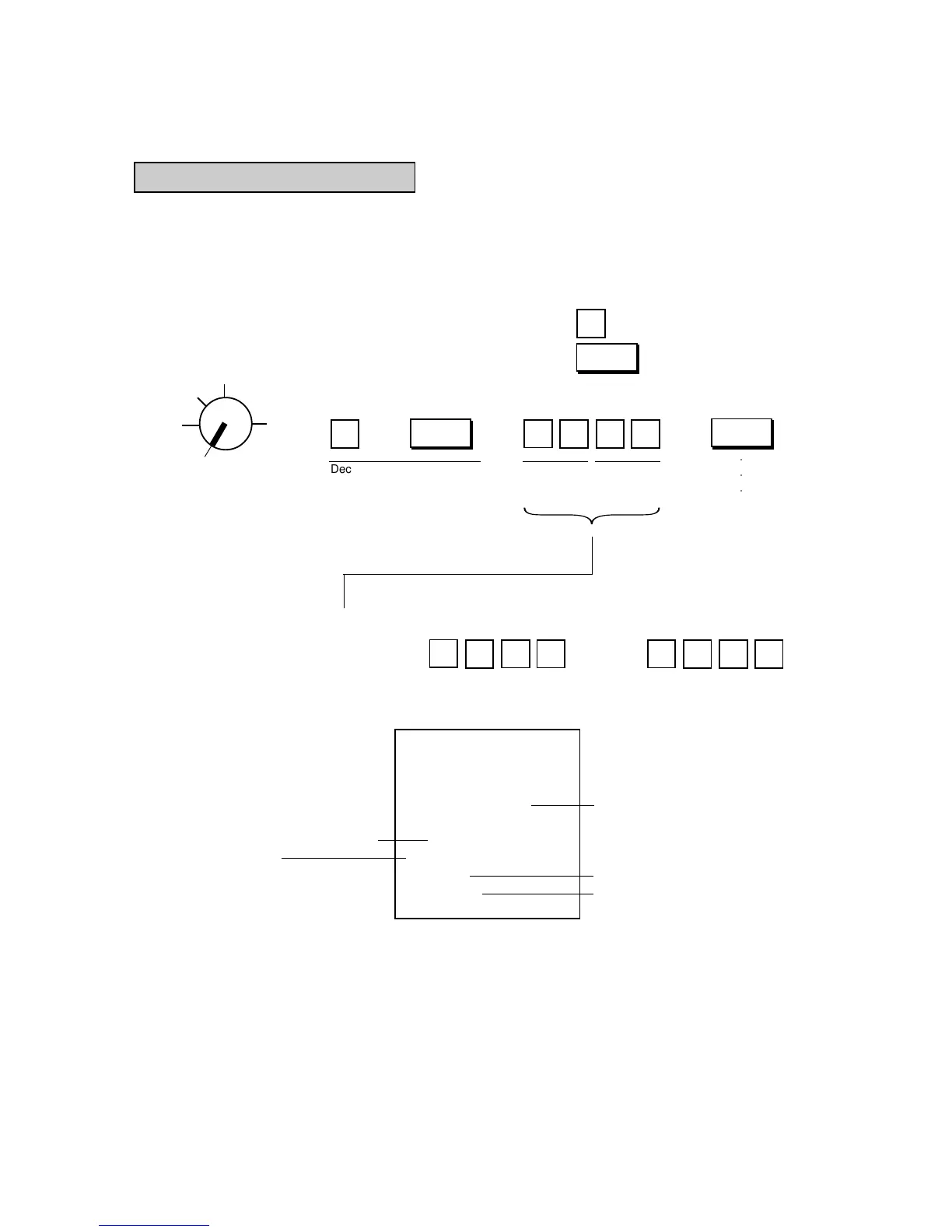
Time Setting or Adjustment
The register has a clock function. Once the time is set, the time is kept even when the power is turned off.
The 24-hour system (the military time) is used for time setting, display, and printing. Time setting is allowed
any time outside a sale.
Condition: Any time outside a sale; refer to “NOTE on Condition” on page 15.
Setting Procedure: .......Numeric Key
Use the MA Key to turn the Control Lock to “SET”. .......Function Key
○○○
Declaration of Program No. 5
for Time Setting
Issues a
receipt.
Hour
(00 to 23)
Minute
(00 to 59)
Program No. for Time Setting
Time now set
(8:30 a.m. in this example)
Date
Receipt Consecutive No.
Current Time
Thank you
Call again
04.- 15.- 9 7
0.5
★
08-3 0
000.8
08-3 0
Z
OFF
X
REG
SET
Receipt Print Format:
→ → → →
501
0
5
@/FOR
AT/TL
233
1



 To Next Page