- 17 -
EO1-11115
MA-186-100 SERIES
7
3
3
3) Tax 1; % Rate Only
→
(to indicate that no breaks are entered)
|Tax Rate applied to any amount| →
(The description for the Tax Rate in the above case 2) is also applied to this case.)
NOTES: 1. In a single-tax area, the [TX1/M] key may be labeled as [TX/M] key.
2. For Tax 2 table setting in a multi-tax area, follow the same procedure in 1), 2), or 3) above,
using the [TX2/M] key instead of [TX1/M]. To install the [TX2/M] key on the keyboard, refer
to Chapter “11. Optional Key Setting” on page 21.
3. If two tax tables are to be set, the Tax 1 table must be set first. The Tax 1 table setting will
automatically reset the old Tax 1 and Tax 2 tables.
4. A maximum of 64 breaks may be entered for Tax 1 and Tax 2 tables altogether.
Setting Examples:
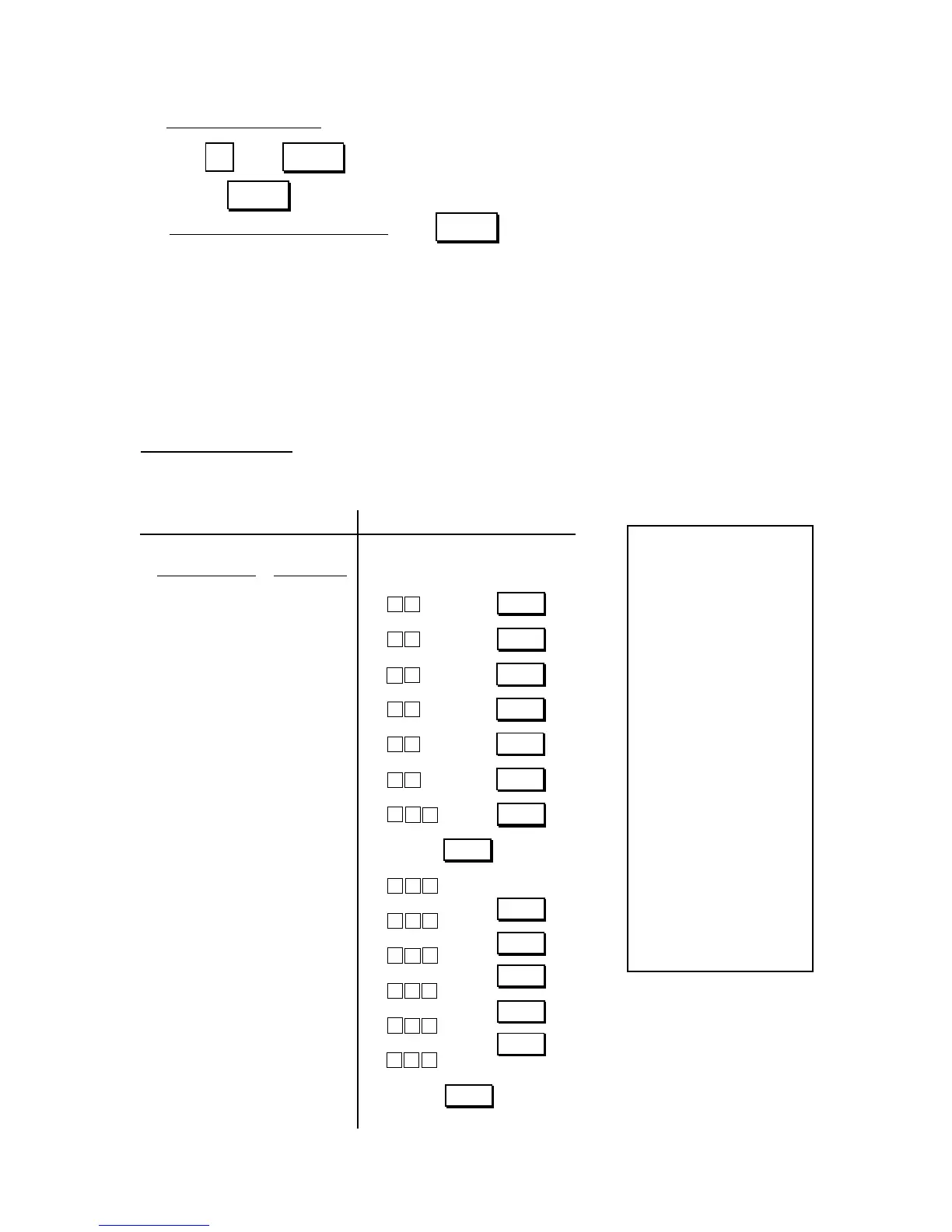
ex. 1) Tax 1; Full Breaks
Tax Table Key Operation
Control Lock: SET
Amount Range Tax Levied
$0.00 to $0.10 0¢
$0.11 to $0.22 1¢
$0.23 to $0.39 2¢
$0.40 to $0.56 3¢
$0.57 to $0.73 4¢
$0.74 to $0.90 5¢
$0.91 to $1.08 6¢
... “A” Break
$1.09 to $1.24 7¢
$1.25 to $1.41 8¢
$1.42 to $1.58 9¢
$1.59 to $1.74 10¢
$1.75 to $1.91 11¢
$1.92 to $2.08 12¢
... “B” Break
AT/TL
TX1/M
421
TX1/M
0
1
TX1/M
851
TX1/M
2
2
TX1/M
141
TX1/M
9
TX1/M
6
5
471
TX1/M
TX1/M
8
01
Thank you
Call again
05.- 28.- 9 7
0.0
★
1
00
★
0.1 0
01
★
0.2 2
02
★
0.3 9
03
★
0.5 6
04
★
0.7 3
05
★
0.9 0
06
★
1.0 8
★
1.0 8
07
★
1.2 4
08
★
1.4 1
09
★
1.5 8
10
★
1.7 4
11
★
1.9 1
12
★
2.0 8
★
2.0 8
001.6
08-5 4
ST
TX
TL
TX1/M
ST
TX1/M
TX1/M
09
TX1/M
191
8
02
0
TX1/M
ST
AT/TL



 To Next Page