- 16 -
EO1-11115
MA-186-100 SERIES
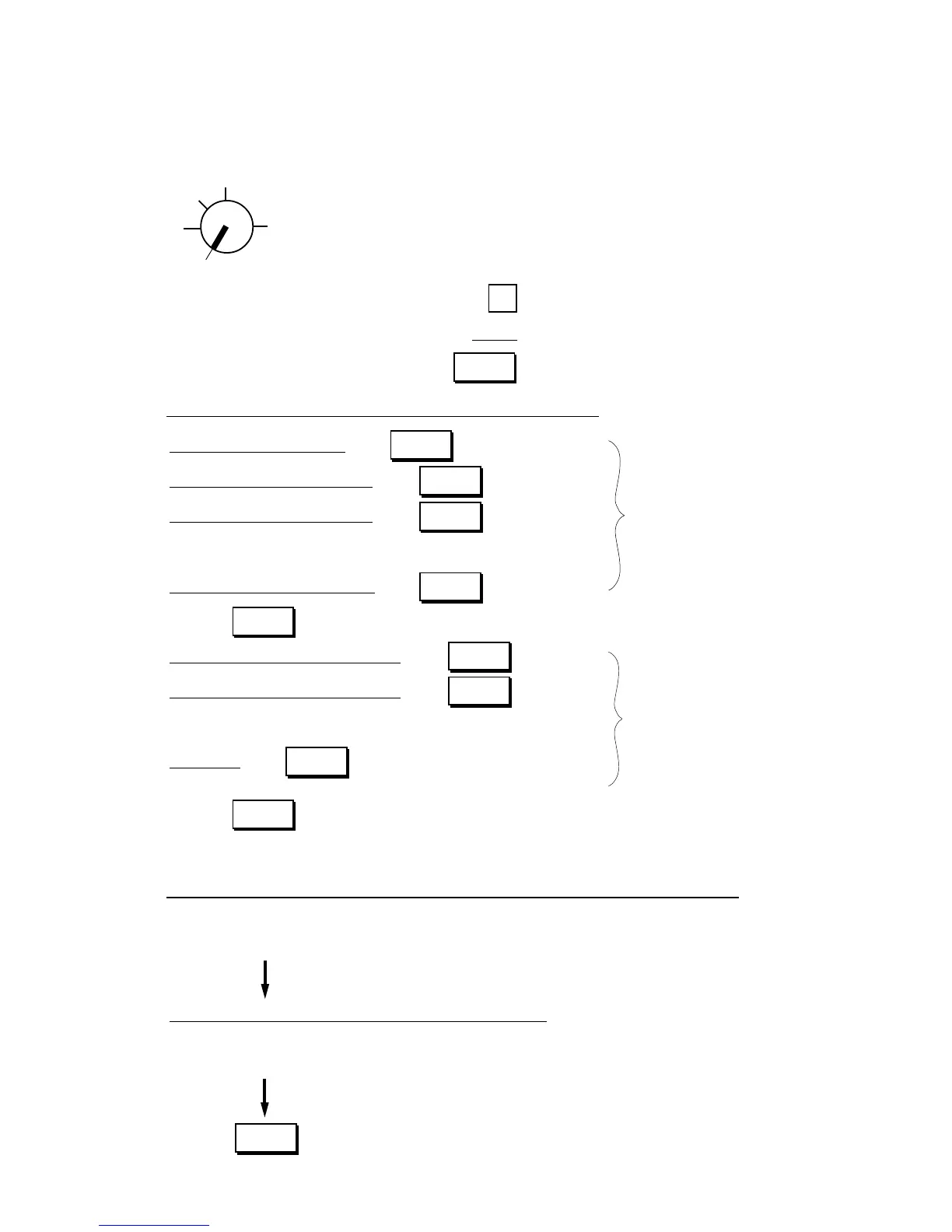
→ Go to 1), 2), or 3) shown below.
Indications of types of keys shown below:
..... Individual Numeric Key
| | ..... Data to be entered through Numeric Keys
..... Function Key
1) Tax 1; Full Breaks (Non-cyclic Breaks + Cyclic Breaks)
|max. amount non-taxable| →
|max. amount for 1¢ tax levied| →
|max. amount for 2¢ tax levied| → Non-cyclic Tax Breaks
Repeat up to the “A” Break.
|max. amount for N¢ tax levied| → .....
“A” Break
(to indicate the “A” Break entry)
|max. amount for N + 1¢ tax levied| →
|max. amount for N + 2¢ tax levied| →
Cyclic Tax Breaks
Repeat up to the “B” Break.
|“B” Break| → (“B” Break - “A” Break
= a multiple of $1.00)
(to complete this tax table setting)
NOTE: Each amount (break) entry may be a maximum of 4-digit value (9999¢).
2) Tax 1; “A” Break and % Rate Combination (Non-cyclic Breaks + % Rate)
First, set all the non-cyclic breaks up to the “A” Break entry and the [ST] key depression shown in the above
case of “1) Tax 1 Full Breaks”.
|Tax Rate applied when exceeding the “A” Break amount|
(Max. 6 digits up to 99.9999%. Use the [.] key for a decimal value. Examples: To set 5%, enter 5. To set
5.26%, enter 5 → [.] → 2 → 6. The fraction of the amount resulting from this % rate calculation will be
rounded off.)
(to complete this tax table setting)
Setting Procedure:
Use the MA Key to turn the Control Lock to “SET”.
Z
OFF
X
REG
SET
...........
TX1/M
TX1/M
TX1/M
ST
TX1/M
TX1/M
TX1/M
...........
TX1/M
AT/TL
AT/TL



 To Next Page