- 48 -
EO1-11115
MA-186-100 SERIES
. . .
%-
Manual Rate
%-
%+
%+
01
★
6.0 0
5. % -
-0.30
Manual Rate
←
Dept 1 $6.00
5% on $6.00 = $0.30
is discounted.
%-
%+
%+
★
15.0 0
10. % +
★
1.5 0
ST
←
Subtotal $15.00
obtained
10% on $15.00 =
$1.50 is added.
. . .
TM
Z
OFF
X
REG
SET
%-
ST
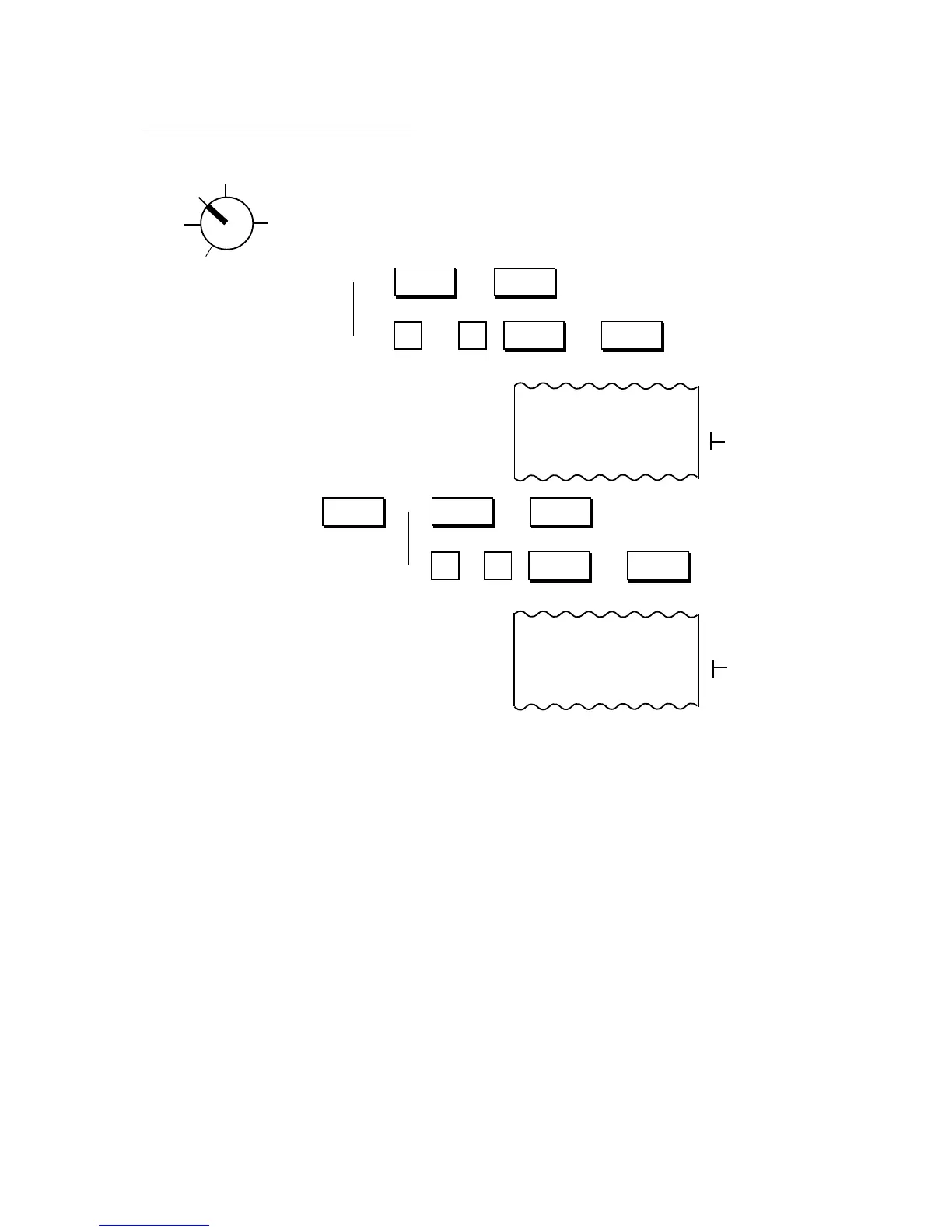
% Key Operations in Sale Entries
Use the REG Key turn the Control Lock to “REG”.
Department or → (or ) .................................. for the Preset Rate
PLU Item Entry
→ (or ) ........ for the Manual Rate
Sale Item → → (or ).......................... for the Preset Rate
Entries
→ (or ).. for the Manual Rate
NOTES: 1. Manual Rate... Max. 5 digits (Max. 2 digits for integer + max. 3 digits for decimal. Use the [.] key
if a decimal portion is contained.)
2. When a rate is manually entered through a % key preset with a rate, the manual rate prevails.
3. A % entry will cause an error if operated after a Negative Department or an Other Income
Department entry.
4. A % entry after obtaining a Subtotal is usually allowed only once. However, it can be programmed
to allow multiple times. (Refer to Chapter “16. System Option Setting”, Address 16 - Bit 2 on
page 81.)
5. You can select the rounding process of the fractions of the product (result of % calculation) —
ROUND OFF (initial setting), ROUND UP, or ROUND DOWN. (Refer to Chapter “16. System
Option Setting”, Address 2 - Bits 1 and 2 on page 72.)
6. Each of the % keys has its own Tax (PST) Status and GST Status programmed. Refer to “Tax
Status Modification” on page 56 for reversing the status.



 To Next Page