- 22 -
EO1-11115
MA-186-100 SERIES
*1
*5
*2
*2
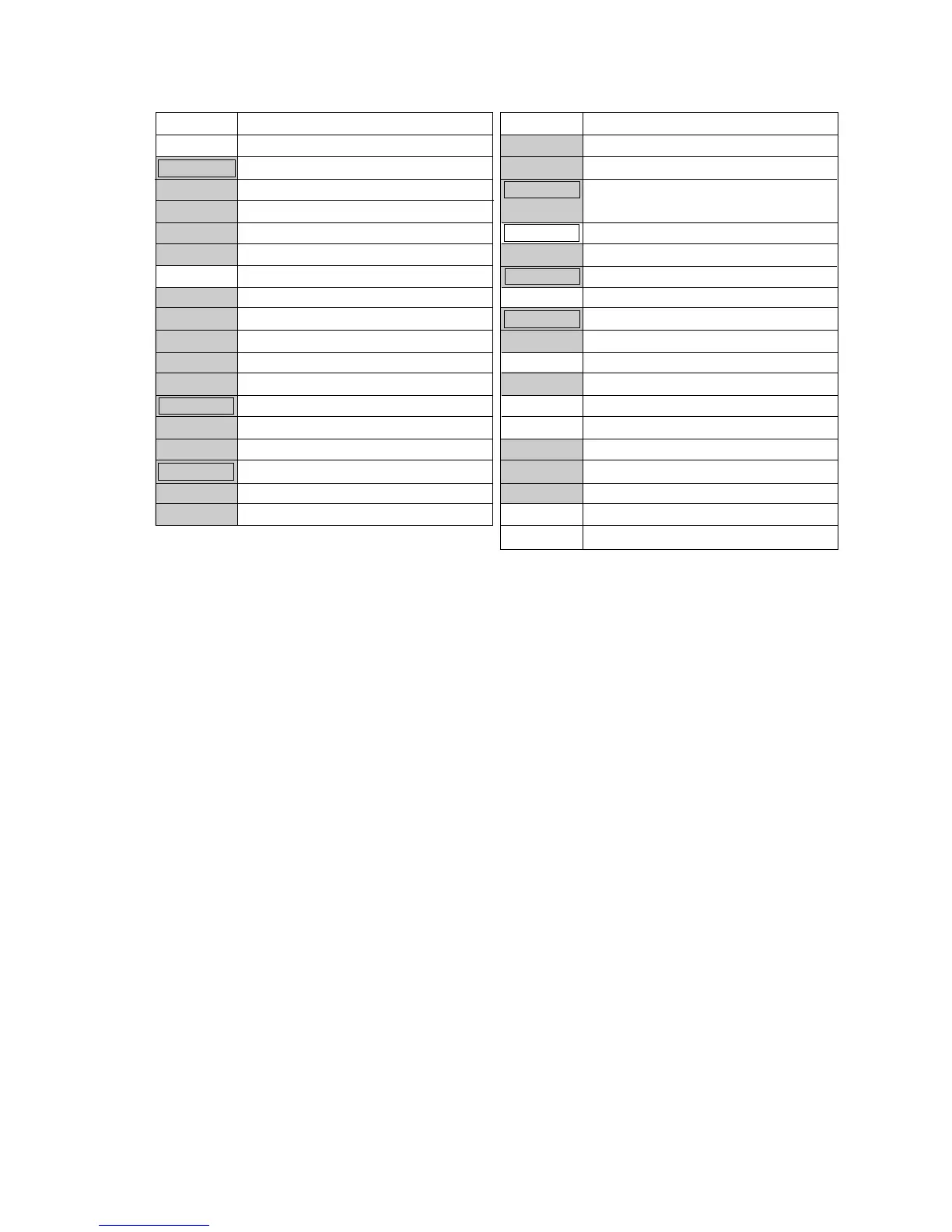
Key Code Key Name
85 NS (No-sale)
87 LC OPEN (Listing Capacity Open)
90 #/CID (Non-add Number/Cash-in-
drawer)
91 #/NS (Non-add Number/No-sale)
92 PLU (Price-Look-Up)
93 @/FOR (At/For; Multiplication)
94 RECEIPT ISSUE (Post-receipt)
95 C (Clear)
97 TX/M or TX1/M (Tax 1 Modifier)
98 TX2/M (Tax 2 Modifier)
99 TXBL TL (Taxable Total)
100 TAX (Manual Tax)
101 EX (Tax Exempt)
107 DPT SHIFT (Department Shift)
108 AMT (Amount)
109 REPEAT (Repeat)
115 GST/M (GST Modifier)
127 LOG/RECEIPT (Log/Receipt)
*2
*3
*4
*1. At least one Department Key is required to be installed.
*2. The [#/NS] key has both [#/CID] and [NS] functions. Therefore, when [#/NS] is installed,
neither [#/CID] nor [NS] are necessary. (At least, either [#/NS] or [#/CID] must be installed.)
*3. To designate the SFKC 100 for the [TAX] key (Manual Tax), operate the keys [1]
→
[0]
→
[0]. In this case, the [00] key is unavailable.
*4. The [DPT SHIFT] key designates the Department Nos. 21 to 40, using the Department keys
1 to 20.
*5. When the Cashier Signing Method is selected, this key must be installed. If this optional
function is not selected, this key merely functions as Receipt ON/OFF key.
Key Code Key Name
0 Code to deactivate the key
1 to 20 Department Keys 1 to 20
61 FEED (Paper Feed)
63 00 (Double-zero)
65 • (Decimal Point)
69 DOLL DISC (Dollar Discount)
70 %+ (Percent Charge)
71 %- (Percent Discount)
72 RTN MDSE (Returned Merchandise)
73 ITEM CORR (Item Correct)
74 VOID (Void)
75 ALL VOID (All Void)
76 AT/TL (Cash Tender/Total)
77 CHK TND (Check Tender)
78 Chg (Charge Total)
82 ST (Subtotal)
83 R/A (Received-on -Account)
84 PO (Paid Out)



 To Next Page