- 70 -
EO1-11115
MA-186-100 SERIES
NOTES: 1. Do not program any Bit No. shaded and filled with “vacant” in the Address tables on the following
pages. If programmed, performance of the register will not be guaranteed.
2. The Initial Status of each Bit is indicated by a dotted frame such as:
If you have never changed the Bit statuses in the Address before, the Initial Status is active.
Therefore, only the Bit status changes of the required Addresses may be entered. If an All Memory
Clear is operated (refer to Chapter “23. Status Clear and Memory Clear Operations” on page
104), all the Bits in all the Addresses automatically regain the Initial Status.
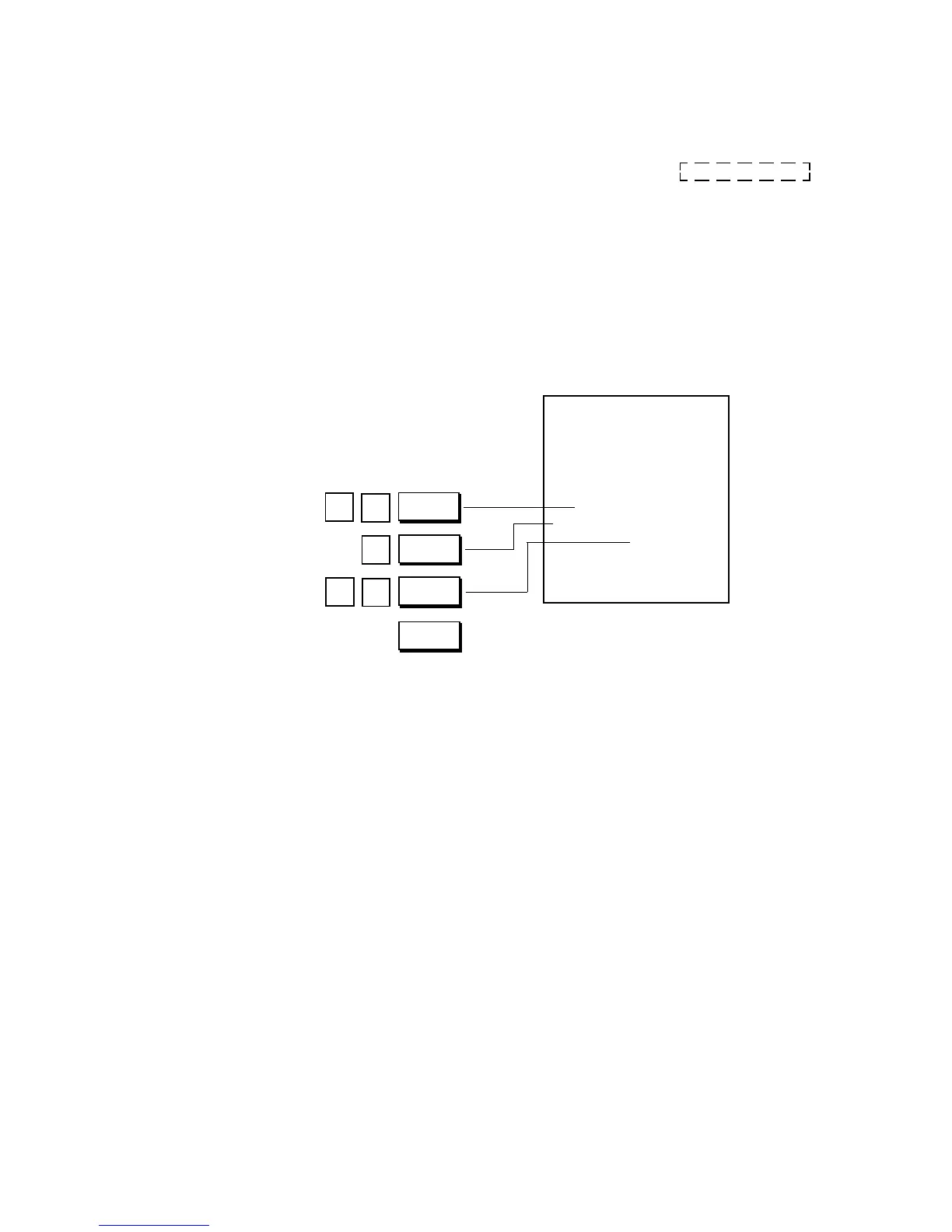
Programming Example) To select the following options:
Address 1
(refer to the next page)
Bit 1: Time NON-PRINT (SET status)
Bit 2: Purchased Item Count NON-PRINT (SET status)
Other Bits are to all RESET (PRINT)
Control Lock: SET
Thank you
Call again
05.- 28.- 9 7
1.8
★
01
12
001.2
18-5 3
1
8
@/FOR
1
ST
1
2
AT/TL
#/CID



 To Next Page