- 91 -
EO1-11115
MA-186-100 SERIES
4
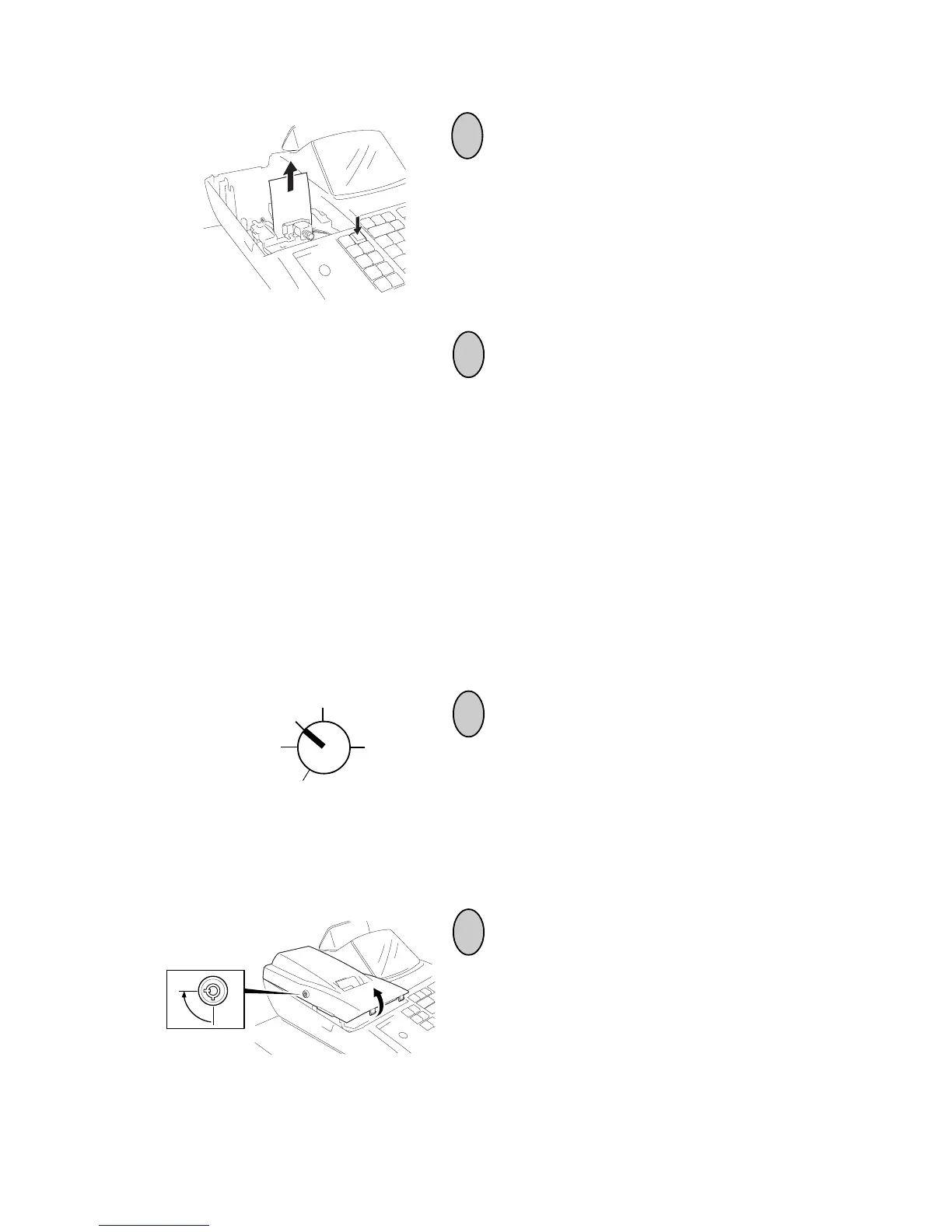
Depress the [FEED] key to feed the re-
maining paper end.
CAUTION: Never try to pull out the re-
maining paper end by hand.
It may cause a paper jam.
Replacing the Paper Roll (When used for journal)
After a reset report is taken or when a red line appears on the edge of the paper roll,
follow the steps below to obtain the necessary record or replace the paper with a new
one.
5
Load new paper roll as described in Chap-
ter 10.
* When the 2-ply paper is used, refer to
Chapter 8 on page 10 to replace it with a
new one.
Turn the Control Lock to the REG position
using the Control Key.
2
To remove the Printer Cover, insert the
Printer Cover Key to the Printer Cover
Lock, and then turn it 90˚ clockwise.
1
Z
OFF
X
REG
SET



 To Next Page