BRAVO – Wireless Alarm Control Panel
15
3.11. Mounting of communication modules
Different in functionality communication modules are
designed for operation with BRAVO wireless panel.
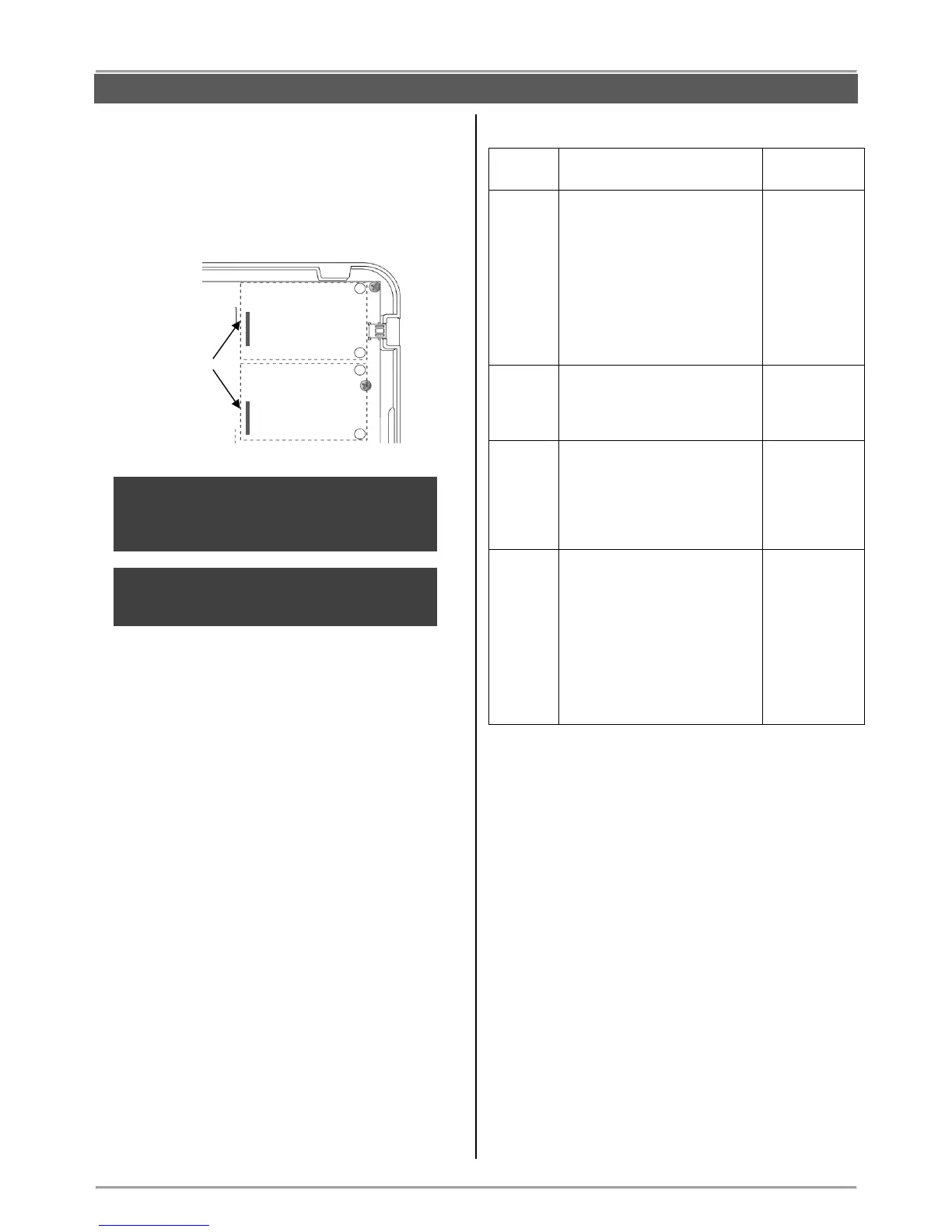
The BRAVO panel can operate with up to two
communication modules at the same time, mounted to
Slot 1 and Slot 2 on the main PCB of the panel.
ATTENTION: The communication modules must
be added to the system configuration ONLY
WHEN both main power supply from the control
panel and back-up battery are SWITCHED OFF.
ATTENTION: The communication modules must
be enabled for operation via ProsTE software or
AjaxWEB web application.
The priority in operation (sensing of messages for
events) is set via mini dip-switch 6 on the panel’s PCB –
see also item “4. Hardware settings”.
When the “Alternative” communication type is set
(position OFF of mini dip-switch 6), the priority for
message distribution is as follows:
Slot 1 – Main communication channel.
Slot 2 – Backup communication channel.
You can find more detail description of the settings and
parameters for supported communication modules in
item 7.9 – Programming of parameters with ProsTE
software, menu “6. Slots”.
Types of communication modules from BRAVO series:
- Sending of messages for
events to Users;
- Remote management –
Arming and Disarming;
- Remote management of
zones (bypass/ de-bypass);
- Reviewing the memory log
events;
- Programming of panel
parameters (Ajax WEB).
- Sending of messages for
events to 4 phone numbers;
- Choosing of communication
protocol SIA, CID or User.
- Sending of messages for
events to 4 phone numbers
with voice messaging;
- Remote control of system
(arm/disarm) over PSTN with
voice guiding.
PSTN
(“Voice
Dialer”
protocol set)
- MOUT Mode. Sending of
messages for events via
transmitter to a monitoring
station; connecting f outdoor
siren with external power
supply.
- PGM Mode. Remote control
of home automation devices
using the PGM outputs of the
module.
Interface connectors
for mounting of
communication
modules



 To Next Page