BRAVO – Wireless Alarm Control Panel
40
11. Object Cart
The object card of the site should be filled in by the
installer after the installation and configuration via
ProsTE software.
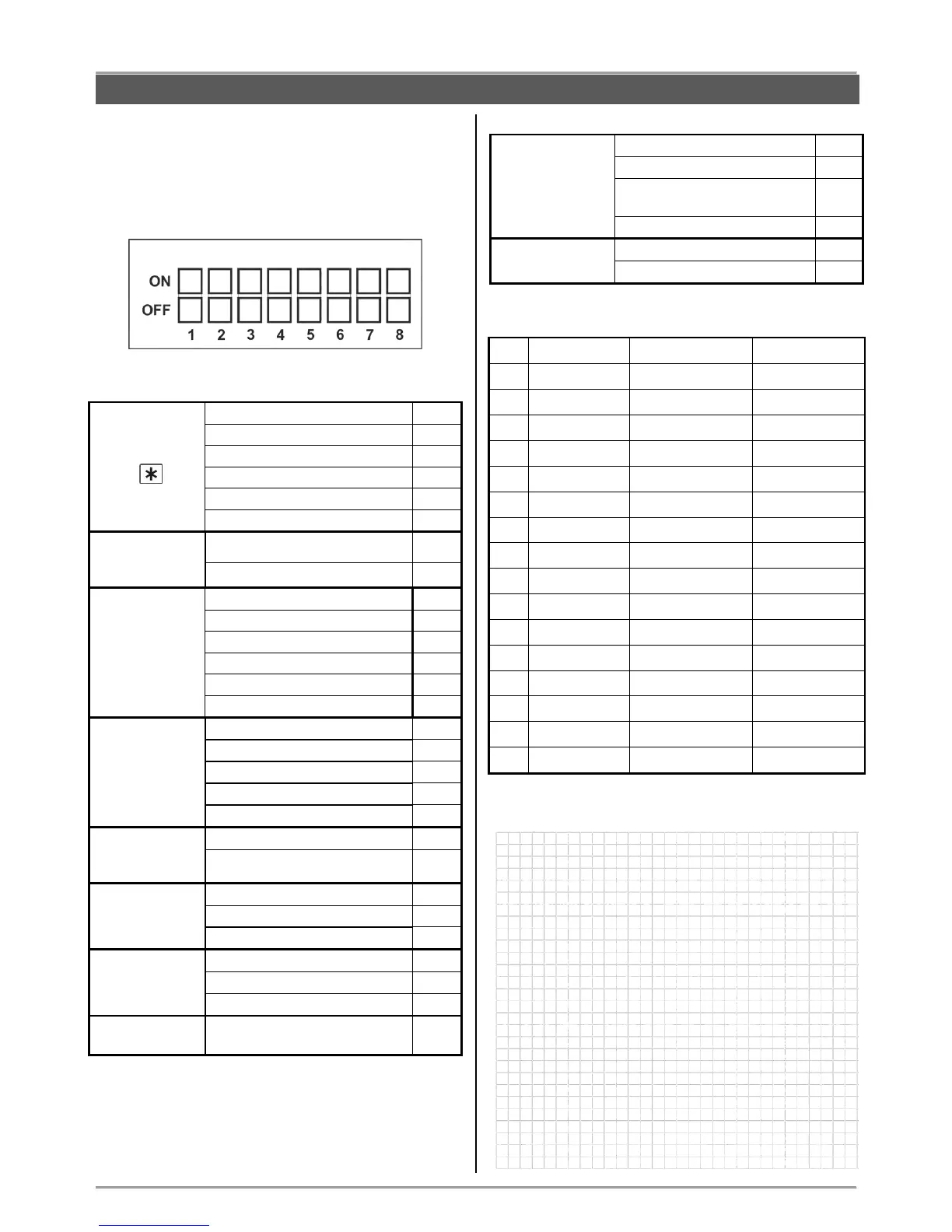
Hardware settings of the dip-switches:
Panel Settings (ProsTE):
Checking the outdoor sounder
Enabled tamper
sound
signalization
Enabled trouble
sound
signalization
Battery low charge - device
Mains power supply 230V loss
Battery low charge - panel
Enabled sounds
from the panel
Signalization for
23
0V loss
Tamper signal
from the panel
To exit when arming, sec.
To entry when disarming, sec.
Disarm code
(……………………………..)
Communication and management:
Communication
modules installed
PSTN digital communicator
PSTN digital communicator
and voice module
Zones (location and names):



 To Next Page