13.2.7. Reviewing Init information
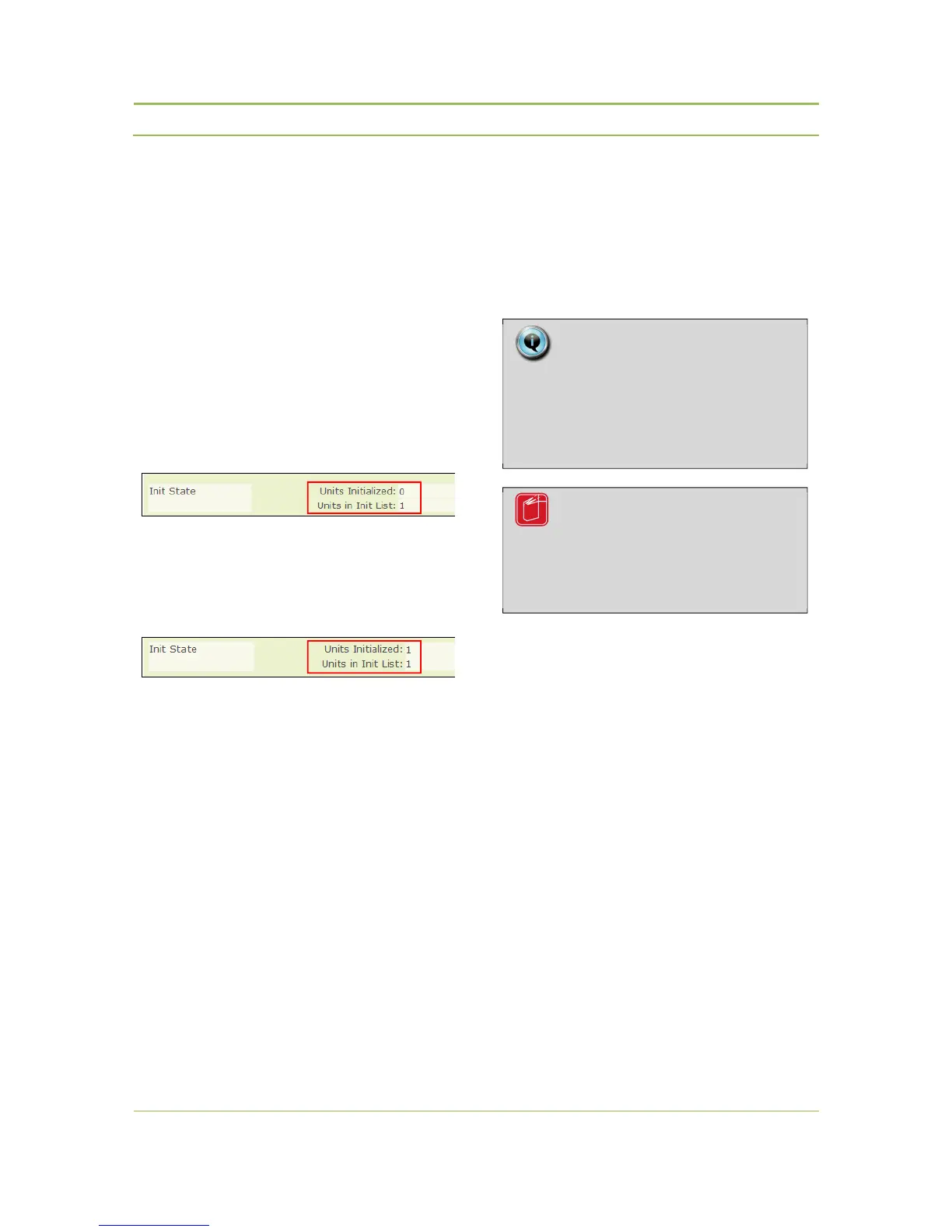
At any time it is possible to see how many units are
known by the system, “Units in Init List”, and to see
which units are actually connected with the WCAP,
“Units Initialized”.
This information is visible in the “Unit Monitoring”
and “Init Units” sub tabs in the “Conference
Management” menu (see Figure 13.2)
Figure 13.5 shows the information on the screen
when 1 unit is listed in the Init List but not connected
with the WCAP:
Figure 13.5: Init example 1
Figure 13.6 shows the information on the screen
when 1 unit is listed in the Init List and this unit is
switched on and connected with the WCAP:
Figure 13.6: Init example 2
13.3. Coupled mode
If the WCAP is used in combination with a wired
central conference unit, e.g. Confidea CU or
TCS5500, then the initialization procedure explained
for that wired unit has to be followed.
Note:
The Init control like displayed in the
web server has no functionality when
the WCAP is coupled with another
wired conference unit.
Reference:
Refer to the manual of the connected
central unit for the initialization
procedure



 To Next Page