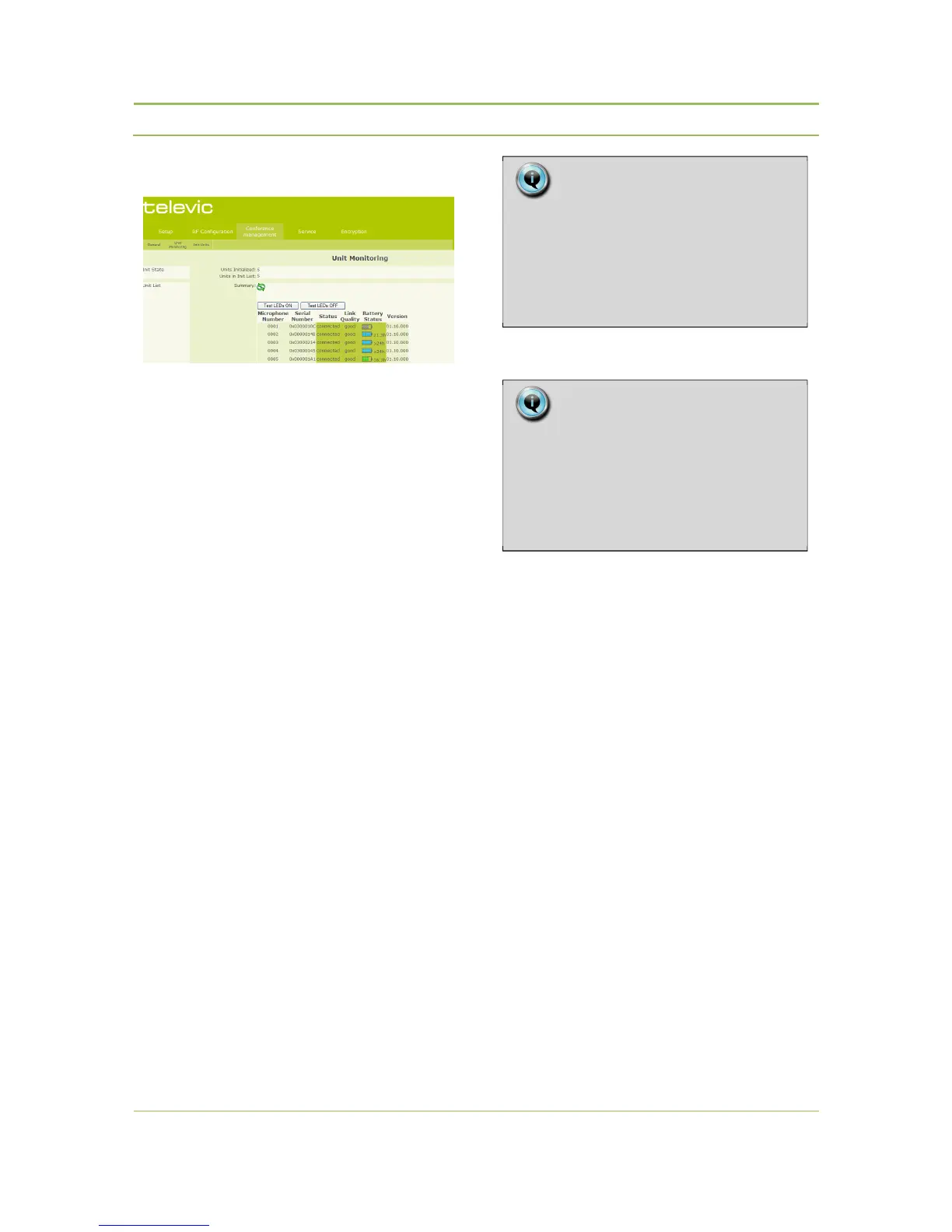
12.3.2. Unit Monitoring
Figure 12: Unit monitoring List
Init State
− Units Initialized: Displays the number of
initialized units currently linked to the system.
− Units in Init List: Displays the total number of
initialized units in the list.
Unit List
In this section a unit summary is displayed.
− Microphone Number:
Displays the microphone number.
− Serial Number:
Displays the unit serial number.
− Status:
Displays the unit status. Units can either be
‘Connected ‘or ‘Disconnected’.
− Link Quality:
Displays an indication of the quality of the radio
link the unit and the Confidea access point. The
quality is expressed as Excellent, Good, Fair and
Low.
− Battery status:
Displays the remaining battery capacity. The
value indicates how many hours the unit can still
be used before the rechargeable battery is
depleted.
− Version
Displays the SW version of the delegate units
12.3.3. Init Units
Init State
− Units Initialized:
Displays the number of initialized units currently
linked to the system.
− Units in Init List:
Displays the total number of initialized units
included in the list
Init
Init Control:
− Open Access:
When the system is set to ‘Open Access’ any
delegate or chairman unit that powers up within
the range of a Confidea Access Point will log
itself on to that access point, and its ID will be
added to the Init List
− Manual:
In manual mode, each units needs to be
initialized manually, by pressing the microphone
button, before it is added to the Init List.
Note:
The information on the unit monitoring
page is not refreshed automatically.
To view the most recent condition of the
system, click the “Refresh Unit Table”
button.
Note:
During the first minutes a unit is switched
on, the battery status is not accurate and
higher values can be displayed. This is
caused by an averaging process and
notby the behavior of the batteries.



 To Next Page