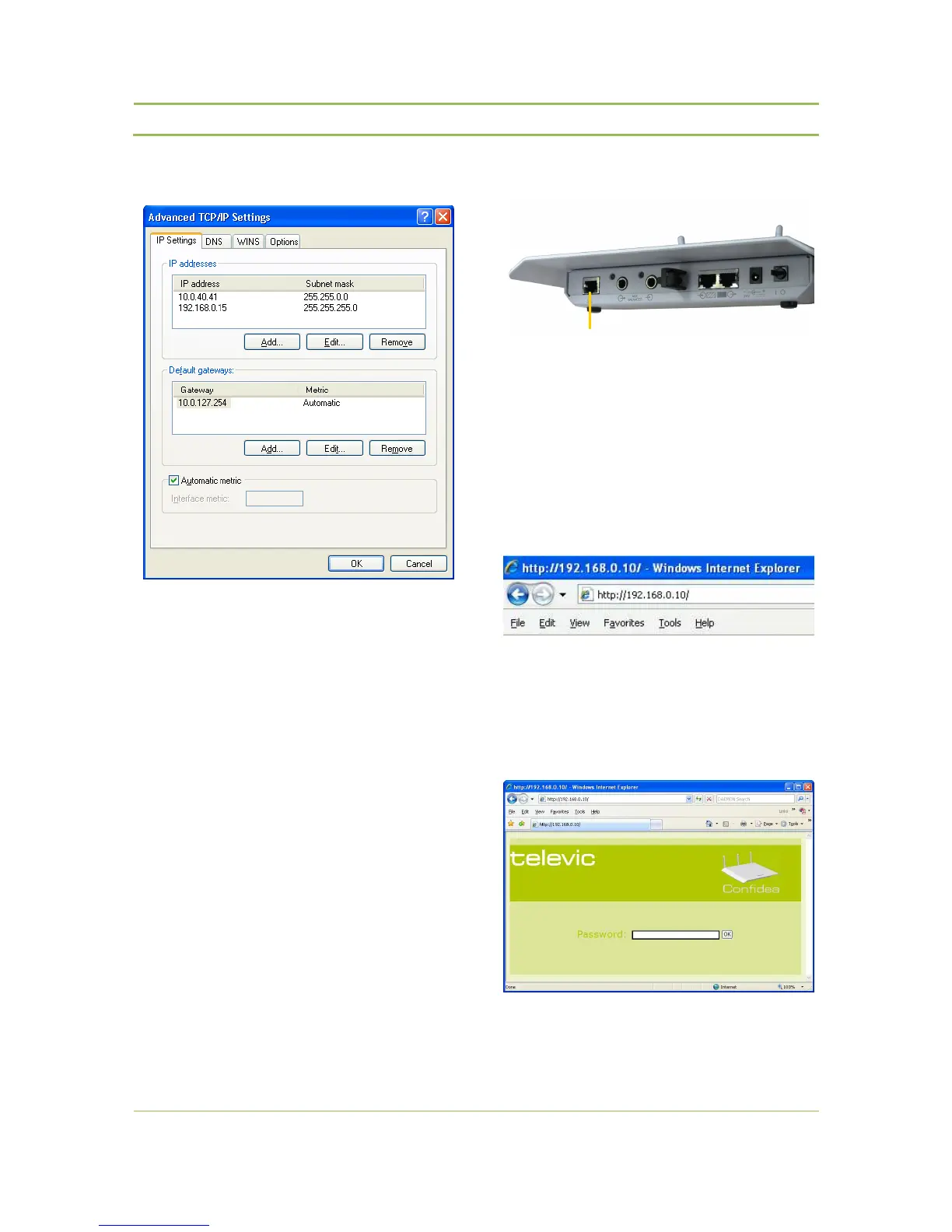
Figure 11.17: Adding IP-Addresses
11.2.3. Step 3 – Cable Setup
Connect your computer (PC or MAC) to the LAN
port using a straight-through patch cable.
11.2.4. Step 4 – Accessing WCAP
Figure 11.14 : Internet Explorer address bar
− Open Internet Explorer or any other browser
(with the computer connected to the WCAP)
− Enter 192.168.0.10 into the Address Bar, push
Enter
Figure 11.15: WCAP password page
− The Default Password is “123”
− Click “OK”



 To Next Page