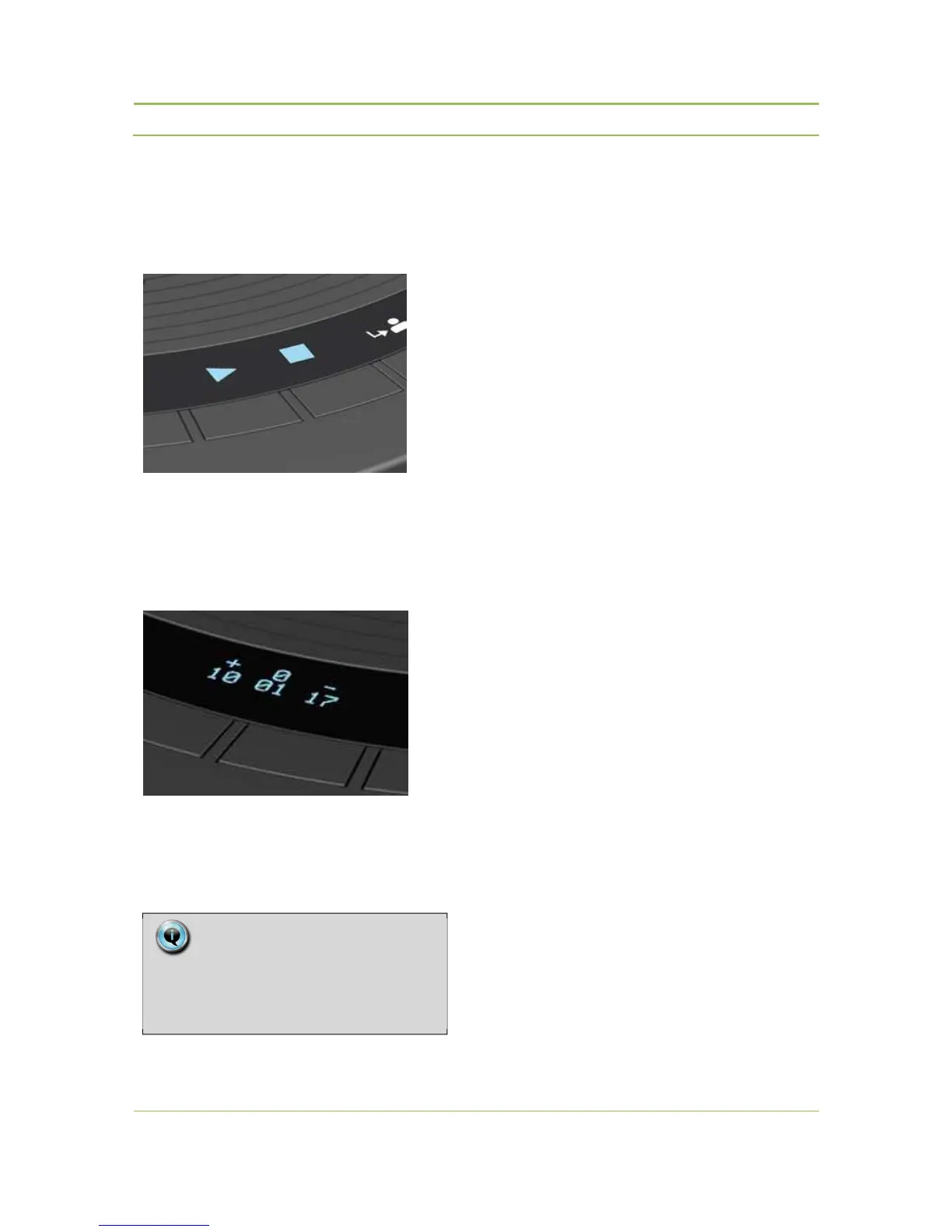
Chairman has control over the voting session. With
the voting session control buttons (see Confidea
Wireless units - Controls and indicators) he can start,
pause or stop a voting session.
Figure 16.3: Voting control buttons
After pressing the stop button, the voting session is
terminated and the results are distributed to the
information display of all registered Confidea WDUs.
Figure 16.4: Voting information display
Pressing the stop button a second time clears the
voting results.
Note:
The voting results are not stored in a file
in this setup. In case there is a need see
use case CE2500 or CPU5500



 To Next Page