52
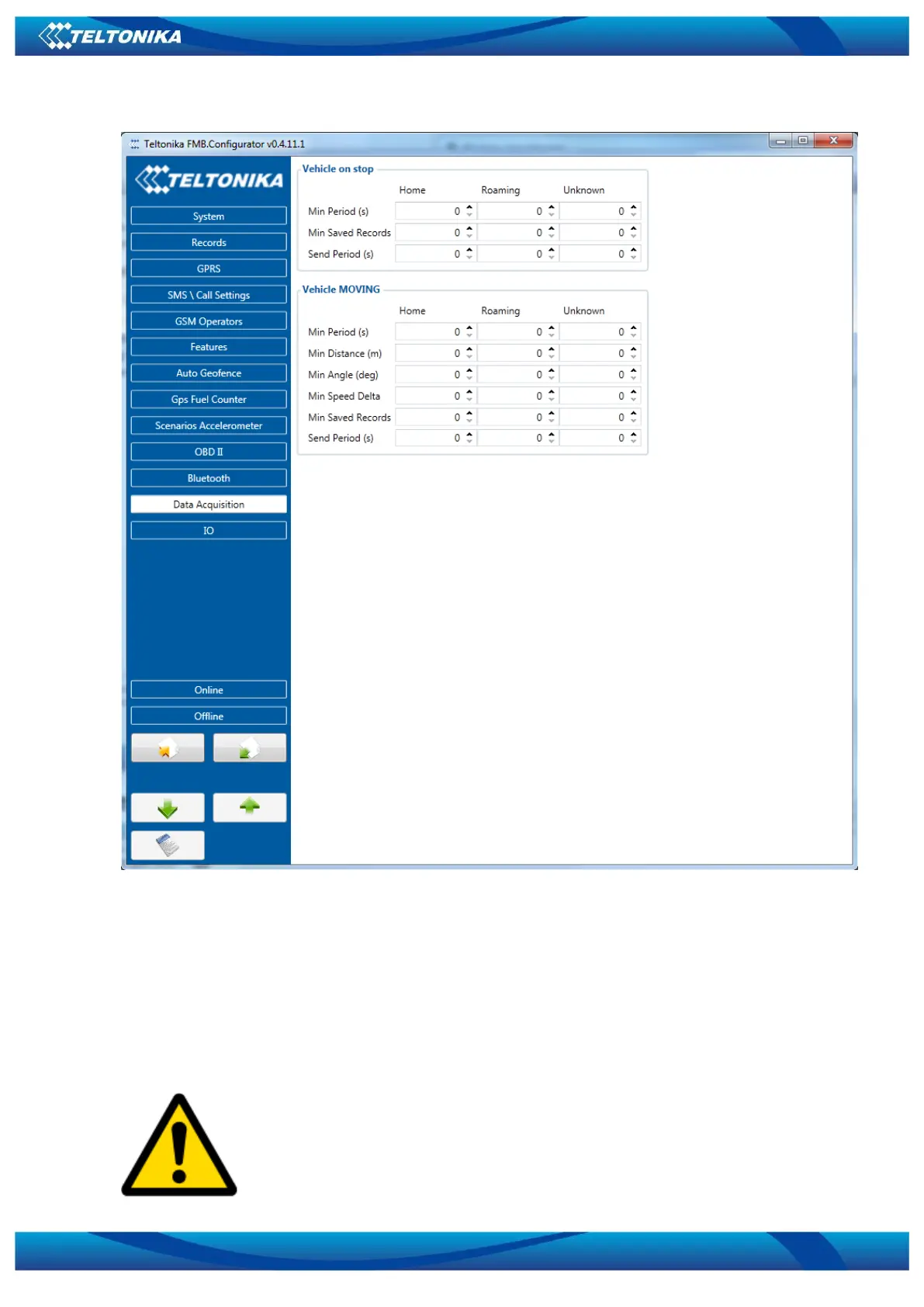
Figure 15 Data Acquisition Mode configuration
‘Min Saved Records’ defines minimum number of coordinates and I/O data that should be
transferred with one connection to server. If FMB010 does not have enough coordinates to send
to server, it will check again after time interval defined in ‘Sending Period’.
Send period – GPRS data sending to server period. Module makes attempts to send
collected data to server every defined period. If it does not have enough records (depends on
parameter Min. Saved Records described above), it tries again after defined time interval.
Note: Keep in mind that FMB010 operates in GMT: 0 time zone, without
daylight saving.



 To Next Page