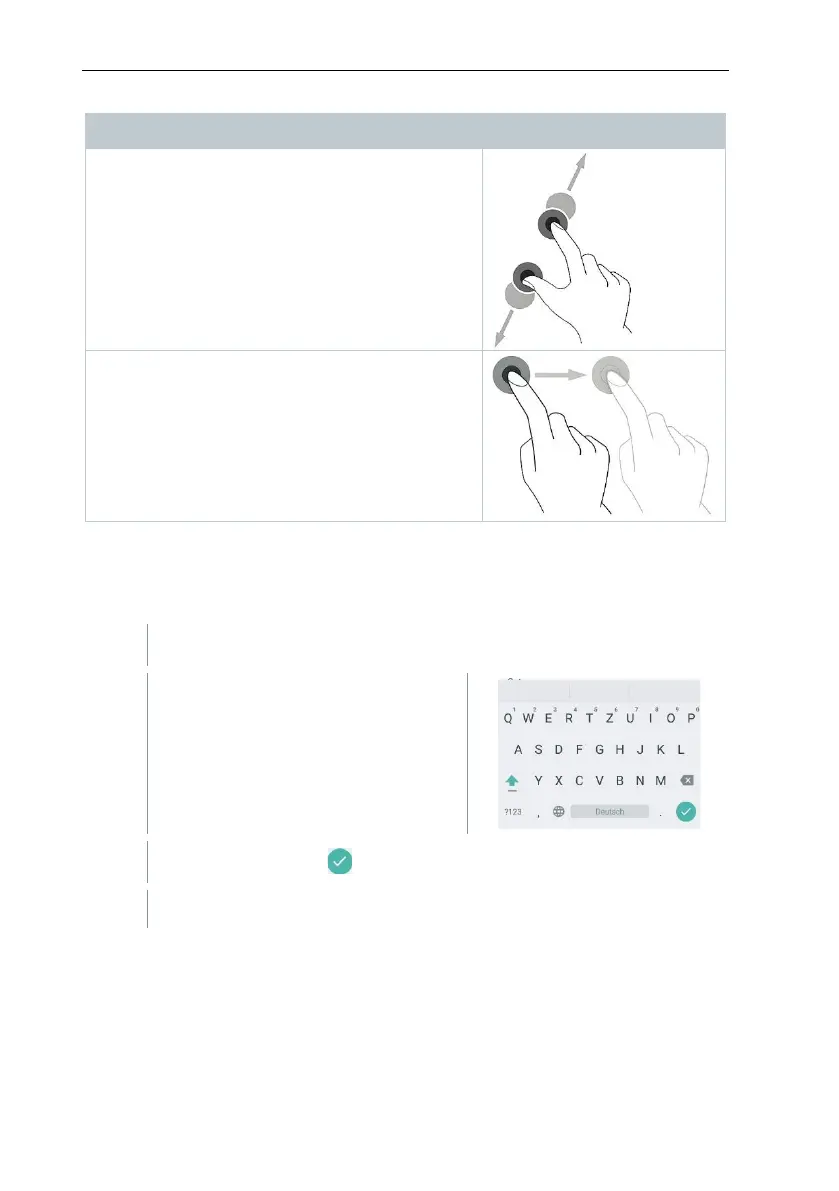
Zooming
In order to make a section of the display larger
or smaller, touch the display with two fingers
and move them apart or together.
Dragging
You can move an element by touching it,
holding it and dragging it to the required
position.
Example: Changing the display sequence of the
measurement parameters.
12.4 Keypad
Some functions require values (figures, numerical value, unit, characters) to be
entered. The values are entered via a keypad.
Input field is enabled (flashing cursor)
Enter value: tap the required value
on the display (figures, numerical
value, unit, characters).
Repeat steps as required.



 To Next Page