13 Using the product
44
Further entries via button
Enter network name using the keypad, set security
standard and if necessary enter further options.
Save entry.
Display of saved networks.
Updating the display of available networks.
Further Wireless LAN settings are displayed.
The Wireless LAN is disabled in standby mode and enabled again once
you quit standby mode. The enabling process may take a few seconds.
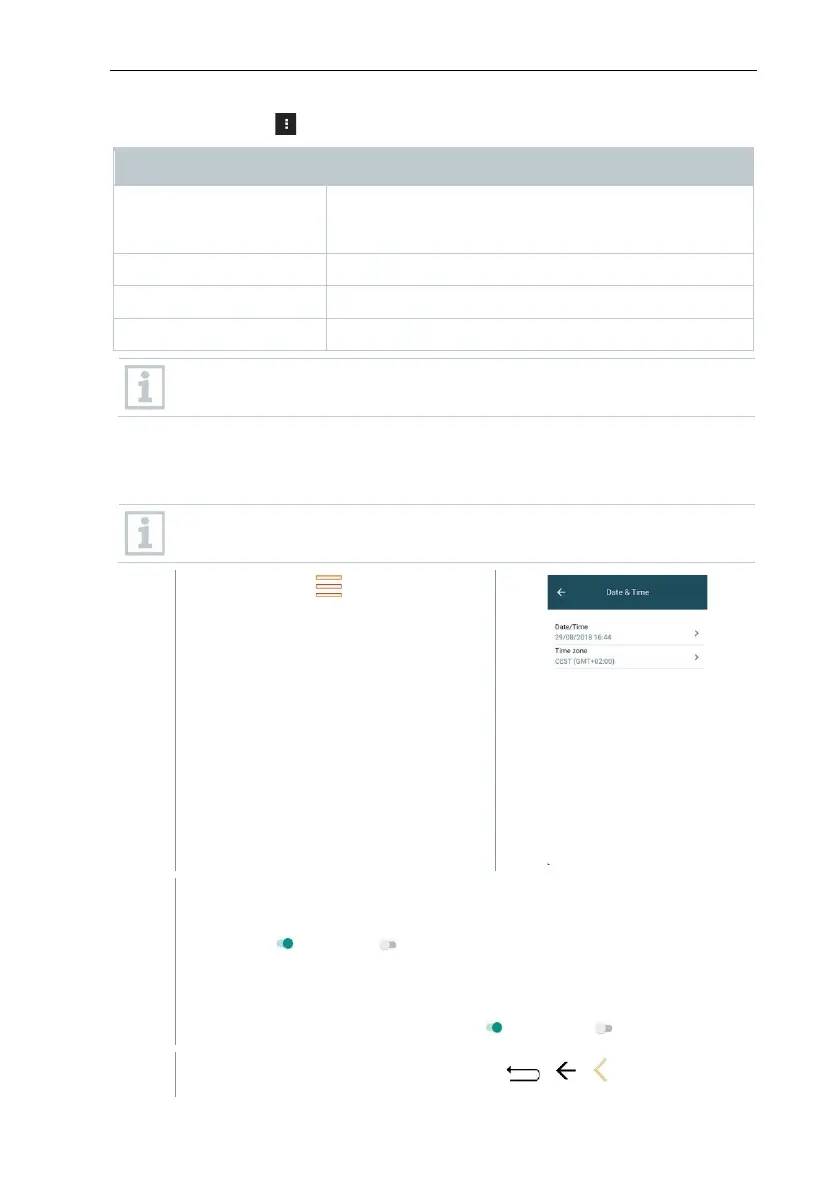
13.2.6.3 Date/Time
You can set the date, time and time zone in the Date/Time menu. You can
choose between the 24 hr or AM/PM formats for the time.
If the Wireless LAN has already been enabled, the Date/Time provided
by the network is automatically set.
Call up function: | Device
Settings | Date/Time.
Various setting options are displayed. Depending on your
requirements, you can
• Enable ( ) / disable( ) selection fields by tapping
• Open other selection fields
• Enter parameters using the keypad
• Set 24 hr or AM/PM format: 24 hr ( ) / AM/PM ( )
Back to the Device Settings menu: Tap | | .



 To Next Page