The notification will appear again upon the next connection.
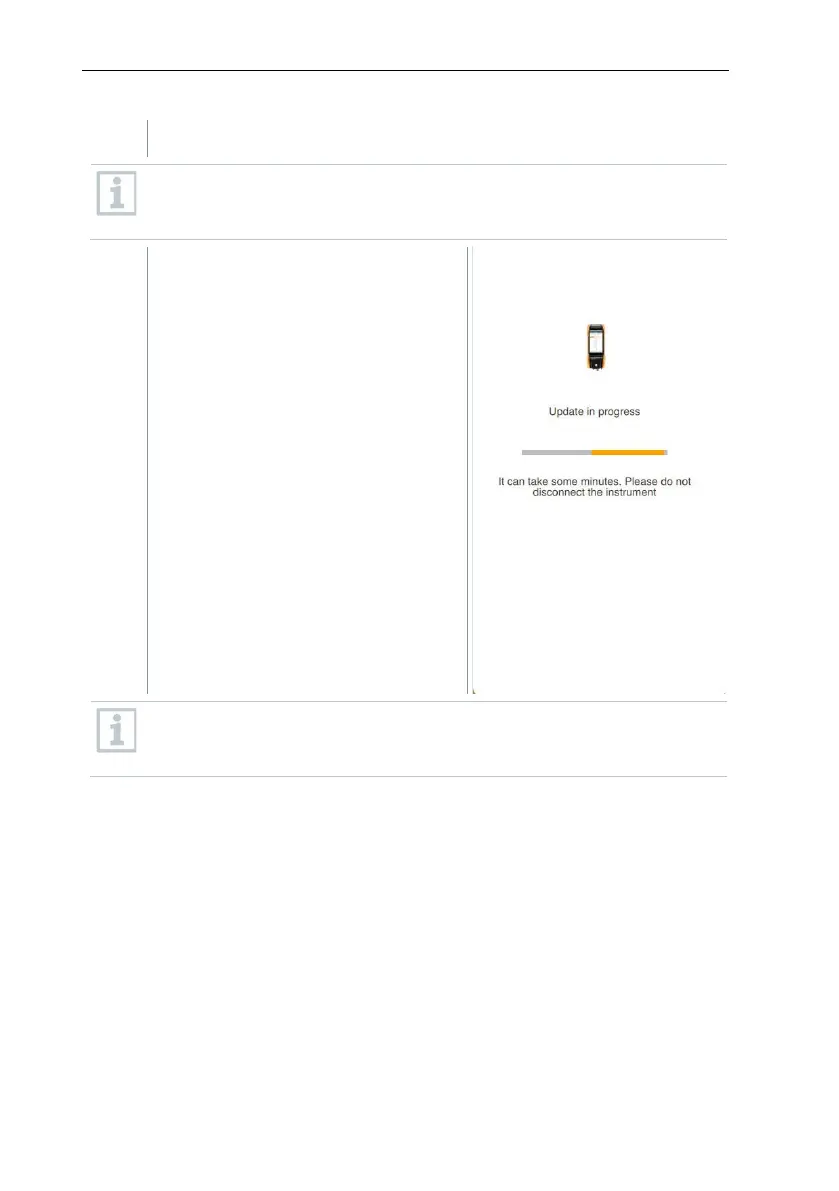
The Bluetooth connection must not be interrupted during the instrument
update. The update must be carried out completely and takes approx. 5
to 10 minutes depending on the smartphone used.
After the update, the measuring
instrument will reboot. The firmware
can be checked in the instrument
menu or via the app. It is
recommended to restart the testo
Smart App after performing the
instrument update.
For wireless firmware updates, a battery power of >10% must be
ensured on the measuring instrument for an update to be carried out
completely.



 To Next Page