7 Product description
10
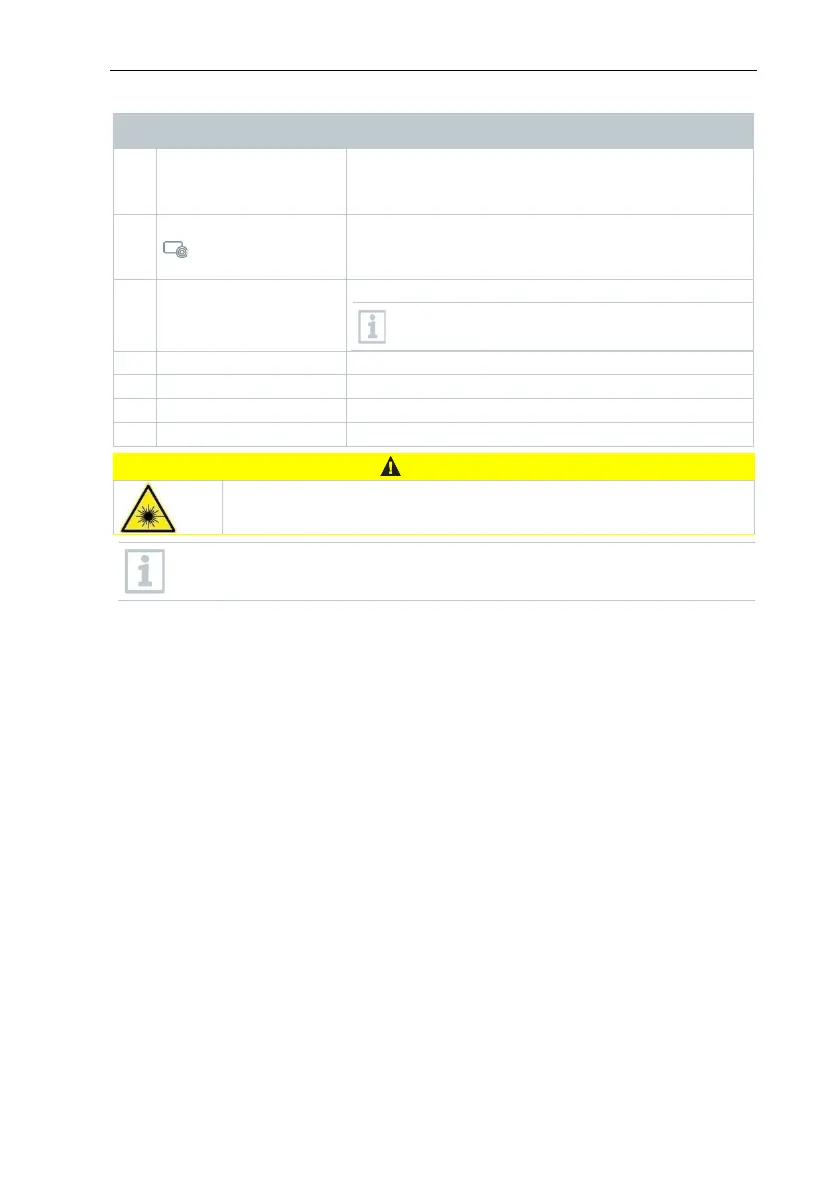
Element Function
- Open menu, select function, confirm setting
- Navigate within the menu, highlight function,
Opens the function assigned to the quick select
button; the icon for the selected function is
protective cap
Takes infrared images; protects the lens
Lens is interchangeable
Marking of the measuring point
Saves the displayed image
Contains the rechargeable battery
Laser radiation! Class 2 laser
- Do not look into the laser beam
Laser can be activated with the Remote function, also via smartphone
or tablet.



 To Next Page