11 Performing the measurement
35
o Move the joystick to the right (or via touchscreen) -> select
measuring point B -> press OK -
> move the measuring point to
the live image using the joystick -> press OK.
o End measurement: Move the joystick to the right (or via
touchscreen), and confirm with .
o Move the joystick to the right (or via touchscreen) -> select
measuring point A -> press OK -
> move the measuring point to
the live image using the joystick -> press OK.
o End measurement: Move the joystick to the right (or via
touchscreen), and confirm with .
o Move the joystick to the right (or via touchscreen) -> select
measuring point A -> press OK -
> move the measuring point to
the live image using the joystick -> press OK.
o Move the joystick to the right (or via touchscreen), set the
value manually.
o End measurement: Move the joystick to the right (or via
touchscreen), and confirm with .
o Move the joystick to the right (or via touchscreen) -> select
measuring point A -> press OK -
> move the measuring point to
the live image using the joystick -> press OK.
o Move the joystick to the right (or via touchscreen), set the
value manually.
o End measurement: Move the joystick to the right (or via
touchscreen), and confirm with .
11.2.4 External values
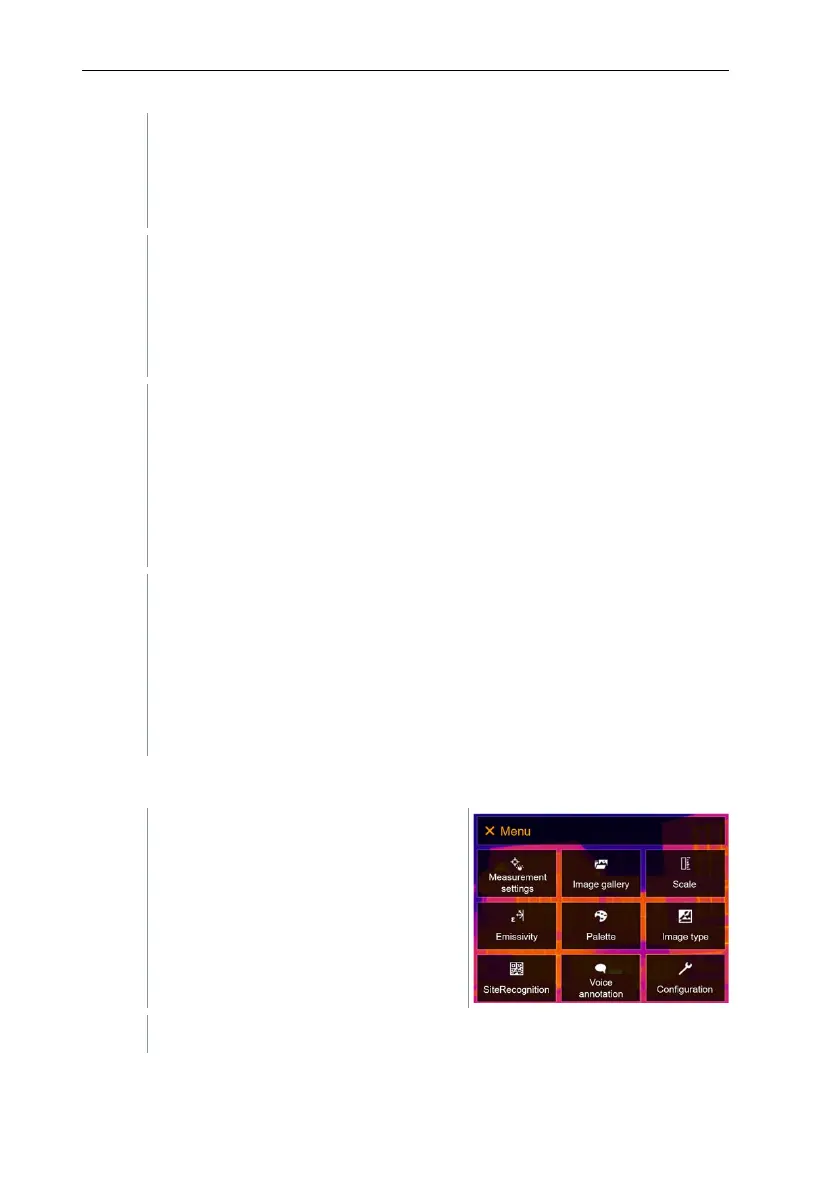
Select Measurement settings (joystick or touchscreen).



 To Next Page