11 Performing the measurement
56
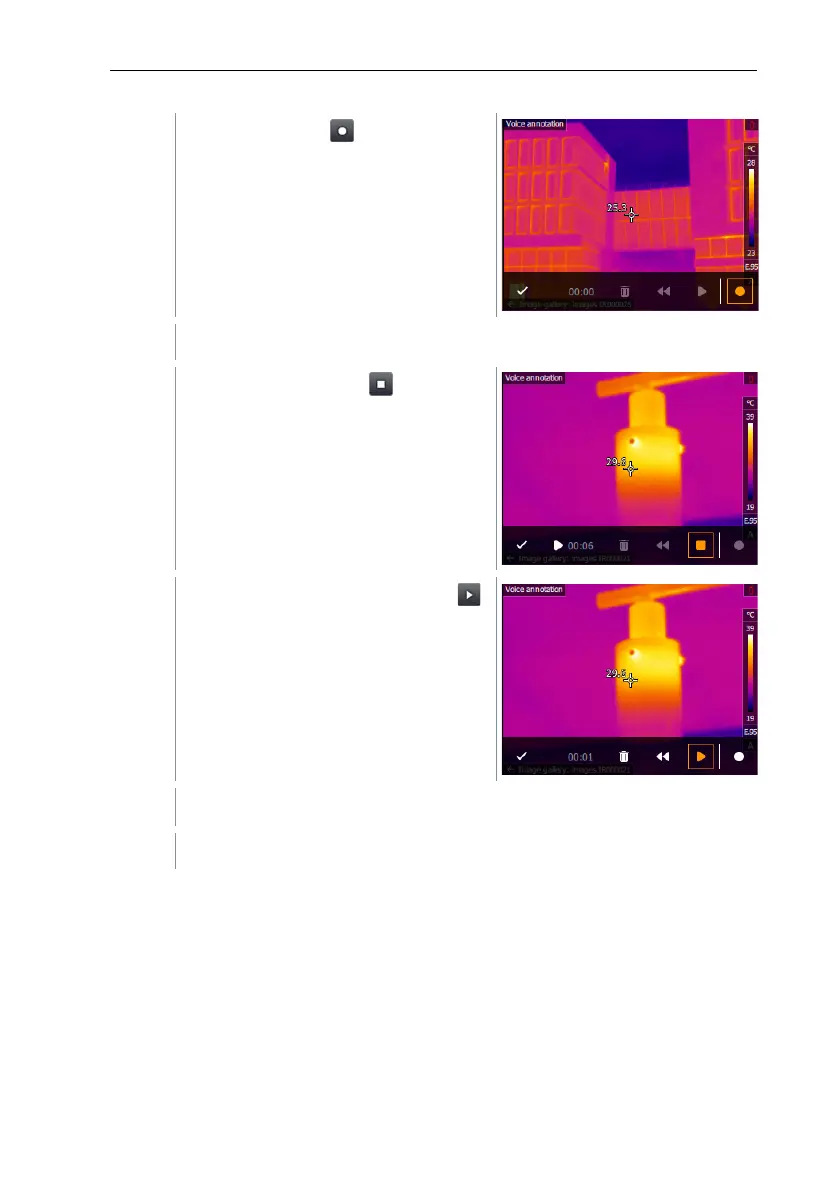
Click on recording .
Recording timer starts running.
Click on stop recording .
The recording can be played back ,
rewound or deleted.
Press to confirm the recording.
The voice annotation is stored in the image.
11.10 Configuration
11.10.1 Settings
Country settings
The user interface language can be set.



 To Next Page