11 Performing the measurement
68
11.10.7 Quick select button
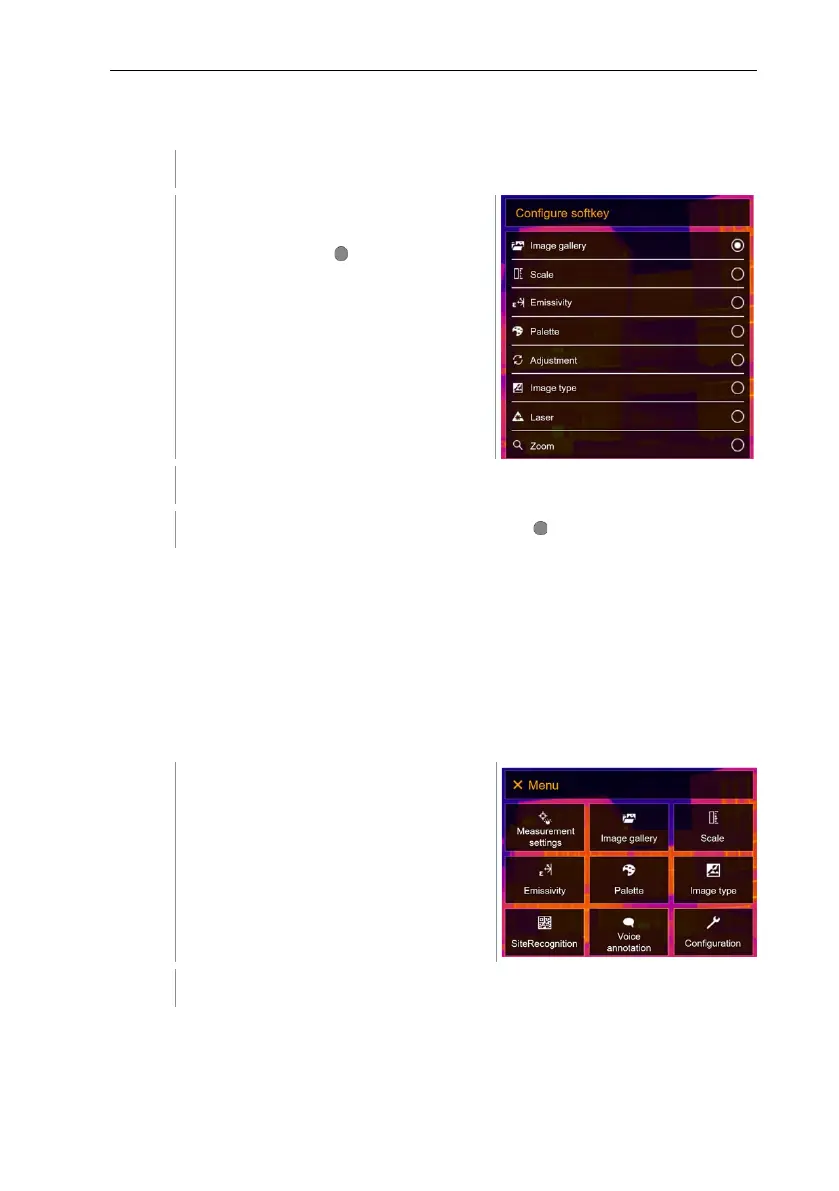
Move the joystick to the right.
The Configure key selection menu
opens. The activated function is
marked with a dot ( ).
Select the required menu item (joystick or touchscreen).
The activated function is marked with a dot ( ).
11.10.8 Ambient conditions
Measurement deviations arising due to high humidity or large distances to the
object to be measured can be corrected. Correction parameters must be
entered for this.
If the camera is connected to an optional humidity radio probe, the ambient
temperature and humidity are transferred automatically.
Values for ambient temperature (Temperature) and ambient humidity (Humidity)
can be set manually.
Select Configuration (joystick or touchscreen).



 To Next Page