11 Performing the measurement
64
Add a date/time stamp to a JPEG file if required. Turn function on or off
for this.
11.10.4 Connectivity
Enable/disable WLAN or Bluetooth
®
.
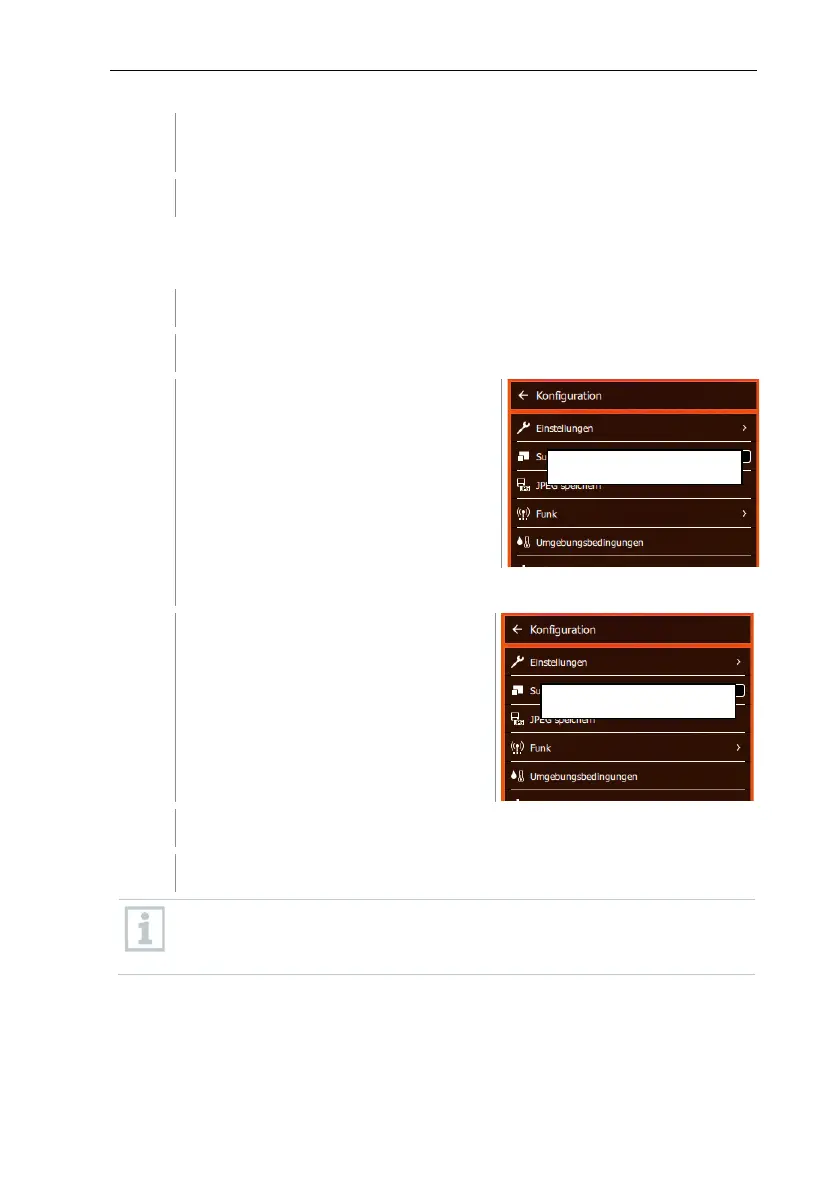
Select Configuration (joystick or touchscreen).
Configuration opens.
Select Connectivity (joystick or touchscreen).
Connectivity opens.
Select WLAN or Bluetooth and press OK
Press Esc to cancel the process.
If there is an active Bluetooth connection and a WLAN connection is
activated in addition, the Bluetooth data transfer is continued. However,
it is not possible to establish a new connection to a humidity probe.



 To Next Page