11 Performing the measurement
65
11.10.5 Protective glass
Mounting the IR protective glass
Place the protective glass (with black mount) attached to the red
mounting ring onto the lens and turn the mounting ring clockwise until
Remove the red mounting ring from the protection glass.
Removing the IR protective glass
Attach the red mounting ring to the protection glass.
Turn the mounting ring anti-clockwise and remove the protective
glass.
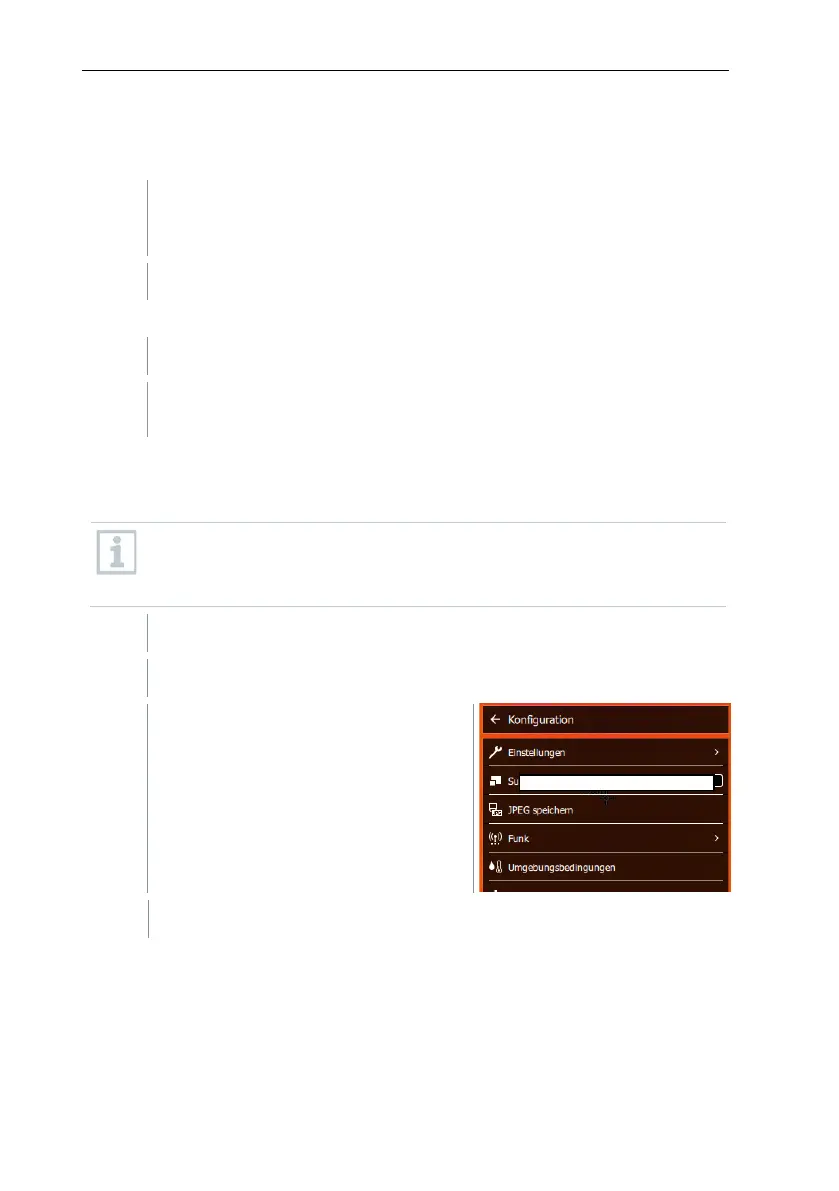
Enable/disable protective glass option
Use the Protective glass option to select whether or not to use an IR protective
glass.
Ensure the correct setting to prevent corruption of the measurement
results.
If this option is set incorrectly, the specified measuring accuracy is not
Select Configuration (joystick or touchscreen).
Configuration opens.
Select Protective glass (joystick or touchscreen).



 To Next Page