11 Performing the measurement
37
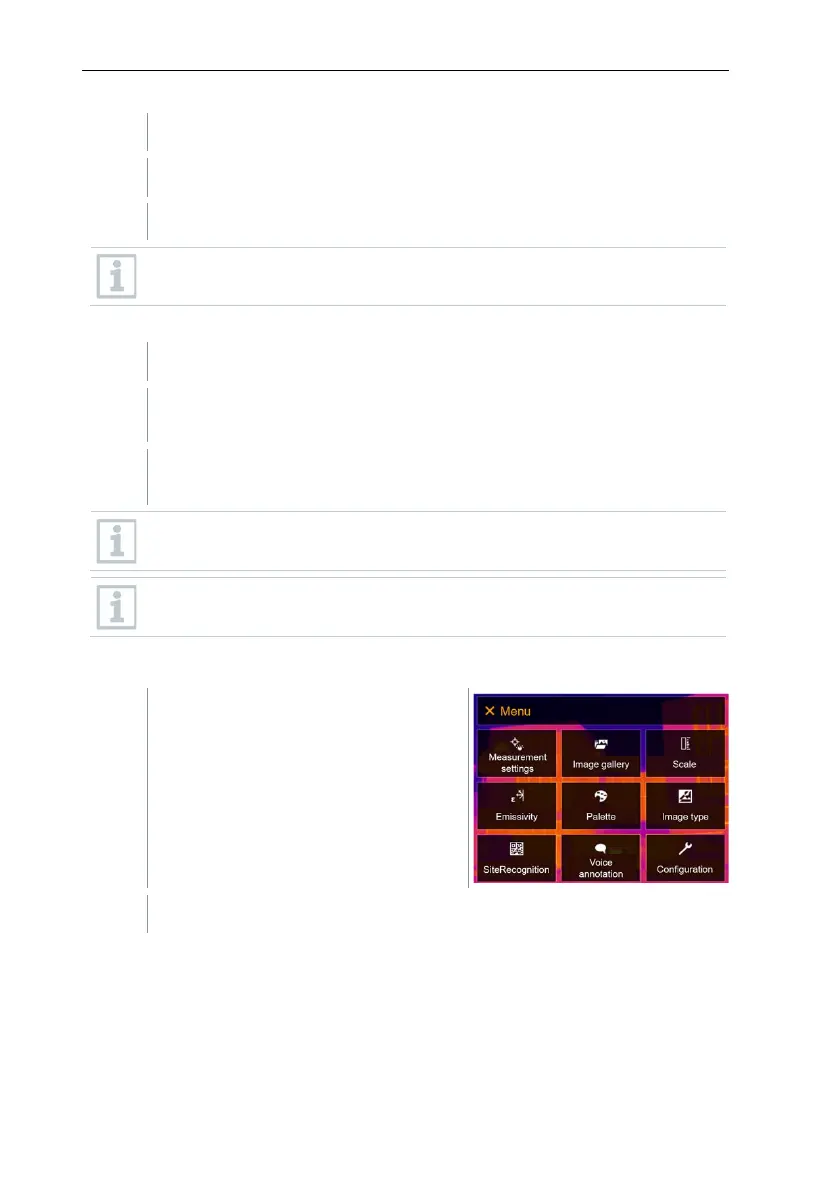
Select SiteRecognition function (joystick or touchscreen).
The real image is displayed and a position frame is shown.
To quickly change the measuring locations, SiteRecognition can be
assigned to the quick select button.
Enter measuring site marker
Position the imager so that the marker is inside the position frame.
After recognition of the marker ID: confirm transfer of measuring site
data.
The thermographic image that is taken next is assigned to the
measuring location.
Several images can be saved for the same measuring location.
To exit the measuring location, press Esc or touch the bottom left
corner. Run SiteRecognition again.
11.2.6 IFOV
Select Measurement settings (joystick or touchscreen).



 To Next Page