11 Performing the measurement
36
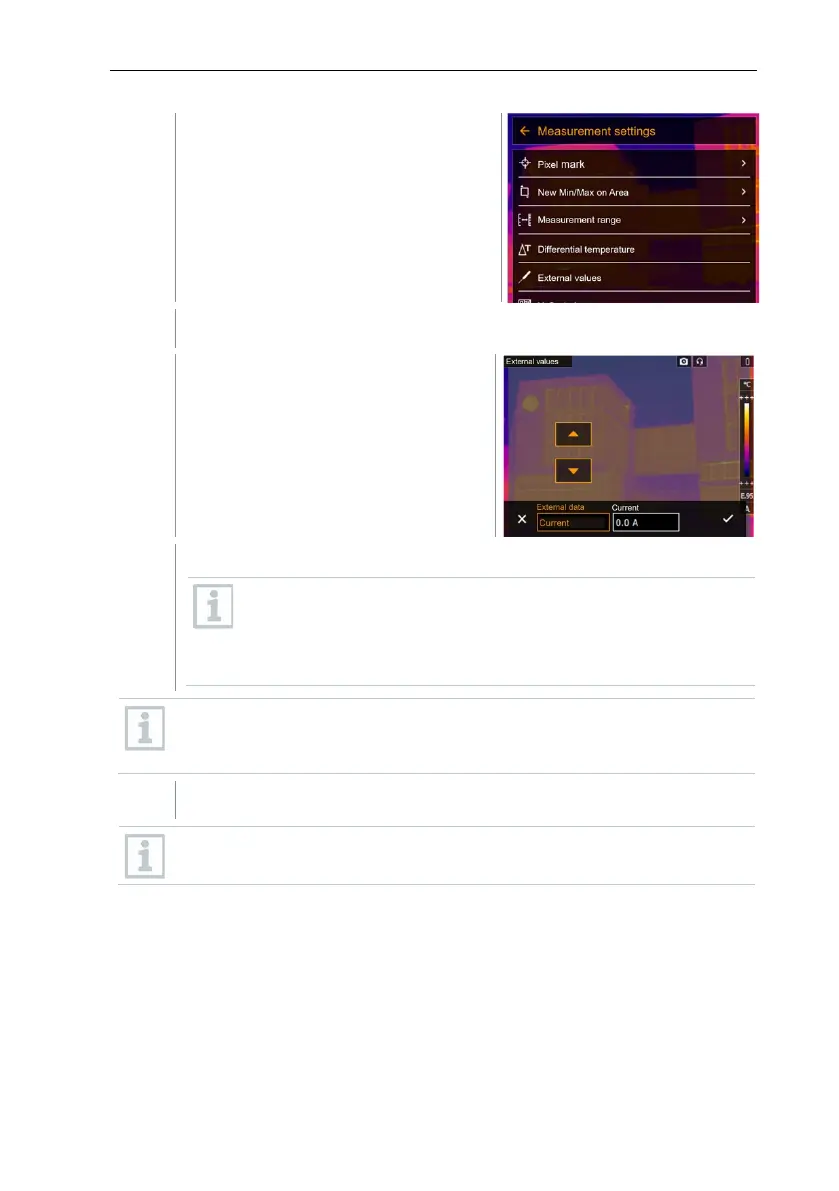
Measurement settings opens.
Select External values (joystick or touchscreen).
External values opens.
Activate humidity, current, voltage, solar or power.
If no radio probe
is connected, values must be entered
manually.
If a radio probe is connected, values are transferred
automatically.
The probe or the radio link to the probe must be activated in the
Configuration -> Connectivity menu. See Section 11.10.4
Connectivity.
Values for current, voltage and power can be transferred from the
testo 770-3 clamp meter.
11.2.5 SiteRecognition
With the PC software testo IRSoft QR Codes, markers can be set to clearly
identify a measuring location. By setting a marker with the built-in digital imager,
the images, which are then saved, are automatically allocated to the relevant
site (allocation is saved with this image). For the creation of markers,
transferring of measuring site data to the imager and copying of images to the
PC software, see instruction manual for the PC software.



 To Next Page