11 Performing the measurement
55
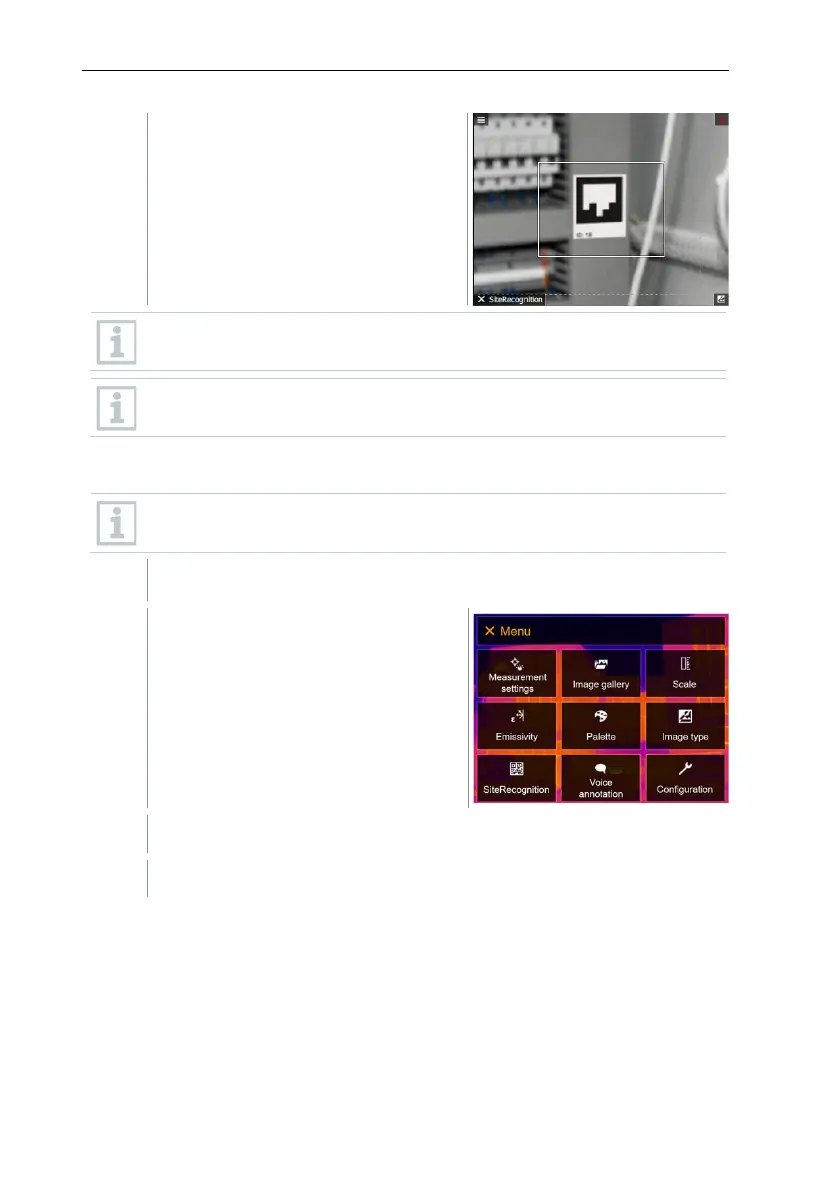
The thermographic image that is
taken next is assigned to the
measuring location.
Several images can be saved for the same measuring location.
To exit the measuring location, press Esc or touch the bottom left
corner. Run SiteRecognition again.
11.9 Voice annotation
Voice annotation can only be used when an image is active on the
display.
An image has just been created or selected from the image gallery.
Select Voice annotation (joystick or touchscreen).
Voice annotation opens.



 To Next Page