11 Performing the measurement
42
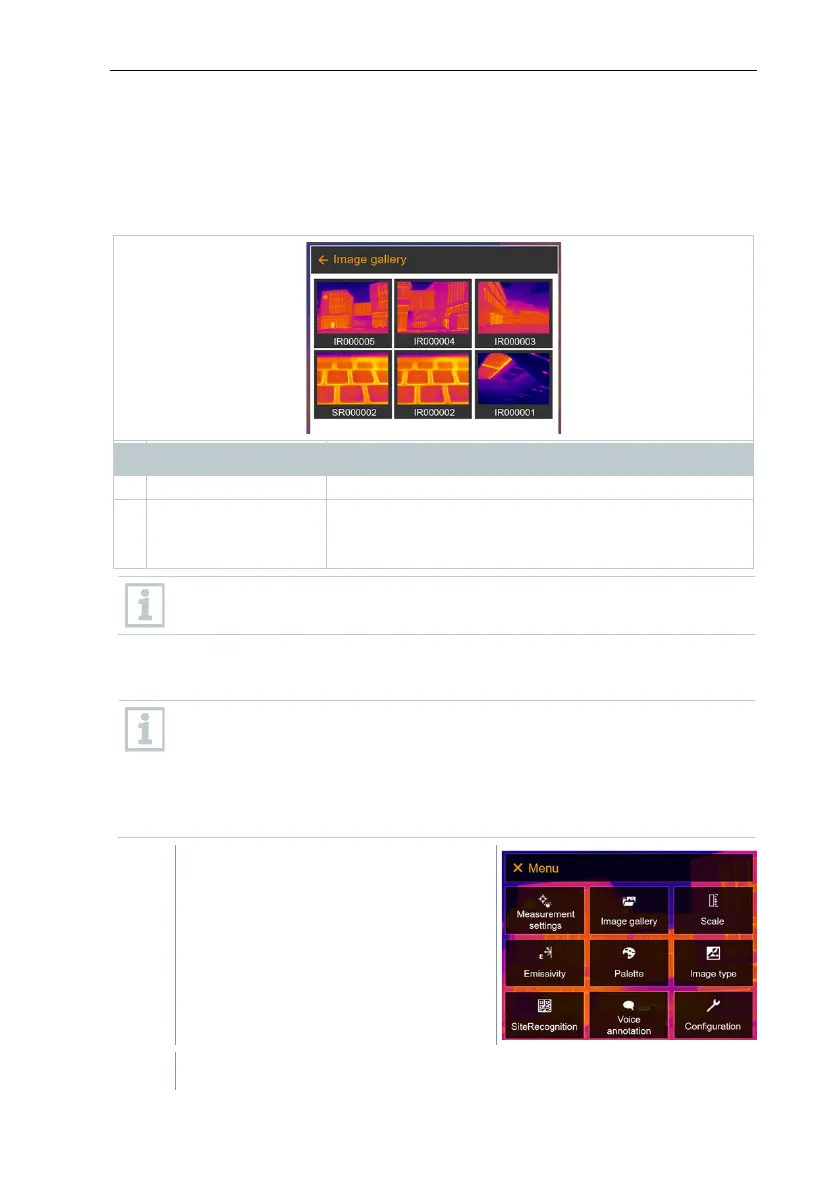
11.3 Image gallery
Saved images can be displayed, analyzed or deleted. You can listen to and also
record a voice annotation subsequently or do it again.
File name
Element Function
000000
Infrared image with attached real image
Consecutive number
Images captured with SuperResolution
File names can be changed via the PC (not in the imager), e.g. in
Windows Explorer.
Displaying a saved image
Saved images can be viewed and analyzed in the image gallery.
When SuperResolution is enabled, 2 images are saved in the image
gallery (an IR image, and an SR image). The high-resolution
SuperResolution image is saved in the background. In the status bar,
the number of SuperResolution images to be saved is displayed (for
example: SR(1) ). A maximum 5 SuperResolution images can be
processed simultaneously.
Select Image gallery (joystick or touchscreen).



 To Next Page