11 Performing the measurement
52
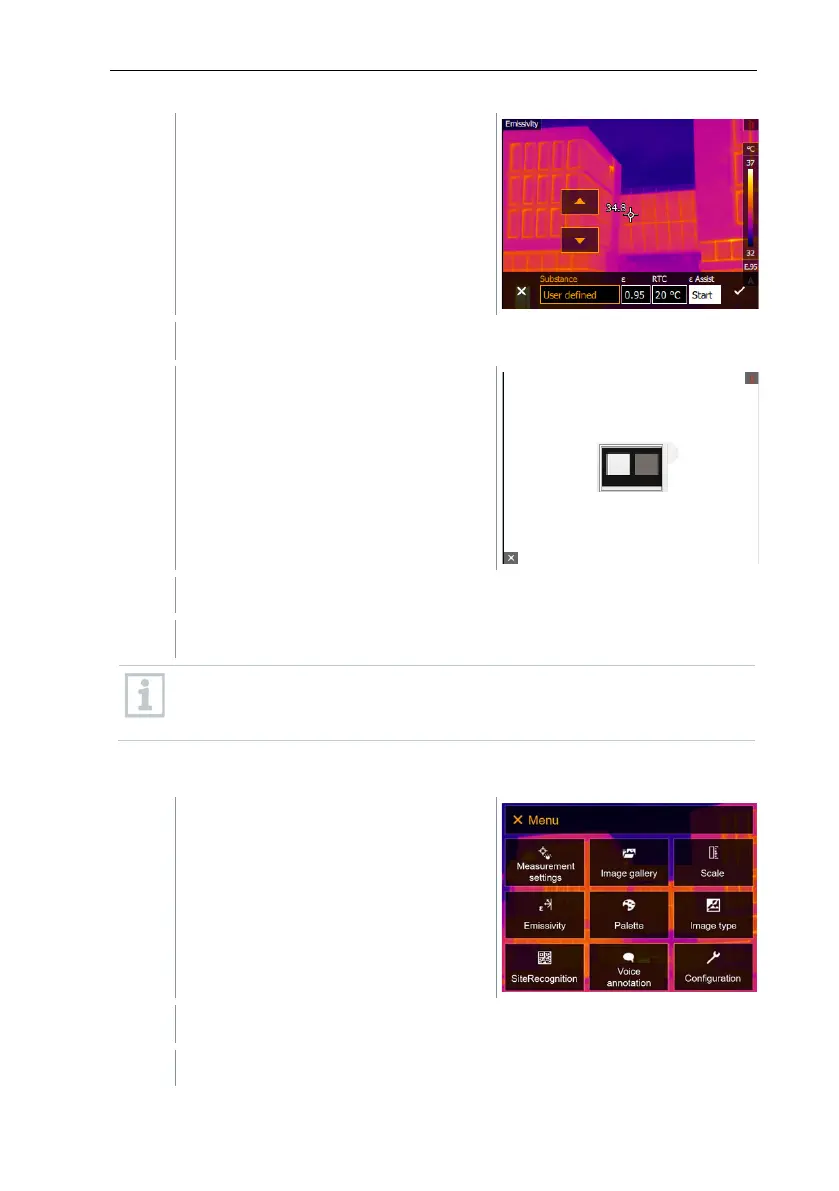
Attach the ε-marker to the object.
RTC and emissivity are automatically adjusted.
Confirm selection with or exit the menu with X.
If it is not physically possible to determine the emissivity due to the
same object temperature and reflected temperature, the input field
opens again. The emission value must be input manually.
11.6 Palette
Select Palette (joystick or touchscreen).
Palette opens.



 To Next Page