1 About this document
7
1 About this document
• The instruction manual is an integral part of the instrument.
• Keep this documentation to hand so that you can refer to it when necessary.
• Always use the complete original instruction manual.
• Please read this instruction manual through carefully and familiarize yourself
with the product before putting it to use.
• Hand this instruction manual on to any subsequent users of the product.
• Pay particular attention to the safety instructions and warning advice in order
to prevent injury and damage to the product.
• Familiarity with a PC as well as the Microsoft
®
products is assumed in this
documentation.
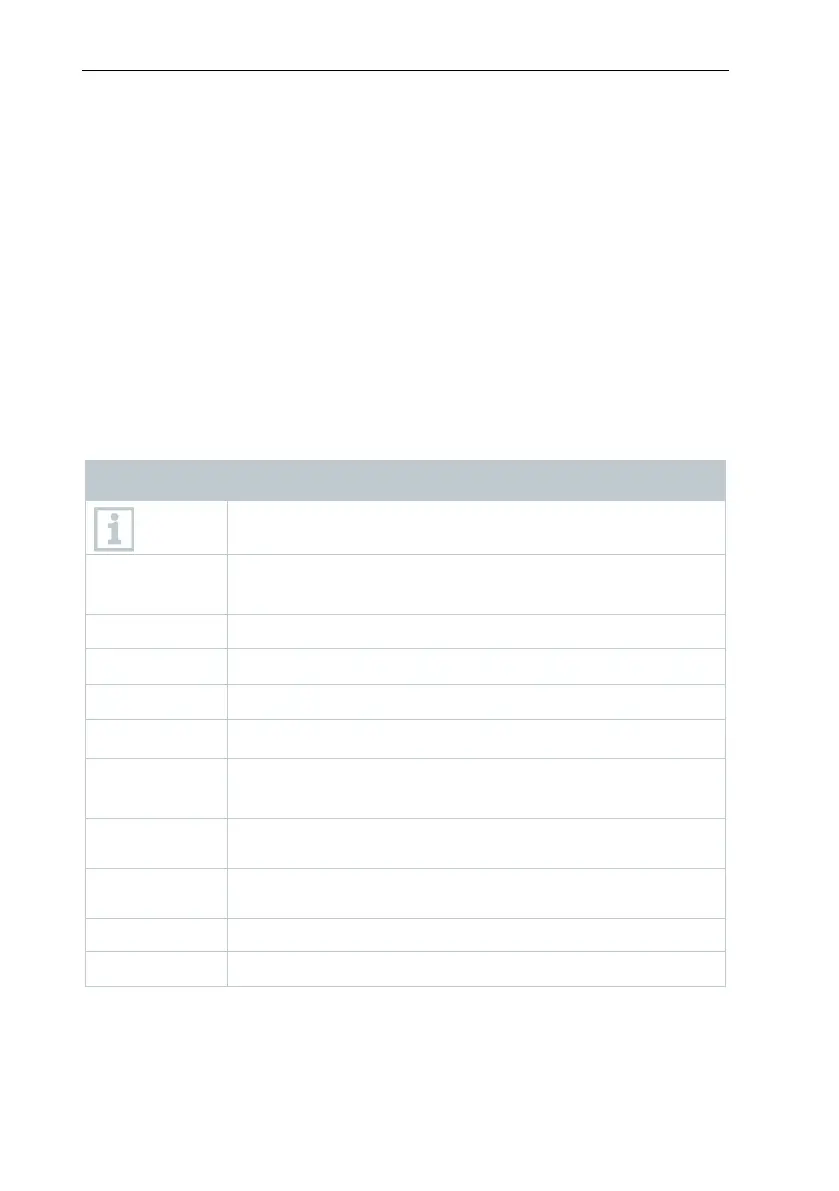
Symbols and writing standards
Display Explanation
Note: basic or further information.
1. ...
2. ...
Action: several steps, the sequence must be followed.
> ...
Action: one step or optional step.
- ...
1...
2...
Position numbers for the clarification of the relationship
between text and picture.
Menu
Elements of the instrument, the instrument display or the
program interface.
[OK]
Control keys of the instrument or buttons of the program
interface.
Functions/paths within a menu.
“...” Example entries
2 Safety and disposal
Take the testo information document into account (accompanies the product).



 To Next Page