11 Performing the measurement
54
11.8 SiteRecognition
With the PC software testo IRSoft QR Codes, markers can be set to clearly
identify a measuring location. By setting a marker with the built-in digital imager,
the images, which are then saved, are automatically allocated to the relevant
site (allocation is saved with this image). For the creation of markers,
transferring of measuring site data to the imager and copying of images to the
PC software, see instruction manual for the PC software.
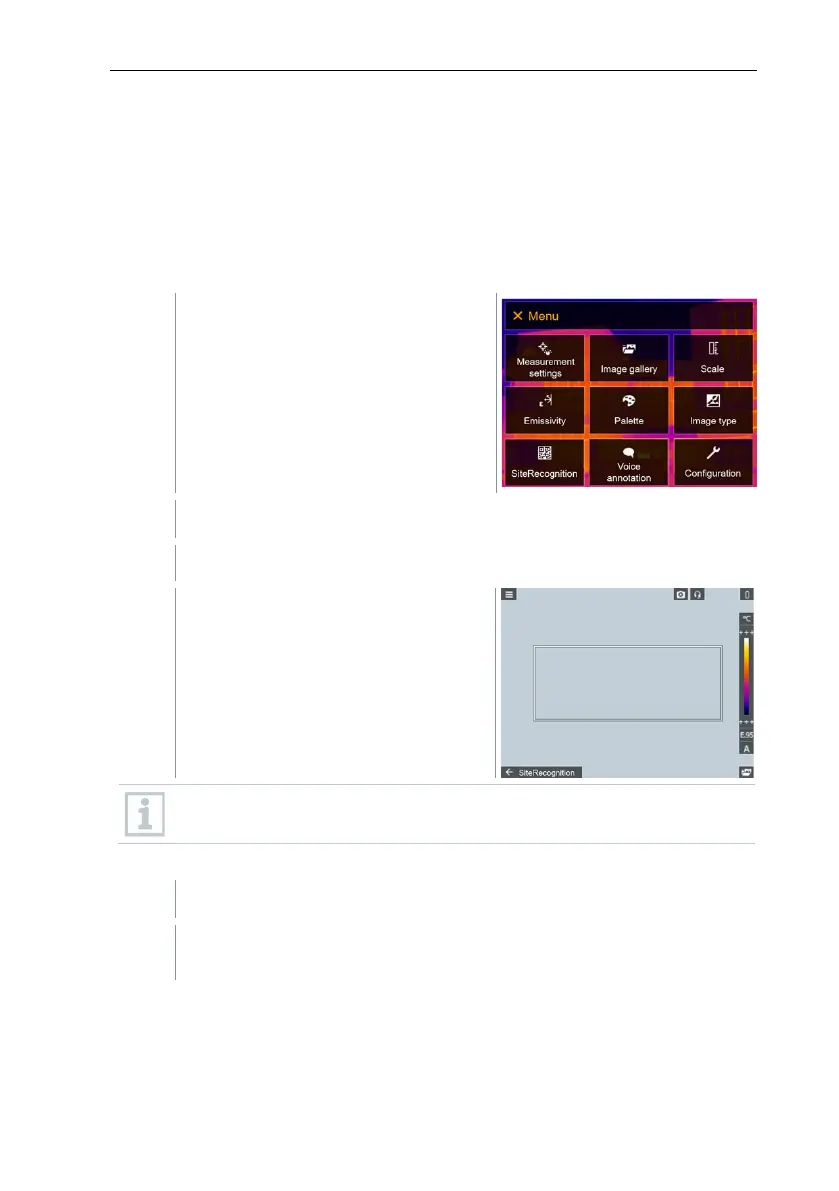
Select SiteRecognition (joystick or touchscreen).
SiteRecognition opens.
The real image is displayed and a
position frame is shown.
To quickly change the measuring locations, SiteRecognition can be
assigned to the quick select button.
Enter measuring site marker
Position the imager so that the marker is inside the position frame.
After recognition of the marker ID: confirm transfer of measuring site
data.



 To Next Page