8 Commissioning
20
Using the quick select button
The function assigned to the quick select button is carried out.
8.7 Changing the lens
Only lenses that have been adjusted to the respective thermal imager can be
used. The serial number on the lens must match the serial number displayed in
the imager, .
The lens can be changed while the imager is running. The imager
automatically detects which lens is fitted and makes the information
readily available in the menu.
The imager must be placed on a stable surface.
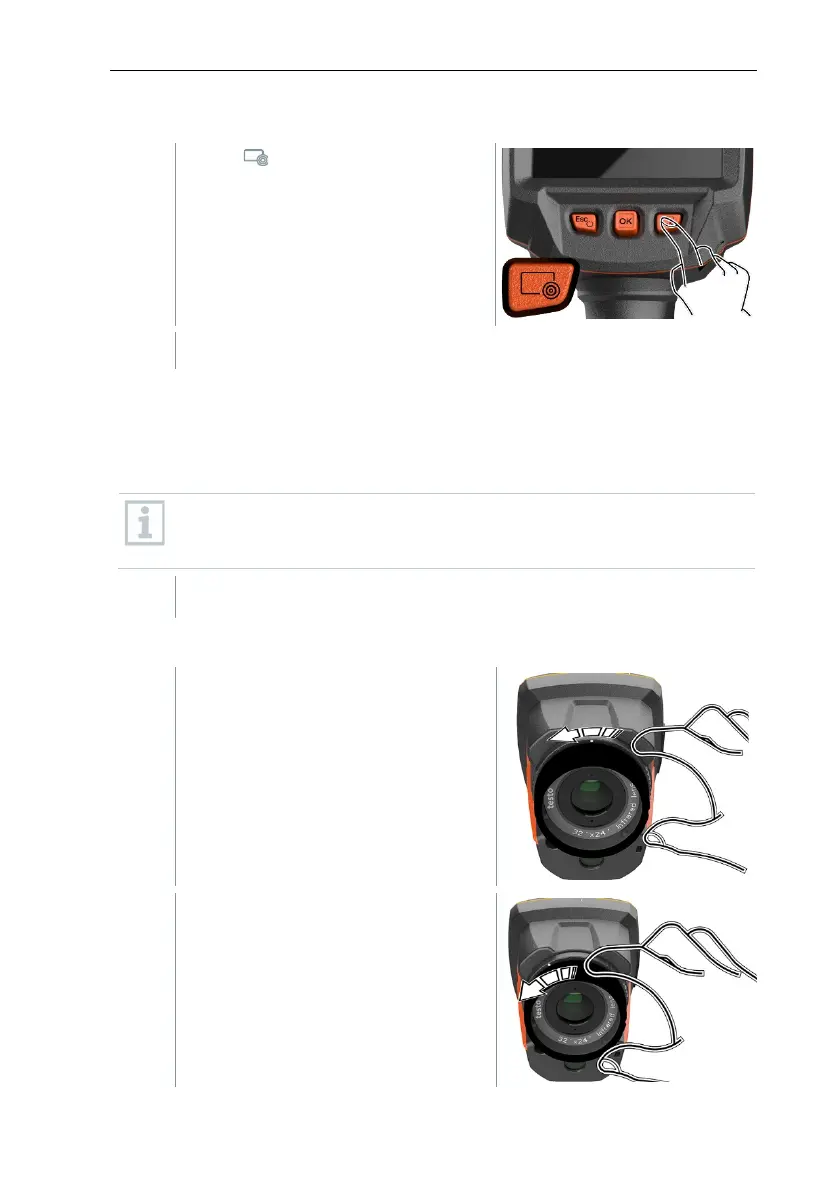
8.7.1 Removing the lens
Turn the lens fixing ring anti-
clockwise as far as it will go.
Turn the lens anti-clockwise as far as
it will go.



 To Next Page