9 WLAN connection – using the App
24
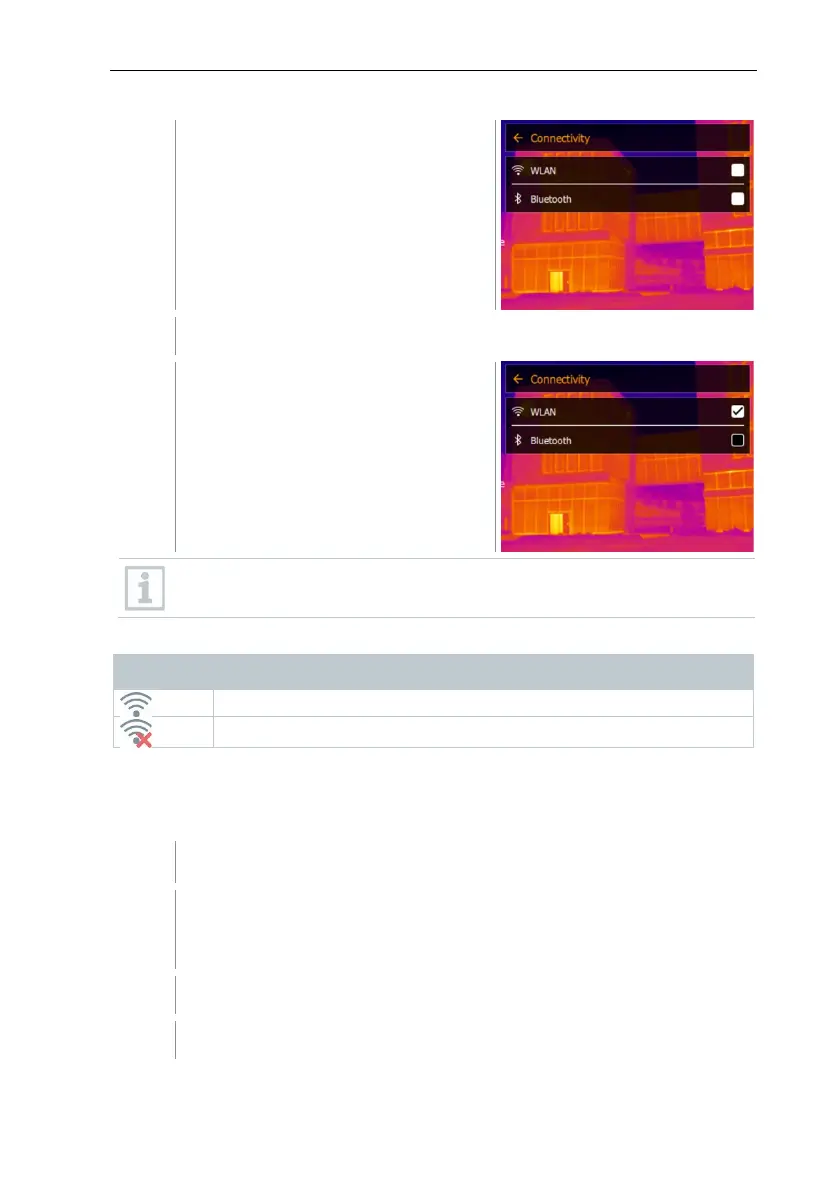
Connectivity opens.
Select WLAN (joystick or touchscreen).
A check mark appears when WLAN is
enabled.
While WLAN is activated, the image gallery cannot be accessed.
Explanation of WLAN icons
Symbol Function
9.2 Using the App
9.2.1 Establishing a connection
WLAN is activated in the thermal imager.
Smartphone/tablet -> Settings -> WLAN settings -> camera is
shown with serial number (testo 883 (12345678)) and can be
selected.
Select testo 883 in the WLAN settings.
Enter password: testo 883



 To Next Page