11 Performing the measurement
63
Confirm selection with or exit the menu with X.
11.10.2 SuperResolution
SuperResolution is a technology to improve image quality. For each shot a
sequence of images is saved in the thermal imager. Using the camera, App, or
PC software, an image is recorded with four times more measurement values
(no interpolation). The geometric resolution (IFOV) is improved by a factor of
1.6.
To use the function, the following conditions must be fulfilled:
• The camera is hand-held.
• The objects to be imaged do not move.
Open the SuperResolution function.
Press OK to enable or disable the function.
11.10.3 Save JPEG
Infrared images are saved in BMT (image with all temperature data) format. The
image can also be saved in JPEG format (without temperature data) at the
same time. The image content corresponds to the infrared image shown on the
display, including scale display and image marks for the selected measuring
functions. The JPEG file is saved under the same file name as the associated
BMT file and can be opened on the PC, even without using the IRSoft PC
software.
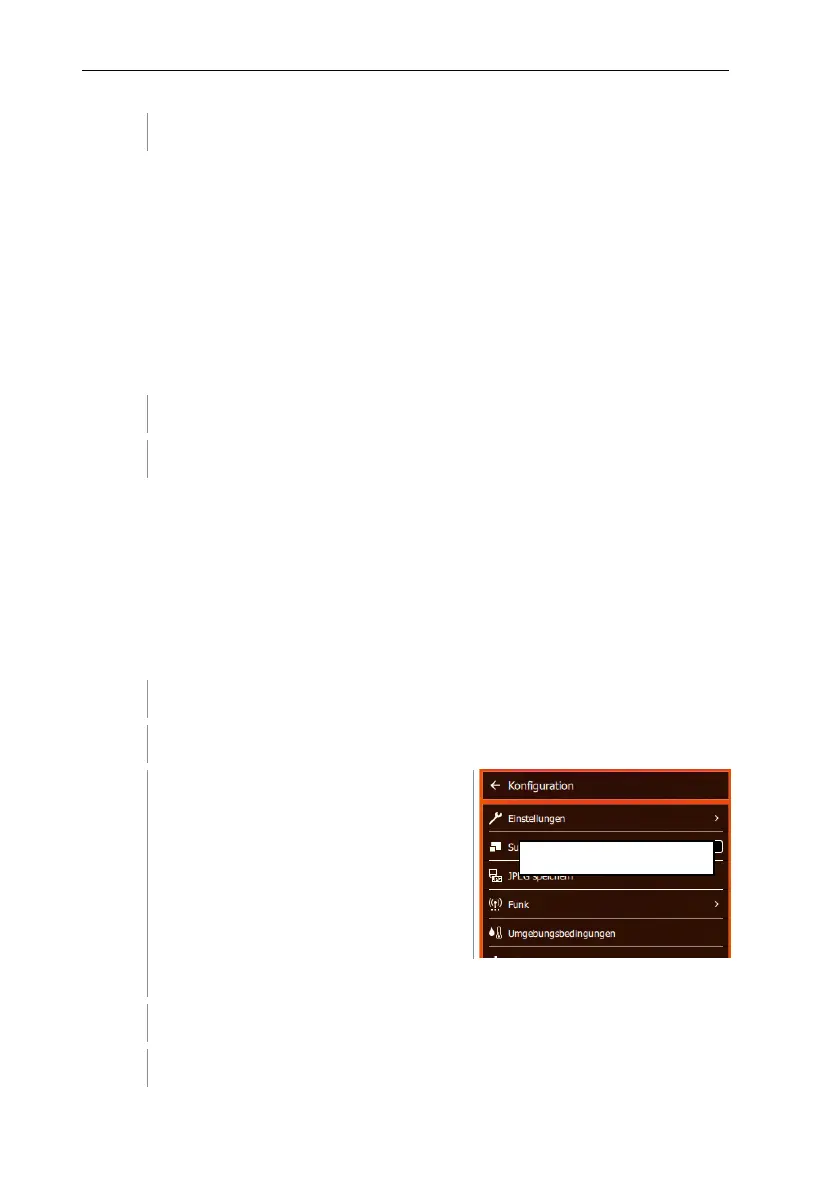
Select Configuration (joystick or touchscreen).
Configuration opens.
Select Save JPEG (joystick or touchscreen).
Move the joystick up/down until On/Off is selected.



 To Next Page